10 Best AWS RDS Alternatives for Managed Postgres (Reviewed)
10 AWS RDS alternatives compared on pricing, Asia and Middle East regions, data residency, and lock-in, including a flat-rate Postgres pick from $6/mo.
The best AWS RDS alternative is the one that fixes whatever pushed you off RDS: the climbing bill, the distance to your users, or the lock-in. If your users are in Asia or the Middle East, Nearbase runs managed Postgres in-region at a flat price. The other nine options below each win for a different reason.
One developer moved off RDS after AWS “billed me 700% more” on a surprise Postgres-version legacy fee. Stories like that are what start the search. The bill jumps, the database sits an ocean from your users, or there is one more piece of AWS networking to maintain. The Postgres engine is rarely the problem. The way RDS delivers it can be.
Someone shipping an app to users in Jakarta cares about milliseconds. A team running a Singapore fintech cares about keeping data on local soil because a regulator requires it. Same move off RDS, very different needs.
We compared these ten managed PostgreSQL providers on pricing pages, region lists, and documented managed-service scope. We also read through the Hacker News threads where developers explain why they left RDS in the first place. These ten managed PostgreSQL options are worth a serious look. Skim them, pick the two or three that fit, and move on.
TL;DR
There is no universal best RDS alternative; the right pick follows your reason for leaving. If your users are in Asia or the Middle East and latency or data residency drives the decision, Nearbase runs managed Postgres in-region at a flat monthly price. AWS-native teams should look first at Amazon Aurora. Neon and Supabase suit lean app teams, and DigitalOcean and Crunchy Bridge win when a flat, predictable bill is the goal.
| Tool | Best for | Key strength |
|---|---|---|
| Nearbase | Teams serving users in Asia and the Middle East | Regional Asia and Middle East data centers plus flat pricing |
| Amazon Aurora | Teams staying inside AWS | PostgreSQL-compatible, scales further than RDS |
| Google Cloud SQL | Teams already on Google Cloud | Deep GCP integration, wide region list |
| Azure Database for PostgreSQL | Teams already on Azure | Stop/start billing, enterprise controls |
| DigitalOcean Managed Databases | Simple apps that want flat pricing | Predictable monthly cost, easy setup |
| Supabase | App teams who want a backend, not just a database | Postgres plus auth, storage, and APIs |
| Neon | Lean and AI-app teams | Serverless, scale-to-zero, database branching |
| Crunchy Bridge | Postgres purists on a budget | Pure managed Postgres from $9 a month |
| Aiven for PostgreSQL | Multi-cloud teams | One managed Postgres across several clouds |
| Timescale (Tiger Cloud) | Time-series and analytics workloads | Postgres tuned for time-series at scale |
Why developers look for AWS RDS alternatives
An AWS RDS alternative is any managed database service you can move to when RDS stops being the best fit on cost, location, or operational load. Amazon RDS is a fully managed relational database service that handles provisioning, patching, backups, and failover for engines including PostgreSQL, MySQL, and Aurora. It is reliable and widely used. The reasons people leave are rarely about reliability.
People rarely leave over one thing. Usually it is the bill, which stacks a handful of separate metered charges into a total nobody can predict. Then you notice the database lives in one region, and every user far from it waits longer on each query. Underneath both sits lock-in, since anything wired this deep into one cloud’s IAM and networking is painful to move later.
PostgreSQL itself is not the problem. In the 2024 Stack Overflow Developer Survey, Postgres was the most-used database among professional developers and led the database admiration chart. That is exactly why most RDS alternatives are managed Postgres services. The question is not whether to keep Postgres. It is who should run it for you, where, and at what price.
Real problems people hit with RDS
Four complaints come up over and over.
1. The bill is unpredictable
RDS pricing is hard to forecast because the real cost is the sum of many separate charges, and some only show up under load.
One operator put it bluntly: RDS causes “sudden 700%+ cost spikes that force engineering teams to become billing experts instead of building product.”
The surprises, the operator added, “often come from I/O charges that aren’t obvious upfront.”
Another developer reported cutting a database bill “from $1,000 to $50 per month” by leaving RDS, after getting “killed on the IO charges.”
Version upgrades carry their own trap. The developer whose bill jumped 700% was paying about 25 euros a month for the smallest RDS instance. Staying on an older Postgres version got them hit with a 200-euro “RDS PostgreSQL legacy fee.”
The charge showed up only as “a huge charge on my card.”
2. Your database sits far from your users
A single-region database is a latency problem for anyone serving a spread-out audience. As one developer explained, “your database needs to be in exactly one region.” Wherever you place it, many users end up far away.
The same developer measured the gap bluntly: “asia is 200ms away. And this is datacenter-to-datacenter traffic. Actual latency over the public internet to residential providers is far worse.”
Another developer described running an app and database in the EU, where “latency is abysmal for users in Australia and Asia.”
The largest clouds cover more Asia and Middle East hubs every year. Many managed-Postgres alternatives still cluster around a smaller set of regions. If you need Manila, Bangkok, Kuala Lumpur, Dubai, or another specific city, check the real region list instead of trusting a generic “global” badge.
3. “Managed” still leaves you operating it
Managed does not mean hands-off. One engineer swore off RDS after a Multi-AZ upgrade took both the primary and the standby down at once: “we were paying good money for a failover database.”
The engineer explained why: “all databases are upgraded at the same time so the failover was also being upgraded. Never using RDS again.”
The day-to-day setup also adds up. As another developer noted, the total cost “consistently ends up higher including all devops time,” along with the recurring job of explaining “why is my AWS bill so big?“
4. Data has to stay in a specific country
Residency is now a hard requirement for many teams, not a nice-to-have. The trouble usually surfaces late.
As one practitioner wrote about picking infrastructure, “finding out your vendor can’t deploy where your users’ data needs to be is a bad time to discover how much it matters.”
For teams in Asia and the Middle East, that means a database that can physically sit in-country, which not every provider offers. More on the specific laws below.
Six things that actually matter when you replace RDS
Six things decide the fit. Weigh the ones that match your situation, and skip the rest.
Real bill, not the headline price
Compare total cost, not the sticker instance price. The honest comparison adds storage, IOPS or throughput, backup storage, high-availability replicas, and egress. Two providers with the same headline price can produce very different bills once traffic and storage grow. Flat-rate providers trade some flexibility for a number you can predict, which is often worth more than a slightly lower base rate.
What “managed” should actually include
“Managed” covers a wide range. At minimum you want automated backups and patching. Beyond that, check what is included versus extra: high availability and failover, read replicas, vertical and storage scaling, connection pooling, and point-in-time recovery. A cheaper plan that makes you bolt on HA later may not be cheaper at all.
Region near your users
What matters most for performance is distance. A database in the same region as your users cuts the round trip on every query, and no amount of caching fully hides the distance. Check the provider’s real region list against where your users are, not just whether it claims “global” coverage. For an Asia or Middle East audience, the question is specific: is there a region in or near the city your users live in?
Postgres compatibility and the migration path
Most alternatives run real PostgreSQL, so your SQL, drivers, and extensions usually carry over. Confirm the Postgres version and the extensions you depend on, such as PostGIS and pgvector. Also confirm whether the provider supports logical replication, the cleanest way to migrate with minimal downtime. A provider that runs standard Postgres is far easier to move to, and away from, than one with a proprietary engine.
In-country data residency
Data residency is the hosting-location side of privacy, sector, and contract obligations. Sometimes user data must stay inside a country; other times cross-border transfer is allowed only with specific safeguards. If a regulator or an enterprise customer requires in-country data, a provider with no region in that country is out, no matter how good it is otherwise. This one is pass or fail, so apply it first.
Vendor lock-in
The less a database ties itself to one cloud’s networking and identity, the cheaper your next move is. Standard Postgres, plain connection strings, and portable backups keep your options open. Proprietary features are fine when they earn their keep, but every one you adopt raises the cost of leaving.
10 Best AWS RDS Alternatives
Each provider below runs managed PostgreSQL or a PostgreSQL-compatible service and is active today. Prices are entry-level and region-dependent, so read them as a starting point, not a quote.
We scoped this list to providers whose core product is managed Postgres. A few names from other roundups sit just outside that line. ScaleGrid runs Postgres inside your own cloud account (bring-your-own-cloud), while Northflank and Render lead with app or container hosting and attach a database. They are worth a look if that model fits, but they are not the focus here.
1. Nearbase: flat-price managed Postgres for Asia and the Middle East
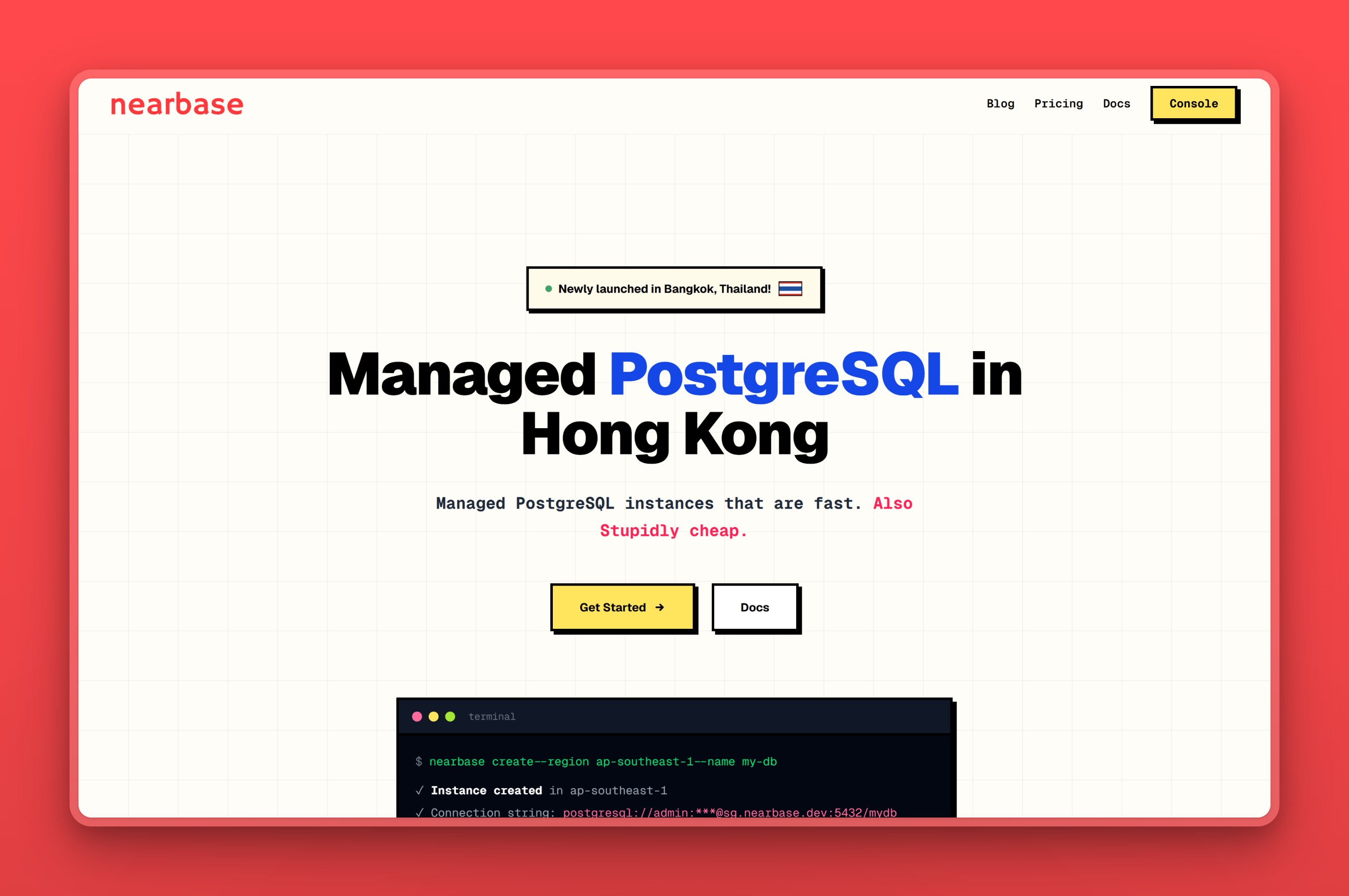
Nearbase is a regional managed-Postgres specialist, running your database in local data centers across nine Asia and Middle East cities. That includes cities that are thin across many managed-Postgres alternatives: Manila, Kuala Lumpur, Bangkok, and Dubai. It charges a flat monthly price that is the same in every region, from about $6 a month for an entry instance plus flat per-GB storage. There is no IOPS, egress, or per-query meter running in the background. If your database sits far from your users today, Nearbase puts Postgres in the same city as them.
Regions / locations
Nearbase runs in ten regions. Nine sit across Asia and the Middle East (Jakarta, Manila, Kuala Lumpur, Bangkok, Singapore, Hong Kong, Tokyo, Seoul, and Dubai), plus Virginia in North America. The regional cities are the point. Hosting in Manila or Bangkok puts the database in the same city as the users, not a hop away.
Managed features
- Fully managed operations: Nearbase handles provisioning, backups, and routine maintenance, so there is no server to patch yourself
- A committed 99.99% uptime SLA with automatic failover, so reliability is a number you can hold them to
- A target of sub-10ms latency to nearby users, by hosting the instance in-region
- One-click scaling of CPU, memory, and storage independently, with zero downtime
- General-purpose ESSD storage from 20 GB to 64 TB
- General Purpose and Dedicated instances, from 1 vCPU and 2 GB up to 32 vCPU and 256 GB
Pricing model
Nearbase uses flat monthly pricing: one price per instance, the same in every region, with no per-query fees and no in-region egress charges. An entry instance starts at about $6 a month, with storage billed separately at a flat per-GB rate. The bill is the instance plus storage, not a meter that climbs with traffic. Connections and support come included with each plan, and only storage grows with the data you store, which keeps the total easy to budget against.
Best for
Teams building for users in Asia or the Middle East who want a database in-region, in-country data residency, and a predictable flat bill. If you are weighing it directly against RDS, Nearbase vs AWS RDS compares the cost and latency in Asia. It falls short in a few places too. There is no free tier to try before paying. No published SOC 2, ISO 27001, or HIPAA certification exists yet, which matters for a compliance-heavy buyer. It is also newer than the hyperscalers, so third-party tooling and integrations are thinner today. Less of a fit if your users sit mostly in the US or Europe, where a provider with a bigger local footprint will serve them better.
2. Amazon Aurora runs Postgres at AWS scale
Amazon Aurora is AWS’s own answer to the limits of RDS: a hyperscaler database built to scale further than standard RDS. It is PostgreSQL- and MySQL-compatible, with storage that grows automatically and replicates across availability zones. For a team already deep in AWS, it is the lowest-friction move because the tooling, IAM, and networking are identical.
Regions / locations
Aurora runs across AWS’s broad global footprint, including many Asia Pacific regions: Singapore, Mumbai, Tokyo, Osaka, Seoul, Hong Kong, Jakarta, Hyderabad, and Sydney, among others. Coverage is strong in hub cities and thinner in smaller regional ones.
Managed features
- PostgreSQL and MySQL compatibility, so most apps and tooling move with little change
- Self-scaling distributed storage that keeps six copies across three availability zones, so durability is high without manual setup
- Up to 15 low-latency read replicas for scaling reads and cross-region disaster recovery
- Aurora Serverless v2 that scales capacity up and down with load
- Global Database for sub-second cross-region replication, plus automated backups, patching, and point-in-time recovery
- HIPAA eligibility for workloads that handle protected health information, under a signed AWS Business Associate Agreement, per AWS’s HIPAA eligible services reference
Pricing model
Aurora bills for compute, storage, I/O, and backups separately, which gives flexibility but keeps the same forecasting challenge as RDS. Aurora Serverless v2 starts at $0.12 per ACU-hour. Every instance carries a 0.5-ACU floor, even when idle. That floor works out to roughly $43 a month for a small always-on instance, before storage and I/O. An I/O-Optimized option folds I/O charges into a higher storage rate, which can help predictability for I/O-heavy workloads.
Best for
Teams committed to AWS that need to scale past a single RDS instance with minimal migration. We would skip Aurora if cutting the bill or leaving AWS is the goal; pricing it out, the metered, AWS-locked cost model looks the same as RDS itself. The 0.5-ACU floor on Serverless v2 also means even a quiet database carries a baseline compute cost, unlike a true scale-to-zero design. Coverage also thins out past the hub cities once you look at smaller regional ones.
3. Google Cloud SQL: managed Postgres for teams on Google Cloud
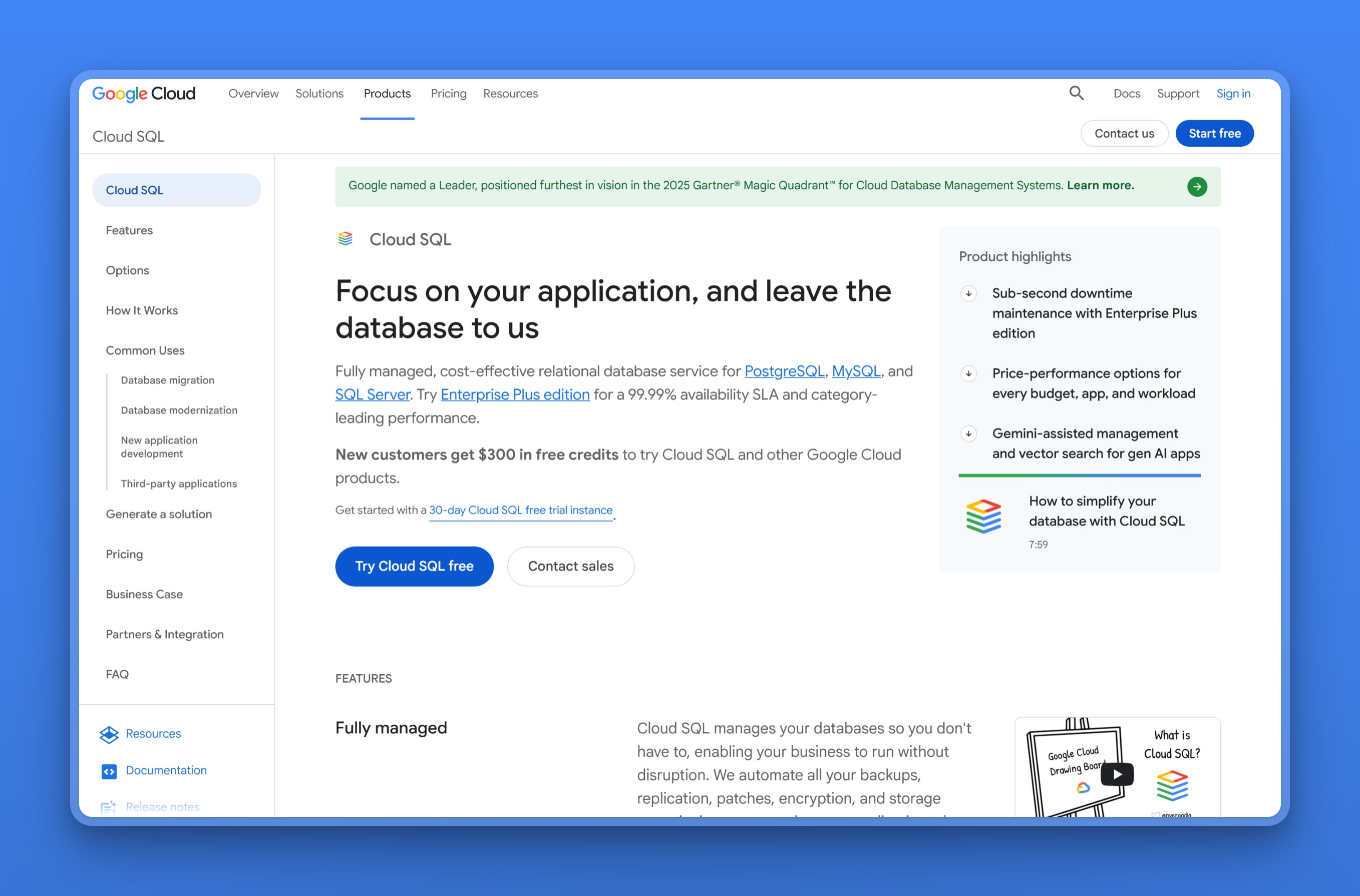
Google Cloud SQL is Google Cloud’s fully managed relational database for PostgreSQL, MySQL, and SQL Server. If your stack already lives on GCP, it is the natural hyperscaler RDS equivalent, with tight integration into the rest of Google Cloud, including BigQuery and GKE. Google also offers AlloyDB, a higher-performance PostgreSQL-compatible engine, for workloads that need more than Cloud SQL provides.
Regions / locations
Cloud SQL has a wide Asia footprint: Taiwan, Hong Kong, Tokyo, Osaka, Seoul, Mumbai, Delhi, Singapore, and Jakarta, plus the Americas, Europe, and the Middle East. AlloyDB covers a similar set, including Bangkok.
Managed features
- Managed PostgreSQL, MySQL, and SQL Server from one service
- Automated backups and point-in-time recovery
- Regional high availability with automatic failover
- Read replicas, including cross-region, for scaling and locality
- Enterprise and Enterprise Plus editions for higher performance, with private IP, encryption, and customer-managed keys
- HIPAA eligibility under a signed Google Cloud Business Associate Agreement, per Google Cloud’s HIPAA compliance page
Pricing model
Cloud SQL bills per vCPU-hour, per GB of memory, and per GB of storage. A small shared-core instance starts around $8 a month, before storage. Larger single-vCPU instances scale up from there, billed per vCPU and per GB of memory on top. Google advertises a free Cloud SQL trial for new users and $300 in Google Cloud credits, but Cloud SQL is otherwise usage-billed rather than a permanent always-free database tier. Committed-use discounts lower the rate for steady workloads, and Asia regions generally run higher than the US baseline.
Best for
Teams already on Google Cloud that want a database wired into the rest of GCP. Harder to justify if you are not on GCP, since the value is the integration. Asia regions also run pricier than the US baseline. The free Cloud SQL trial and credits eventually run out too, leaving a usage-billed database with no permanent free tier. Workloads that outgrow Cloud SQL’s performance mean paying for AlloyDB as a second, separate product, not just scaling the one you started on.
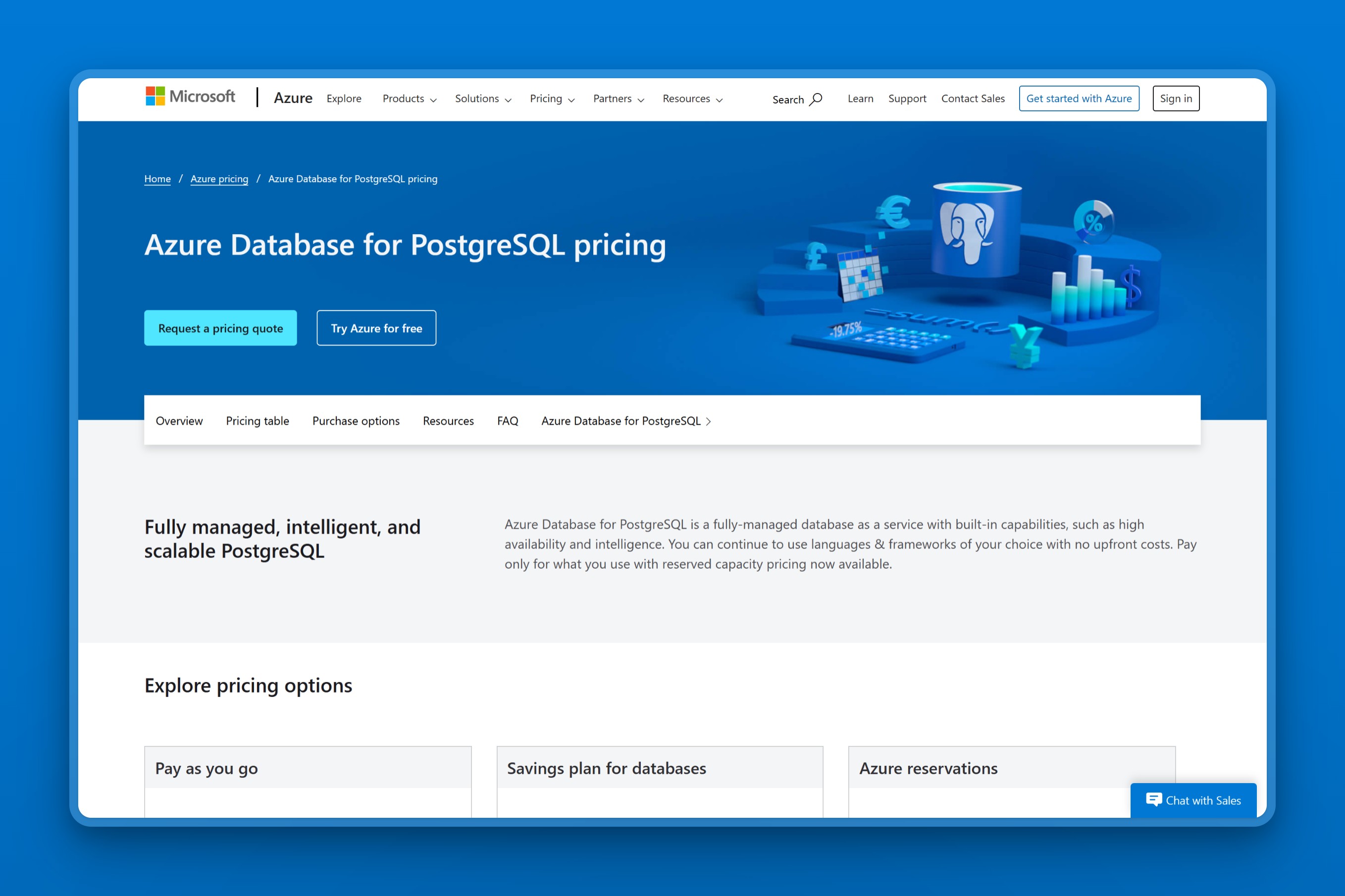
4. Stop/start billing sets Azure Database for PostgreSQL apart
Azure Database for PostgreSQL is Microsoft’s managed community PostgreSQL service, delivered as Flexible Server. It is the hyperscaler choice for teams already on Azure, with enterprise controls and one useful cost feature. You can stop an instance and pause compute billing when it is idle. Note that Azure SQL Database is a separate product running the SQL Server engine, not PostgreSQL, so it is not a like-for-like Postgres swap.
Regions / locations
Asia coverage includes Singapore, Hong Kong, several India regions, Tokyo, Osaka, Seoul, Jakarta, and Malaysia, plus the UAE, Qatar, and Israel in the Middle East.
Managed features
- Managed Flexible Server with automated patching and minor-version updates
- Burstable, General Purpose, and Memory Optimized tiers to match workload size
- Same-zone or zone-redundant high availability
- Stop/start billing that pauses compute on idle instances, which is rare among managed Postgres
- Automated backups with 7 to 35 days of PITR, plus built-in PgBouncer pooling on supported tiers
- HIPAA eligibility and a HITRUST certification, per Microsoft’s compliance certifications page for Azure Database for PostgreSQL
Pricing model
Azure bills compute per vCore-hour by tier, plus storage and backup per GB. The Burstable B-series is the entry point for small workloads. A B1ms instance (1 vCore, 2 GiB) runs about $12 a month for compute, before storage. Reserved capacity cuts the rate for steady workloads, and the stop/start option is genuinely useful for dev and staging databases.
Best for
Teams already on Azure that want enterprise-grade controls on managed Postgres. If you are not on Azure, the draw is mostly the ecosystem fit rather than price or regional reach. Stopping an instance pauses compute billing, but not storage, so a “paused” dev database still costs something every month. The entry Burstable tier also throttles CPU under sustained load. A steady production workload needs to size up to General Purpose or Memory Optimized sooner than the entry price suggests.
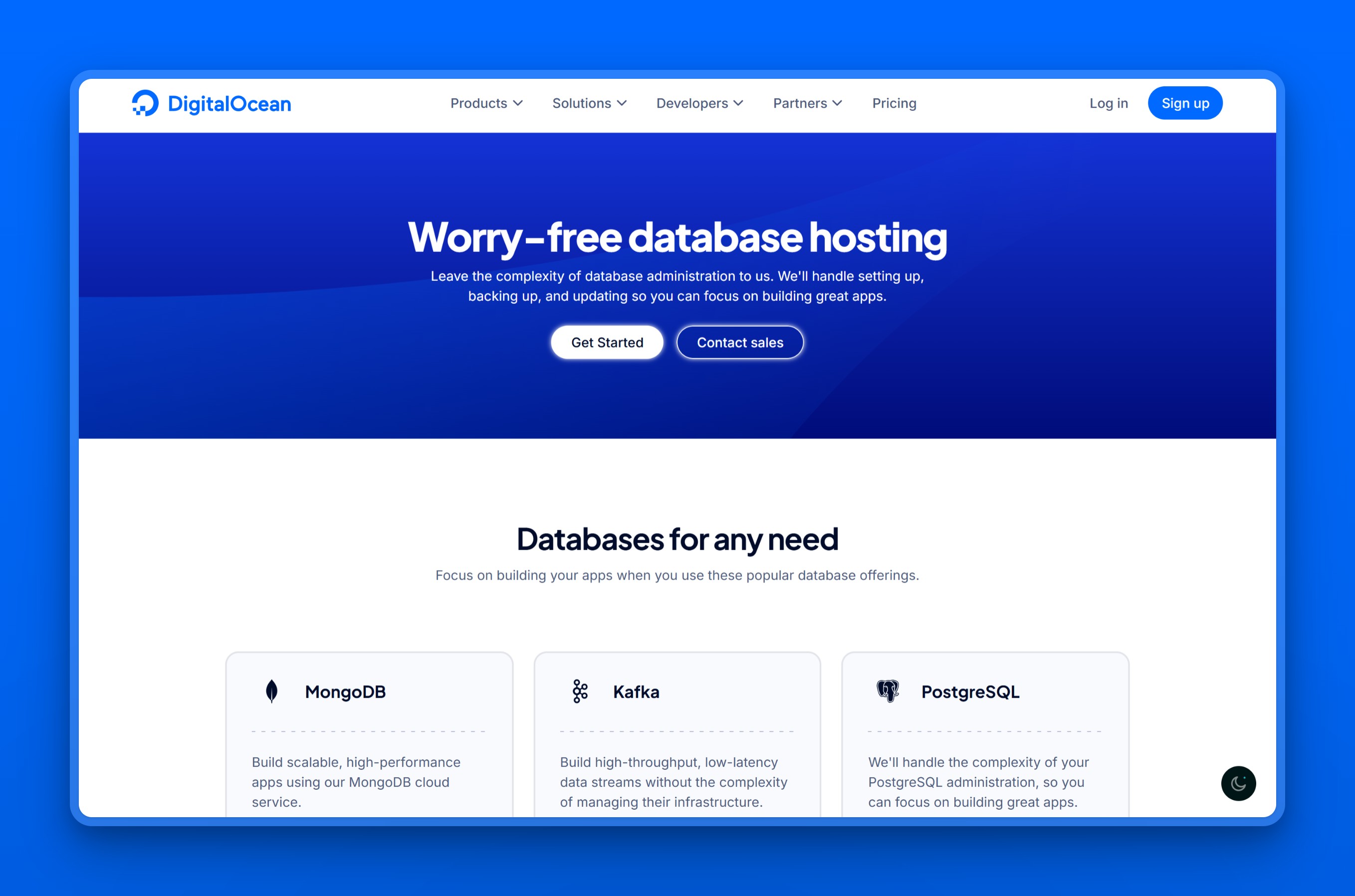
5. DigitalOcean Managed Databases: simple managed Postgres at a flat price
DigitalOcean Managed Databases is the simplest option on this list. It is an independent, fully managed DBaaS for PostgreSQL and other engines, with flat monthly pricing and a setup experience built for small teams. There is no separate IOPS or egress meter to reason about.
Regions / locations
Asia Pacific coverage is limited to Singapore, Bangalore, and Sydney, alongside the US, Canada, and Europe. Users outside those cities will see higher latency.
Managed features
- Managed setup with automatic minor updates
- Free daily backups with 7-day point-in-time recovery
- High-availability options with automated failover
- Vertical and storage scaling as you grow
- Private networking, encryption, and built-in connection pooling
Pricing model
DigitalOcean uses flat monthly pricing with bundled RAM, vCPU, and storage. The entry plan starts at $15.15 a month for 1 GiB of RAM and 10 GiB of storage. Extra storage bills at a fixed per-GiB rate on top. A standby node for high availability costs the same as the primary node, per DigitalOcean’s own PostgreSQL pricing docs. Turning on HA roughly doubles the bill.
Best for
Small to mid-size apps that want a flat, predictable bill and almost no configuration. We would call it a weaker fit if your users are spread across Asia, since coverage stops at Singapore, Bangalore, and Sydney. We would also skip it if you need affordable high availability, since a standby node costs as much as the primary.
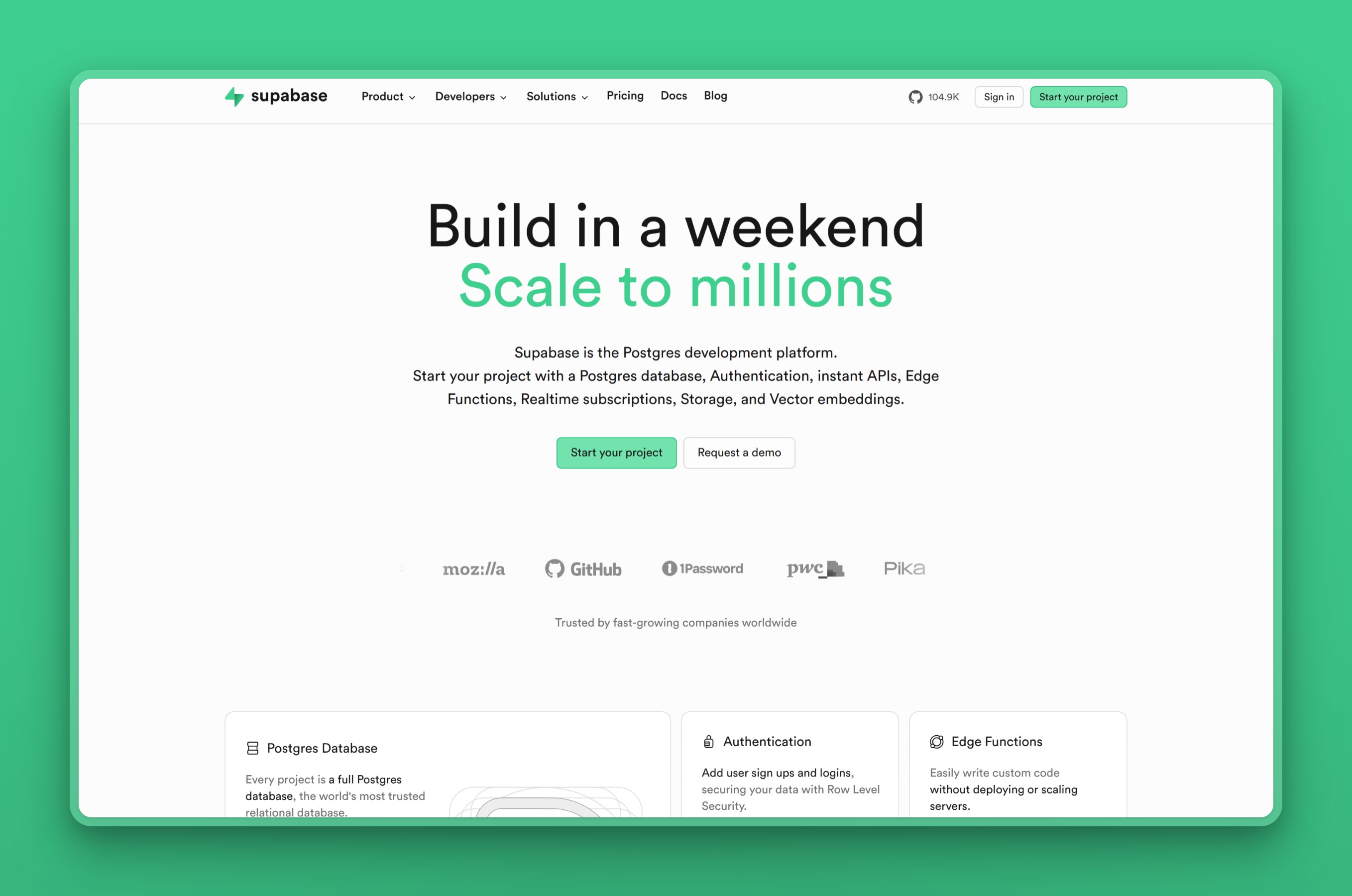
6. Supabase pairs Postgres with a full app backend
Supabase is an open-source backend platform, often called a Firebase alternative, built on managed PostgreSQL. On top of the database you get authentication, object storage, auto-generated APIs, realtime subscriptions, and vector search. For a team building an app from scratch, it can replace several services at once, with Postgres at the core.
Regions / locations
Supabase offers regions in Singapore, Tokyo, Seoul, Mumbai, and Sydney across Asia Pacific, plus North America and Europe.
Managed features
- Managed Postgres with auto-generated REST and GraphQL APIs over your tables
- Built-in authentication with row-level security, so access rules live in the database
- S3-compatible object storage and realtime updates over WebSockets
- pgvector for AI and semantic search
- Open-source and self-hostable, which limits lock-in
- A HIPAA add-on with a signed Business Associate Agreement on eligible paid plans, per Supabase’s HIPAA projects docs
Pricing model
Supabase has a free tier, though the database pauses after a week of inactivity. The Pro plan runs $25 a month and includes compute credits, with paid add-ons for more compute, storage, and backups.
Best for
App teams that want Postgres plus auth, storage, and APIs in one place, with an easy start on the free tier. More than you need if you only want a plain managed database. The free project also pauses after a week of inactivity, so it is a prototyping tier, not a real backup plan. The Pro plan’s compute and storage add-ons also stack on top of the $25 base as an app grows. The advertised price is a floor, not the full bill.
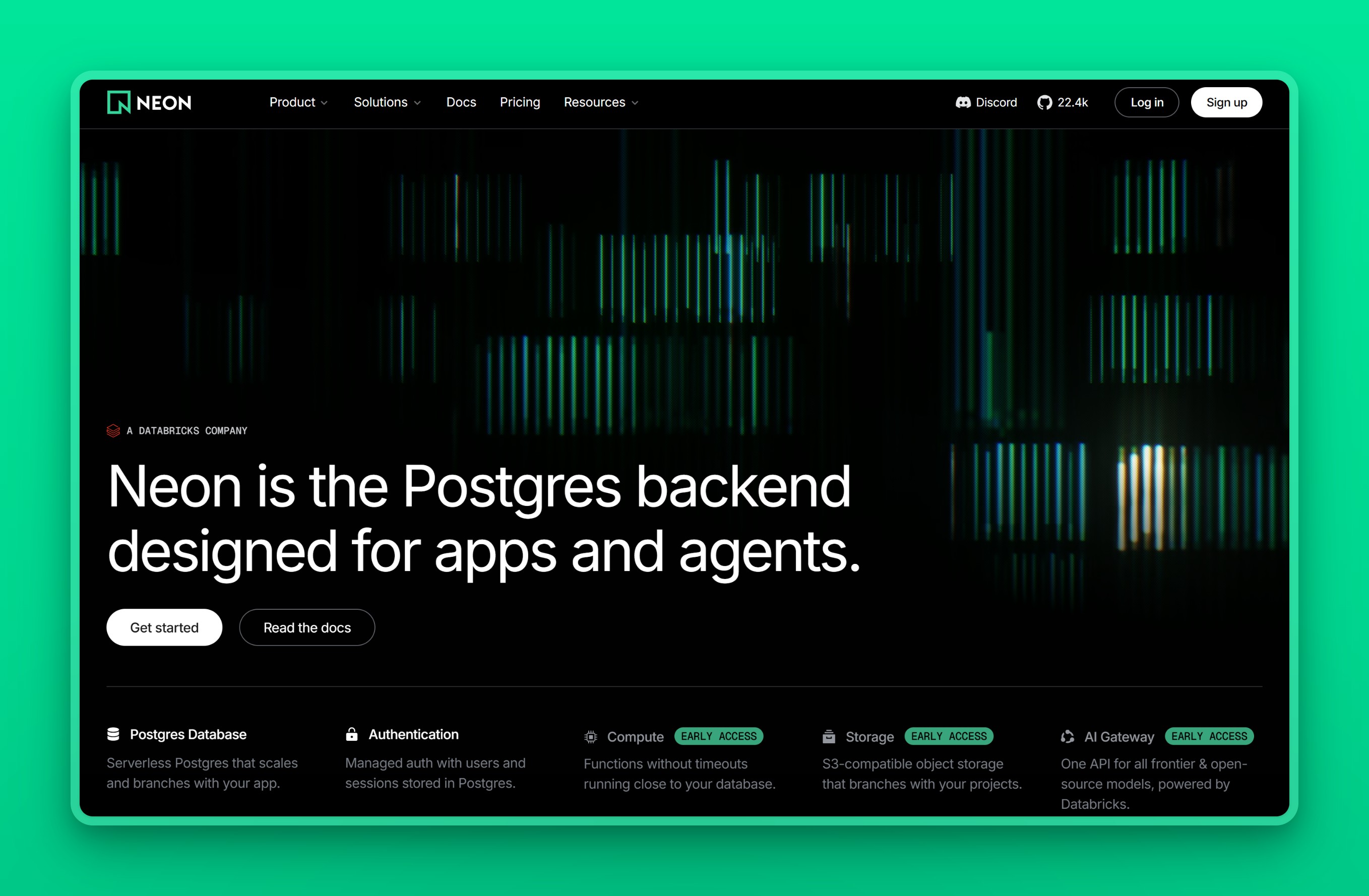
7. Neon: serverless Postgres with branching and scale-to-zero
Neon is serverless PostgreSQL that separates storage from compute, with two standout features: it scales compute to zero when idle, and it offers Git-like database branching. Neon was acquired by Databricks in 2025, but it continues shipping as a standalone serverless-Postgres product under its own brand. You can spin up an isolated copy of your database for a pull request or a test, then throw it away. For lean teams and AI applications that create many short-lived databases, that model is a strong fit.
Regions / locations
Neon runs on AWS in regions including Singapore and Sydney across Asia Pacific, plus US and European regions. Its Asia coverage is narrower than the hyperscalers.
Managed features
- Serverless compute that autoscales and scales to zero when idle, so quiet databases cost little
- Git-like branching with copy-on-write, to spin up a full database copy per pull request or test
- Separated storage and compute for independent scaling
- Point-in-time recovery windows by plan, 7 days on Launch and up to 30 days on Scale
- Instant provisioning, connection pooling, and read replicas
Pricing model
Neon has a free tier and a usage-based Launch plan with no monthly minimum, billing compute per compute-unit-hour and storage per GB-month. Scale-to-zero means a quiet database can cost very little, though steady high-traffic workloads should model usage carefully.
Best for
Lean teams, preview environments, and AI apps that create many short-lived databases. Not the pick for steady, high-traffic production, where usage-based pricing needs careful modeling and the Asia footprint is thin.
8. Crunchy Bridge, plain managed Postgres and nothing else
Crunchy Bridge is fully managed PostgreSQL from Crunchy Data, a Postgres specialist known for deep expertise in the database. Crunchy Data was acquired by Snowflake in 2025, but Crunchy Bridge continues as a standalone managed-Postgres product. There are no extra products bolted on. It is Postgres, run well, on AWS, Azure, GCP, or Heroku, with one of the lowest entry prices on this list. For a team that wants real managed Postgres and nothing else, it is a clean choice.
Regions / locations
Crunchy Bridge runs on AWS, Azure, GCP, and Heroku. Public product pages do not expose a simple city table, so choose the cloud provider and confirm the exact APAC region during provisioning.
Managed features
- Plain managed PostgreSQL with no proprietary engine, so nothing to un-learn later
- Automated backups and point-in-time recovery via continuous WAL archiving
- High-availability replicas on production tiers
- PgBouncer connection pooling included
- 24/7 monitoring, with compute pricing that already includes backups and data transfer
Pricing model
Crunchy Bridge starts at $9 a month for a small Hobby instance, with storage billed separately at a flat per-GB rate. Compute pricing is inclusive of backups and data transfer, which keeps the bill simple.
Best for
Developers who want pure, expertly run Postgres at a low entry price. Not the choice if you want a broad platform of extras, since Crunchy Bridge deliberately ships just the database. There is no free tier. The entry Hobby instance is also a single node, without the high-availability replicas reserved for production tiers. Public pages skip a real city-level region list too, so confirming an exact APAC location takes an extra step during provisioning.
9. One Postgres control plane across clouds, courtesy of Aiven
Aiven for PostgreSQL is a cloud-agnostic managed Postgres service that runs across multiple clouds: AWS, GCP, Azure, DigitalOcean, and more. If you want one managed database experience but need to place instances on different clouds, Aiven is built for exactly that. It also ships a wide set of Postgres extensions out of the box.
Regions / locations
Through its underlying clouds, Aiven covers a broad Asia footprint: Tokyo, Osaka, Singapore, Mumbai, Delhi, Bangalore, Seoul, Hong Kong, Jakarta, and Taiwan.
Managed features
- One managed Postgres control plane across AWS, GCP, Azure, and more
- High availability and automatic failover on Business and Premium tiers
- Backup and PITR retention that varies by plan, up to 30 days on Premium
- 50-plus extensions out of the box, including PostGIS, TimescaleDB, and pgvector
- VPC peering, end-to-end encryption, and a 99.99% uptime SLA on production plans
- ISO 27001, SOC 2 Type II, and PCI-DSS certifications, plus HIPAA compliance, across the platform, per Aiven’s security and compliance page
Pricing model
Aiven has a free tier and a Developer tier from $5 a month, with all-inclusive flat plans above that. Higher tiers add high availability and more resources. Prices vary by the underlying cloud and region.
Best for
Teams that run across multiple clouds, or want to move an instance between them without changing tools. We would not recommend it for a single-cloud team, since pricing it against that cloud’s own managed Postgres usually comes out cheaper. High availability and automatic failover also sit behind the Business and Premium tiers. The free and Developer tiers are fine for testing, but not for anything that needs to stay up on its own.
10. Timescale (Tiger Cloud) tunes Postgres for time-series
Timescale, now offered as Tiger Cloud, is managed PostgreSQL tuned for time-series and real-time analytics. It is standard Postgres plus the TimescaleDB extension, which adds columnar compression, continuous aggregates, and other features for high-volume time-stamped data. If your workload is metrics, events, or IoT, it is purpose-built.
Regions / locations
Tiger Cloud supports AWS and Azure deployments. Public docs expose the cloud-provider paths rather than a simple city table, so verify the exact AWS or Azure region available to your plan before committing.
Managed features
- Standard Postgres plus the TimescaleDB extension for time-series workloads
- Columnar compression and continuous aggregates that shrink and speed up large time-stamped tables
- Data tiering to object storage so old history stays cheap
- High availability and read replicas
- Automatic compute scaling on plans that include it, with point-in-time recovery by plan
Pricing model
Tiger Cloud’s Performance plan starts at $30 a month, with storage metered on average consumption so it grows and shrinks with your data. A 30-day free trial, with no credit card required, lets you test before committing.
Best for
Teams with time-series, metrics, or analytics workloads that want Postgres tuned for that kind of data. We would steer an everyday transactional app elsewhere, since a general-purpose managed Postgres is simpler and usually cheaper for that job. At $30 a month to start, it is the highest entry price on this list. Public docs also point to a cloud-provider path rather than a simple city list, so confirming an exact region takes an extra step.
Managed Postgres providers at a glance
| Tool | Asia / ME regions | Managed scope | Postgres | Pricing model | Best for |
|---|---|---|---|---|---|
| Nearbase | 9 cities incl. Manila, KL, Bangkok, Dubai | Provisioning, backups, failover, scaling | Standard | Flat, from $6/mo + storage | Asia and Middle East users |
| Amazon Aurora | Wide (hub cities) | Backups, HA, replicas, scaling | Compatible engine | Metered: compute + storage + I/O + backups | Staying inside AWS |
| Google Cloud SQL | Wide (hub cities) | Backups, HA, replicas | Standard | Metered: per vCPU + memory + storage | Google Cloud teams |
| Azure Database for PostgreSQL | Wide, plus Gulf | Backups, HA, stop/start, pooling | Standard | Metered: per vCore + storage | Azure teams |
| DigitalOcean | Singapore, Bangalore, Sydney | Backups, failover, pooling | Standard | Flat monthly | Simple flat-price apps |
| Supabase | Singapore, Tokyo, Seoul, Mumbai, Sydney | Backups, APIs, auth, storage | Standard | Free + flat plan + add-ons | App teams wanting a backend |
| Neon | Singapore, Sydney | Backups, branching, scale-to-zero | Standard | Usage-based, no minimum | Lean and AI-app teams |
| Crunchy Bridge | AWS/Azure/GCP/Heroku, region-dependent | Backups, HA, pooling | Standard | Flat from $9/mo + storage | Postgres purists on a budget |
| Aiven | Wide (multi-cloud) | Backups, tiered HA, 50+ extensions | Standard | Free + flat plans | Multi-cloud teams |
| Timescale (Tiger Cloud) | AWS/Azure, region-dependent | Backups, HA, time-series | Standard + TimescaleDB | From $30/mo, metered storage | Time-series workloads |
In Asia, the hyperscalers cover many hub regions, while Postgres-focused alternatives vary widely. Exact city coverage matters more than a generic global-region count.
Data residency and Asia
Data residency is shorthand for a mix of storage-location, cross-border transfer, sector, and contract requirements. Sometimes data must physically stay inside a country; other times transfers are allowed only if the organization satisfies specific safeguards. Either way, hosting location often decides where you are allowed to run the database.
The laws are real, but they are not identical. India’s Digital Personal Data Protection framework gives the government power to restrict cross-border transfers. Singapore’s Personal Data Protection Act sets transfer-limitation obligations for personal data leaving the country. Hong Kong’s Personal Data (Privacy) Ordinance and China’s Personal Information Protection Law add their own transfer and privacy obligations, but neither should be summarized as a simple blanket localization rule. The practical effect is still similar for infrastructure planning: if a country, sector regulator, or enterprise contract requires local hosting, you need the database to sit there too.
That is a hard problem if your provider has no region in the country. A hyperscaler with a Mumbai region can satisfy an India-specific hosting requirement, but a provider whose nearest region is Singapore cannot keep Indonesian or Thai data in-country. Hosting in-region is how you address it. Nearbase, for example, helps satisfy in-country data-residency requirements by running the database in local data centers across its nine Asia and Middle East cities. One caveat: residency is about where the data physically sits, not about holding a compliance certification. Confirm exactly what your customer or regulator requires.
Three workload types come with their own requirements on top of the general list above. The sections below cover ERP, medical, and accounting applications specifically. For the general case, see our broader guide to the best Postgres hosting overall.
RDS alternatives for ERP applications
The best RDS alternative for an ERP application is whichever managed Postgres stays available around the clock and scales with the business. It should not turn a steady workload into a metered surprise.
An ERP system runs the parts of a business that cannot pause: finance, inventory, procurement, and payroll. A database outage during a batch close or a warehouse pick run is not a slow page. It is a stalled operation. ERP workloads are also steady rather than bursty. The same instance carries roughly the same load day and night, since employees across every office use it around the clock.
What actually matters here differs from a typical web app. A mid-shift outage blocks real work across a whole department, so automatic failover matters more than raw speed. The load stays steady day and night, so flat or predictable pricing beats a metered bill built for spiky traffic.
Vertical scaling headroom matters too, since most ERP databases grow for years without a re-platform. A provider that lets you step up CPU and memory without downtime saves a migration later. If the ERP serves offices in several countries, put the database near the busiest office. That cuts the lag every screen refresh adds.
Among the ten providers above, the fit splits by what the ERP already runs on and where its users sit.
- Amazon Aurora fits a team already deep in AWS running a large, multi-warehouse ERP, since it is built for that scale of transaction volume.
- Google Cloud SQL and Azure Database for PostgreSQL make sense when the ERP already reports into BigQuery, Power BI, or Dynamics on those same clouds.
- Aiven is worth a look for an ERP that has to run across more than one cloud, since it plugs the same managed Postgres into AWS, GCP, or Azure.
- Nearbase puts the database in the same city as ERP users in Manila, Jakarta, or Dubai, and its flat monthly price fits the always-on nature of ERP traffic better than a bill that climbs with usage.
- Neon is the one we would rule out for this workload. Its scale-to-zero model is built for the opposite job: cold starts and a usage-based bill suit a spiky app, not a database that never really idles.
RDS alternatives for medical applications
The best RDS alternative for a medical application is the one that keeps patient data inside the country your regulator names. That single requirement rules out most providers before price or performance even enter the decision.
Health software runs on trust, and trust starts with where the data physically sits. Patient records, appointment data, and lab results often fall under health-data and privacy laws that require the database to stay in-country. A regulator or hospital customer will ask for it directly.
Beyond location, medical data needs encryption at rest and in transit as a baseline. It also needs reliable backups with point-in-time recovery, so a bad migration or a bug never costs a patient record. Larger health organizations often need a named compliance attestation, such as HIPAA or SOC 2, that a hospital’s security review can point to.
Treat data residency as a pass or fail filter first. If a provider has no region in the country your patients or regulator names, it is out, no matter how good it looks otherwise. Then check for a genuine compliance attestation, not just a security page that talks about encryption. A SOC 2 or ISO 27001 certification means an outside auditor has actually reviewed the provider’s controls. HIPAA eligibility backed by a signed Business Associate Agreement carries its own contractual weight. That is still different from a vendor simply stating it takes security seriously.
On compliance, the hyperscalers lead. Amazon Aurora, Azure Database for PostgreSQL, and Google Cloud SQL each carry their own HIPAA compliance path, and Azure adds a HITRUST certification alongside it.
Among the smaller providers, Aiven and Supabase both offer a HIPAA-related compliance path of their own, with Aiven adding ISO 27001 and PCI-DSS certifications alongside it.
For a health-tech team whose real problem is keeping patient data inside Indonesia, the Philippines, or the Gulf, rather than clearing a hospital’s compliance checklist, Nearbase fits the job differently. Its regional footprint helps satisfy in-country residency requirements under laws like PDPA, PDPO, and PIPL, with data encrypted at rest and in transit.
A hospital system, insurer, or enterprise customer with a strict compliance checklist is better served today by a hyperscaler or Aiven. That covers HIPAA eligibility backed by a signed BAA and a formal SOC 2 or ISO 27001 certification alike.
RDS alternatives for accounting applications
The best RDS alternative for an accounting application is a managed Postgres that keeps financial records durable and auditable, on a bill just as predictable as the ledgers it stores.
Accounting software runs on trust in the numbers. Every invoice, journal entry, and reconciliation has to survive intact, and auditors expect a clear backup and recovery trail behind it. The workload itself is steady rather than spiky. The same batch of postings and reports runs on a predictable schedule, so the database rarely spikes the way a consumer app does. Financial records also carry their own retention rules, and in some countries their own residency rules, since a regulator or an enterprise customer’s finance team may require the ledger to stay on local soil.
Backups with point-in-time recovery matter most here. A botched migration or a bad deploy can never touch a ledger. Flat or predictable pricing matters more here than raw performance, too. Accounting workloads run at a steady clip around the clock, and a metered bill designed for spiky traffic works against that. If the software touches payment cards directly, a provider with PCI-DSS on top of the standard database certifications narrows the list further. If a customer’s finance team or a local regulator requires the ledger to sit in-country, that rules out the rest before pricing even matters.
Crunchy Bridge and DigitalOcean both price flat and suit an accounting platform that wants a predictable bill over extra features. DigitalOcean’s standby node costs as much as the primary, so redundancy roughly doubles the bill. Aiven is the pick if the platform needs PCI-DSS specifically, since its compliance program bundles that alongside several other standard certifications. Amazon Aurora and the Google Cloud SQL and Azure Postgres services fit accounting platforms already committed to those ecosystems, where the finance stack’s reporting tools already sit.
For an accounting SaaS serving small businesses across Southeast Asia or the Gulf, Nearbase fits the job directly. That is true whenever the regulator or the customer wants the ledger in-country and the bill has to hold still. Supabase and Neon are the weaker fits here, since their usage-based billing works against the predictable bill an accounting platform wants from its own database.
How to actually move off RDS
Migrating off RDS is usually a PostgreSQL data move, and for most teams it follows one of two paths. Because most alternatives run standard or highly compatible Postgres, your schema, queries, and drivers usually come along with little change.
Small database, short maintenance window. A dump and restore is simplest. Run pg_dump -Fc against the RDS instance, restore it with pg_restore into the new provider, repoint your application’s connection string, and you are done. Downtime is roughly proportional to the database size.
Large database, minimal downtime. Use PostgreSQL logical replication so RDS keeps serving traffic while the new database catches up:
- On the RDS source, set
rds.logical_replication = 1in the parameter group and reboot. That setswal_leveltological. - Create a publication on the source:
CREATE PUBLICATION pub FOR ALL TABLES; - Load the schema into the target (
pg_dump --schema-only | psql), then create a subscription that points back at RDS:CREATE SUBSCRIPTION sub CONNECTION '...' PUBLICATION pub; - Let the initial copy finish and the stream catch up. Watch replication lag until it reaches zero.
- Cut over: stop writes to RDS, confirm lag is still zero, repoint the app to the new database, then drop the subscription.
Either way, rehearse the move on a staging copy first, and check row counts and a few critical queries before you flip production. Confirm your target provider allows logical replication as a subscriber, since a few managed platforms restrict it.
When RDS is still the right call
Sometimes the honest answer is to stay on RDS. Maybe your entire stack lives in AWS, your users cluster near an existing AWS region, and your bill is predictable at your current scale. In that case, the cost and risk of migrating may not pay off. RDS is a mature, deeply integrated service, and “it works and we understand it” is a real advantage.
Staying also makes sense if you rely on AWS-specific integrations, such as tight coupling with other AWS data services. It makes sense too if your team has built operational muscle around RDS that would be expensive to rebuild elsewhere. Every alternative here is really good at one thing, whether that is being cheaper, closer to your users, simpler to run, or doing something RDS cannot. If none of those solves a real pain for you, stay put and switch only when you have a concrete reason.
Bottom line
Name the problem before you pick a tool.
- If latency or data residency for users in Asia and the Middle East is what is hurting, region coverage outranks everything else, and Nearbase is built for exactly that case.
- If you are staying in AWS, Amazon Aurora is the path of least resistance.
- If you are already on Google Cloud or Azure, their managed Postgres services are the natural fit.
- If a flat, predictable bill is what you want, DigitalOcean and Crunchy Bridge deliver it at a low entry price.
- If you are a lean app or AI team, Neon’s branching and Supabase’s all-in-one backend are hard to beat.
After comparing all ten side by side, we would not put a steady production workload on Neon’s usage-based billing. We would also skip DigitalOcean if your users sit anywhere outside Singapore, Bangalore, or Sydney. Whatever you shortlist, run a real workload through two or three options and let your own numbers decide.
Want a database in the same city as your users, at a flat monthly price? Start with Nearbase and spin up a Postgres instance in your region.
Frequently asked questions
Basics
What is the best alternative to AWS RDS?
The best alternative depends on why you are leaving RDS. For users in Asia or the Middle East, Nearbase runs managed Postgres in-region at a flat price. Amazon Aurora fits AWS-native teams, and Google Cloud SQL and Azure suit teams on those clouds. DigitalOcean and Crunchy Bridge win on flat low pricing, and Neon and Supabase fit lean app teams.
Is there a free AWS RDS alternative?
Yes, several have a genuine free tier. Neon offers a permanent free plan, Supabase a free project that pauses after about a week of inactivity, and Aiven a free PostgreSQL plan. The hyperscalers lean on credits instead: Google Cloud SQL gives new users $300 in cloud credits, and AWS Free Tier credits can go toward Aurora Serverless. Free tiers are great for prototypes and side projects. For steady production traffic, compare the paid plans, since a database that sleeps or throttles when idle is not meant to carry real load.
Is self-hosting Postgres a better option than a managed service?
Only if you have the people to run it. Self-hosting Postgres on a VM is the cheapest option on paper and gives you full control with no lock-in. The trade-off is that you become the on-call DBA: backups, patching, version upgrades, failover, and the 2am disk-full alert are all yours. A managed service exists to take that work off your team. Self-host if you have real database expertise and a reason to control every layer; otherwise a managed Postgres alternative is usually worth the price.
Migration and compatibility
How hard is it to migrate off AWS RDS?
For most teams it is a standard PostgreSQL migration. A small database can move with pg_dump and pg_restore plus a connection-string change. A larger one uses logical replication to cut over with minimal downtime. Because most alternatives run standard or highly compatible Postgres, your schema, queries, and drivers usually carry over with little change.
Do these alternatives run real PostgreSQL?
Most do. Every option here runs standard PostgreSQL except Amazon Aurora, which uses a PostgreSQL-compatible engine that is highly compatible but not identical. Either way, confirm the Postgres version and the extensions you depend on before you commit.
Regions and residency
Which AWS RDS alternative is best for users in Asia?
Weight region coverage first. The hyperscalers have hub regions like Singapore, Tokyo, Mumbai, and Jakarta, but Postgres-focused alternatives vary a lot by city. Nearbase is built specifically for this case, running managed Postgres in local data centers across nine Asia and Middle East cities.
Can an RDS alternative keep my data in a specific country?
Only if it has a region in that country. Laws, sector rules, customer contracts, and cross-border transfer obligations may require in-country hosting or specific transfer safeguards. Check the provider’s real region list against the country your obligation names, and treat it as a pass-or-fail filter before comparing anything else.
Use cases
What is the best RDS alternative for an ERP application?
Weigh availability and steady-state pricing first, since ERP systems run finance, inventory, and procurement around the clock. Amazon Aurora fits large AWS-native ERP deployments, and Aiven suits an ERP that spans multiple clouds. Nearbase fits a company whose ERP users sit in Asia or the Middle East, with the database in the same city at a flat monthly price.
What is the best RDS alternative for a medical application?
Data residency and a named compliance credential matter most. Amazon Aurora, Azure Database for PostgreSQL, and Google Cloud SQL are all HIPAA-eligible under their own compliance programs, and Aiven and Supabase both offer HIPAA-related paths as well. Nearbase helps satisfy in-country residency requirements across Asia and the Middle East under laws like PDPA, PDPO, and PIPL. HIPAA eligibility with a signed BAA, or a formal SOC 2 certification, still points to a hyperscaler or Aiven.
What is the best RDS alternative for an accounting application?
Look for backups with point-in-time recovery and a flat, predictable bill, since accounting workloads run at a steady clip rather than in bursts. Crunchy Bridge and DigitalOcean both price flat, and Aiven adds PCI-DSS for platforms handling card payments. Nearbase fits an accounting SaaS serving Southeast Asia or the Gulf that needs the ledger to stay in-country.
Cost
Are AWS RDS alternatives cheaper than RDS?
Many are, especially flat-rate ones. The saving is less about a lower base price and more about predictability. DigitalOcean, Crunchy Bridge, and Nearbase price a flat monthly rate with no usage meter that climbs with traffic, so the bill stays easy to forecast.
Why is AWS RDS so expensive?
AWS RDS gets expensive because the instance price is only the start. You also pay separately for storage, provisioned IOPS, backup storage, Multi-AZ replicas, and cross-region data transfer. The I/O and transfer charges climb with traffic, and staying on an older Postgres version can trigger extra legacy fees, so the real bill is hard to predict.