Best PostgreSQL Hosting in 2026: 16 Providers Reviewed
Best Postgres hosting compared: 16 managed providers reviewed on pricing, regions, and what each manages, plus a flat-cost pick for Asia and the Middle East.
The best Postgres hosting for you depends on the job. Neon and Supabase win for serverless and full-stack apps. Amazon RDS and Google Cloud SQL make sense if you already live on that cloud. Nearbase is the flat-cost option built for teams whose users sit in Asia or the Middle East.
A managed Postgres bill can climb fast once storage, backups, and a proxy get added on top of the sticker price. One team ran a 2 vCPU, 16 GB Amazon RDS instance with 500 GB of storage in Mumbai. Their monthly cost reached $548, according to a cost breakdown they posted on Hacker News. Every extra millisecond a query spends crossing an ocean adds to that same bill in a different way. It shows up as a slower app for users your database was never actually close to.
Shipping solo to Manila, keeping a Jakarta fintech’s data in-country, or just wanting Postgres to sit quietly behind an app already on AWS are three different jobs. Each one calls for a different host.
Managed Postgres today means several different things: serverless platforms that scale to zero, full-stack backends with auth and storage built in, or combined app-and-database platforms. It also covers hyperscaler services tied to one cloud, and flat-rate independents like regional specialists.
Here’s how 16 managed-Postgres providers stack up on regions, pricing, and what each one actually manages for you. That includes a regional option built specifically for teams serving Asia and the Middle East. We checked each provider’s own pricing and region pages before reviewing them.
TL;DR
Serverless and full-stack platforms suit spiky, dev-heavy workloads. Hyperscaler-native services make sense for teams already committed to that cloud. Independent flat-rate hosts, including a regional specialist, work best when the real constraint is a predictable bill and a database that actually sits near your users. We group the 16 providers below by those five shapes and line them up against the same comparison table.
Key takeaways
| Tool | Best for | Key strength |
|---|---|---|
| Neon | Serverless apps with spiky traffic | Branching and true scale-to-zero |
| Supabase | Full-stack apps that need auth and storage | Postgres bundled with a backend platform |
| Railway | Solo devs shipping an app and database fast | Git-push deploys with per-second billing |
| Render | Teams running their whole stack on one platform | App and database billed together |
| Northflank | Teams running containerized apps and Postgres side by side | Per-second billing across CPU, GPU, and database workloads |
| Heroku Postgres | Teams already deploying apps on Heroku dynos | Forking, followers, and Dataclips baked in |
| Amazon RDS for PostgreSQL | AWS-native teams that want the safe default | One of the broadest Asia-Pacific region lists |
| Amazon Aurora PostgreSQL | High-throughput OLTP already on AWS | Up to 99.99% single-region availability |
| Google Cloud SQL for PostgreSQL | Teams already inside Google Cloud | Deep GCP integration |
| Google AlloyDB | Hybrid transactional and analytical workloads | Built-in columnar engine and vector search |
| Azure Database for PostgreSQL | Azure-committed enterprises | VNet, Entra ID, and Azure Monitor integration |
| DigitalOcean Managed Databases | Small teams that want simple, flat pricing | No-knobs setup near Singapore or Bangalore |
| Crunchy Bridge | Teams leaving RDS for flat, predictable billing | Single-tenant Postgres with no egress fees |
| Aiven for PostgreSQL | Teams that want one region across three clouds | 90-plus regions, all-inclusive pricing |
| Postgres managed by ClickHouse | Teams already running ClickHouse for analytics | NVMe storage with native CDC into ClickHouse |
| Nearbase | Teams serving users in Asia or the Middle East | Flat pricing across ten data centers (Asia, the Middle East, and Virginia) |
What is managed Postgres, and why does the host you pick matter?
Managed Postgres, also called Postgres-as-a-service or DBaaS, is a hosted PostgreSQL database where the provider handles provisioning, patching, and backups instead of you running the database server yourself. Today’s category spans the same five shapes as above: serverless platforms, full-stack backends, integrated app-and-database platforms, and hyperscaler services tied to AWS, GCP, or Azure. It also includes independent flat-rate hosts, including regional specialists built around one geography.
Picking the right shape saves more than a monthly bill. The wrong one can mean a cold-start delay on every request after idle periods, or a database an ocean away from your users. It can also mean a compliance requirement your host cannot satisfy at all.
What problems make developers switch Postgres hosts?
Four problems come up again and again in developer threads: an unpredictable bill, latency for users in the wrong region, and the hidden time cost of self-hosting. A fourth is data-residency requirements a host cannot meet.
1. Pricing surprises people who expect a flat bill
Amazon RDS prices compute, storage, IOPS, and data transfer as separate line items, so the total often runs well past the number on the instance page. One developer followed AWS’s own console guidance for a production setup: a t3-medium instance (2 vCPUs, 4 GB RAM) with 5 GB of storage, running Multi-AZ with a proxy. The total reached $130 a month, according to their breakdown on Hacker News.
Another developer compared a $300 RDS-plus-EC2 setup against a $90 dedicated server running Postgres in a container and called the gap “absolutely insane” in a separate Hacker News thread. The pattern holds across metered clouds generally. One engineer described AWS bills as “death by a thousand papercuts,” with cost optimization often a matter of removing them one by one, in a related discussion.
2. Latency punishes users outside the host’s home region
Query latency tracks physical distance, and a database in the wrong region adds a real, felt delay for every user outside it. Users in Europe connecting to a US-hosted database face 150 to 200 milliseconds of round-trip latency on every write, purely from the distance involved. One engineer described that penalty in a comment on Hacker News. That physics does not bend for scale. A fast-growing user base on the wrong side of an ocean pays the same tax on every query, whichever host runs the database.
3. Running Postgres yourself costs the time you saved on the bill
Self-hosting avoids a managed-service markup, but it hands you the operational work a managed provider would otherwise absorb. Postgres major-version upgrades carry real friction. One developer pointed out that manual upgrades are time-consuming because Postgres requires you to unload and reload your data during a major-version jump, in a Hacker News comment. Running a cluster well also takes real expertise. One database administrator wrote that hiring for that skill is hard, in their own Hacker News post. Running it safely means understanding both PostgreSQL internals and the Linux systems underneath it.
4. Keeping data in one country is harder than a checkbox
A growing number of teams need customer data to stay inside a specific country, whether the requirement comes from a regulator or a customer contract. That rules out plenty of otherwise-good options. One skeptical take in a Hacker News discussion put it bluntly. A cloud provider that operates in the US and claims to offer data sovereignty “is lying.” The practical fix is not a compliance certificate. It is choosing a provider whose data centers sit physically inside the country or region the requirement names.
How does managed Postgres solve pricing, latency, and residency problems?
Managed Postgres answers each problem with a specific mechanism, not one universal feature. A flatter pricing model fixes the bill, and a data center near your users fixes latency. Someone else’s on-call rotation covers the ops burden, and a data center inside the right border handles residency.
| Pain point | What managed Postgres does | Providers that deliver it |
|---|---|---|
| A climbing, metered bill | Flat or predictable pricing instead of a multi-line invoice | DigitalOcean, Crunchy Bridge, Aiven, Nearbase |
| Latency for users outside the home region | Runs the database in a data center physically closer to those users | Amazon RDS, Amazon Aurora, Supabase, Aiven, Nearbase |
| Operational burden of running Postgres | Provisioning, patching, and backups handled for you; failover on most plans | Most providers in this roundup |
| In-country data residency requirements | Runs the database inside the specific country or region named | Amazon RDS, Google Cloud SQL, Azure Database for PostgreSQL, Aiven, Nearbase |
What decides the right Postgres host for your app?
Weigh a Postgres host against six factors before you commit to one, since none of them show up on a pricing page by itself.
Regional coverage near your actual users
A region list only matters if it includes the places your users actually are. A provider with 30 global regions but nothing in Southeast Asia does not help a team serving Jakarta and Manila any more than one with three regions total.
Data residency and compliance
Some teams need customer data to stay inside a specific country’s borders, driven by a regulator or a customer contract. That requirement is separate from encryption or a security certification: residency is about where the data physically lives, not how it is protected once it gets there.
Pricing model: flat, metered, or usage-based
A flat monthly price is easy to budget against. A usage-metered bill (compute-hours plus storage plus IOPS plus transfer) can be cheaper at low, steady usage. It turns unpredictable the moment traffic spikes or a workload runs 24 hours a day.
What “managed” actually covers
“Managed” can mean anything from automated backups alone to backups, failover, patching, monitoring, and scaling handled end to end. Read what is actually included, since some providers charge extra or require a higher tier for high availability.
Serverless and scale-to-zero fit
A database that scales to zero saves money on spiky or dev-only workloads, but it adds a cold-start delay on the first query after idling. An always-on production workload never actually benefits from that mechanism.
Postgres compatibility and extensions
Most providers run standard, unmodified PostgreSQL, but extension support (pgvector, PostGIS, TimescaleDB) and version currency vary. Confirm the specific extensions your app depends on before committing to a host.
16 Best Postgres Hosting Providers, Reviewed
We priced every provider’s entry tier against its own pricing page before writing the verdicts below.
1. Neon: serverless Postgres with branching and scale-to-zero
Neon separates storage from compute so a database can create instant, copy-on-write branches and scale down to zero when idle. Databricks acquired Neon in 2025 for roughly $1 billion, and it continues to operate as a standalone product under that ownership.
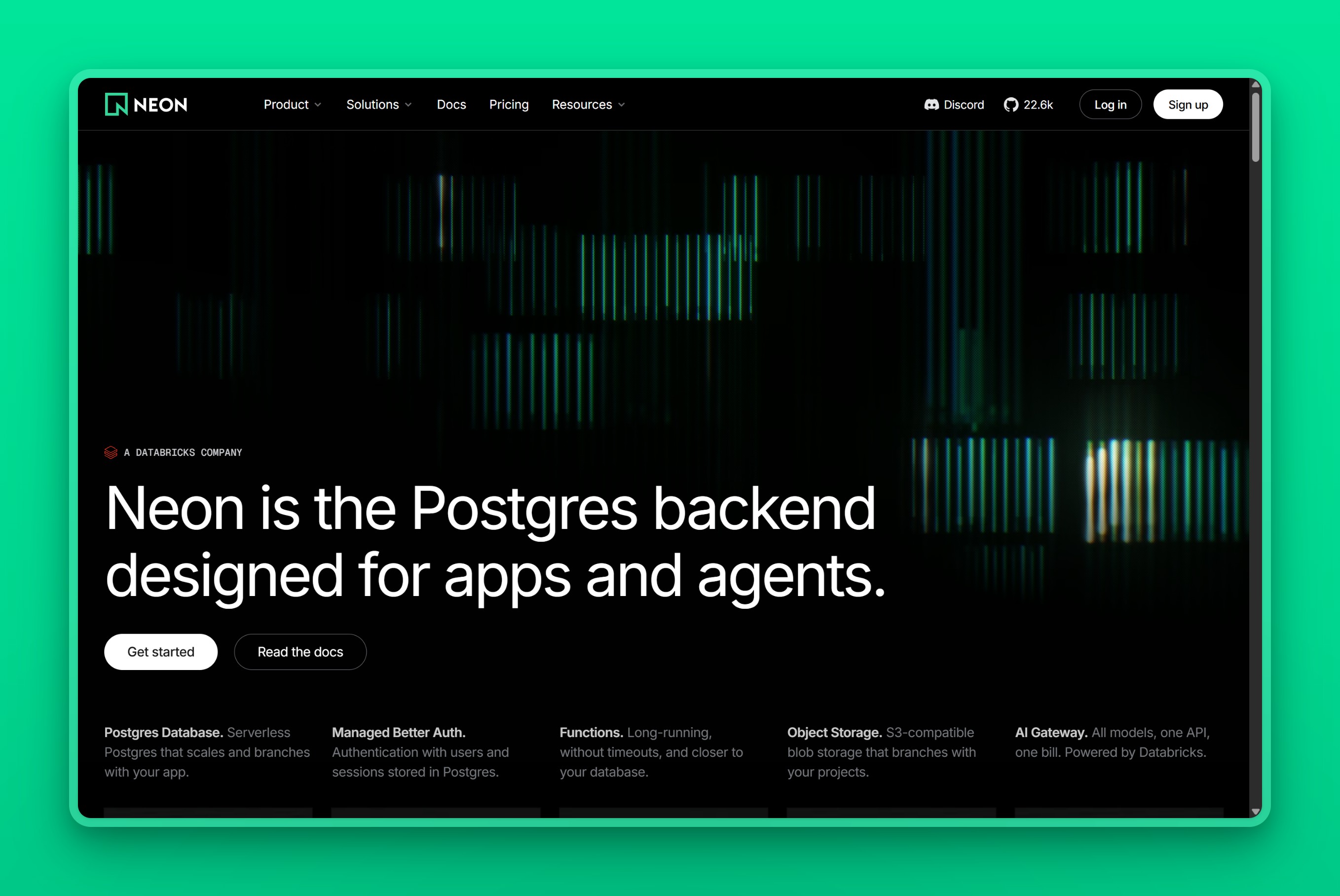
Positioning
Neon is a serverless Postgres platform built for developers who want instant database branches for every pull request and a workload that genuinely idles between bursts. It is not built for a steady, always-on production database.
Regions / locations
Neon runs on AWS in Virginia, Ohio, Oregon, Frankfurt, London, Sydney, and São Paulo, plus one Asia-Pacific region in Singapore. Its Azure regions no longer accept new projects.
Managed features
- Copy-on-write branching for instant dev and preview environments
- Scale-to-zero plus autoscaling compute
- Point-in-time recovery and instant restore
- Managed authentication and S3-compatible object storage
- An AI Gateway for LLM-backed apps
- HIPAA and SOC 2 compliance on higher tiers
Pricing model
Neon’s free plan gives 0.5 GB of storage and 100 compute-hours a month. The Launch plan bills usage at $0.106 per compute-hour plus $0.35 per GB-month of storage. Scale moves to $0.222 per compute-hour with the same storage rate and a 99.95% SLA, per Neon’s pricing page.
Best for
A team that wants instant database branches for every preview and CI environment, on a workload that genuinely idles between bursts, gets the most out of Neon. The catch shows up once that workload stops idling. A cold start of a few hundred milliseconds after scale-to-zero can force a paid, always-on compute floor that erases the serverless savings.
One startup’s usage-based bill grew to $250 a month across four databases before it left. It called the pricing a punishment for its own success, according to a cost breakdown on selfhost.dev. Skip Neon for steady-state Asia production, since Singapore is its only Asian region and a flat-priced provider will usually be cheaper once a workload runs around the clock.
If Neon’s usage-based bill or its thin Asia footprint is the dealbreaker, our Neon alternatives guide walks through the closest replacements by the specific limit you hit.
2. Supabase: Postgres bundled with auth, storage, and realtime
Supabase pairs a dedicated Postgres database with auto-generated APIs, authentication, file storage, realtime subscriptions, and edge functions, positioning itself as an open-source alternative to Firebase built on real Postgres.
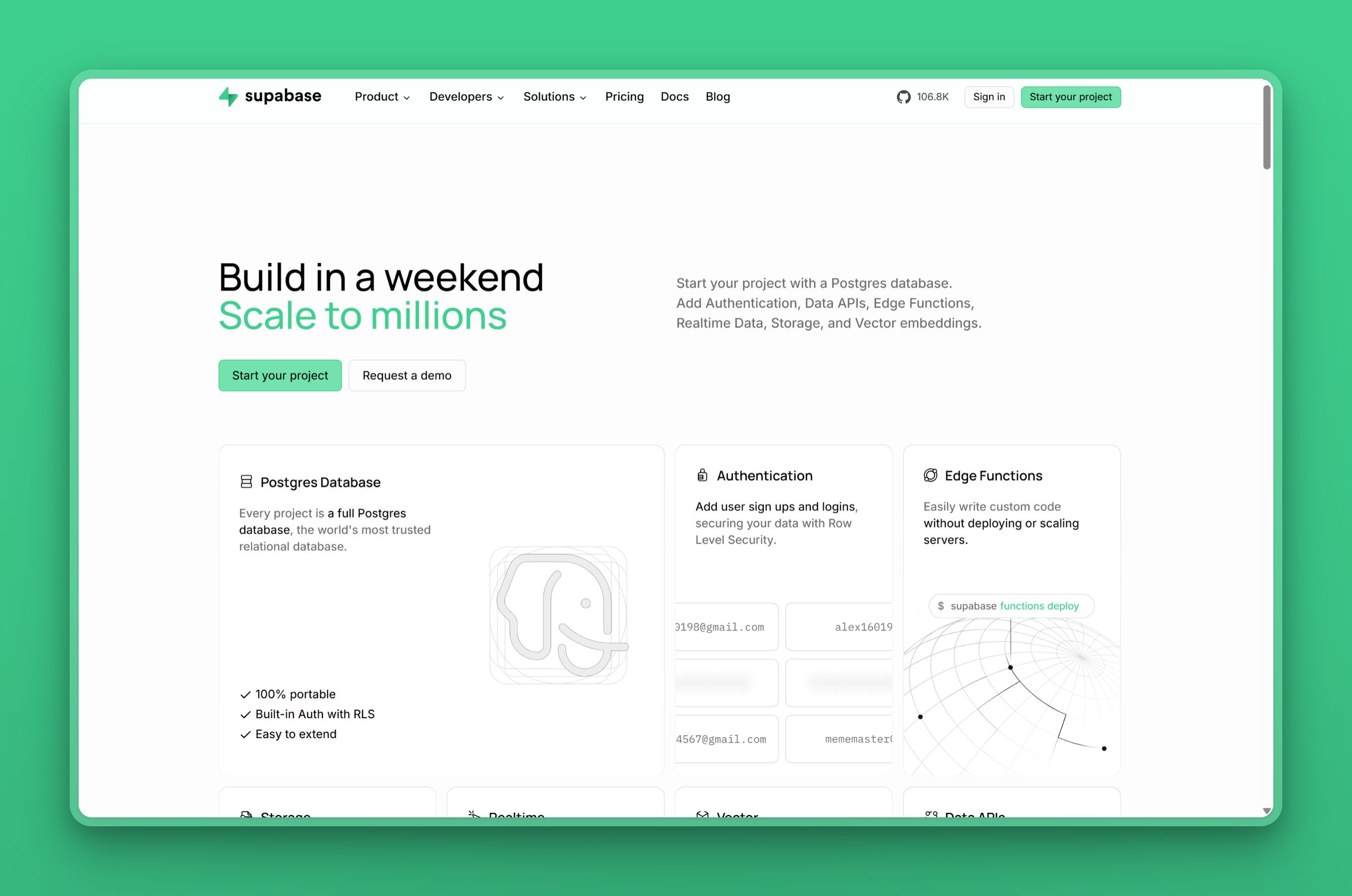
Positioning
Supabase is a full-stack backend platform for teams that want Postgres plus the surrounding app infrastructure (auth, storage, APIs) in one product, rather than a database alone.
Regions / locations
Supabase runs across 17 AWS regions, with strong Asia-Pacific coverage including Mumbai, Singapore, Tokyo, and Seoul, alongside its US, EU, Canada, and Brazil regions, per Supabase’s regions documentation.
Managed features
- Per-project Postgres with auto-generated REST and GraphQL APIs
- Authentication with 20-plus providers and row-level security
- S3-compatible storage with a CDN
- Edge functions on Deno
- Realtime subscriptions and pgvector support
- Read replicas on the Pro plan and above
Pricing model
Supabase’s free plan includes 500 MB of storage across two projects and pauses on inactivity. The Pro plan starts at $25 a month with additional compute credits, billed with usage-based overages. Team runs $599 a month, per Supabase’s pricing page.
Best for
One Supabase user based their database in Singapore, then watched a flood of new paying users show up in the US. Migrating the database to a US region would only have pushed the same latency problem onto their Asia users instead, according to their post in a Supabase GitHub Discussion. That single-region tradeoff is the ceiling of Supabase’s model.
Full-stack and indie developers who want a batteries-included backend on real Postgres get the most value here, as long as they are willing to watch a usage-based bill. Teams that only want the database, run egress-heavy workloads, or need a bill that never moves should look elsewhere. Developers have reported unexpected compute and egress charges stacking on top of the $25 base, according to a developer’s account of Supabase’s billing.
3. Railway: git-push deploys with per-second billing
Railway is a usage-based platform for deploying apps and databases, including Postgres, straight from a Git push, billing compute, memory, and storage by the second.
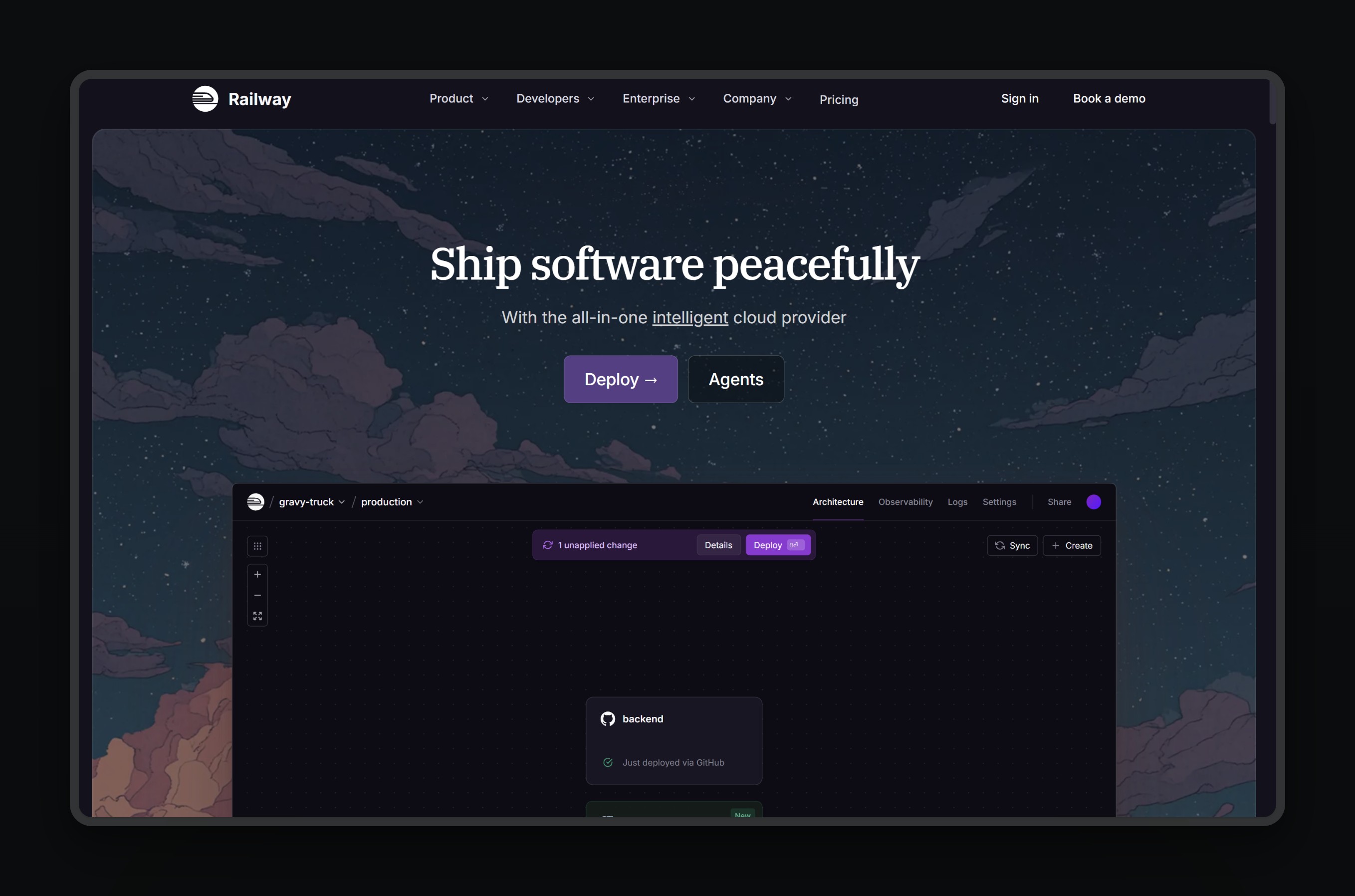
Positioning
Railway is a general-purpose PaaS, not a purpose-built managed-Postgres host. Postgres runs as a container alongside your app, priced the same way as any other resource on the platform.
Regions / locations
Railway runs in US West, US East, and EU West, plus a single Asia region in Singapore.
Managed features
- Per-second billing on compute, memory, and storage
- Deploys any open-source database, including Postgres, from Git, Docker, or the CLI
- Database and volume backups
- Vertical autoscaling and preview environments
- Private networking and SOC 2 compliance
Pricing model
Railway’s trial gives $5 in credits. After that, usage bills against a $5-a-month Hobby plan or a $20-a-month Pro plan. Railway has no fixed Postgres price sheet. Developers report paying $30 to $80 a month for an always-on Postgres instance, and closer to $16 a month near idle, in developer threads on Reddit.
Best for
Choose Railway if you are a solo developer or small team shipping an app and its database in minutes, with zero infrastructure work. Skip it for an always-on production database on a tight budget: the per-second, usage-based model bills a database that never sleeps far higher than a dedicated Postgres host would. Its Asia coverage also stops at a single Singapore region, thinner than most specialist hosts in this roundup. Railway also does not publish a specific backup or point-in-time-recovery guarantee for its Postgres containers. Teams that need that commitment in writing should look elsewhere.
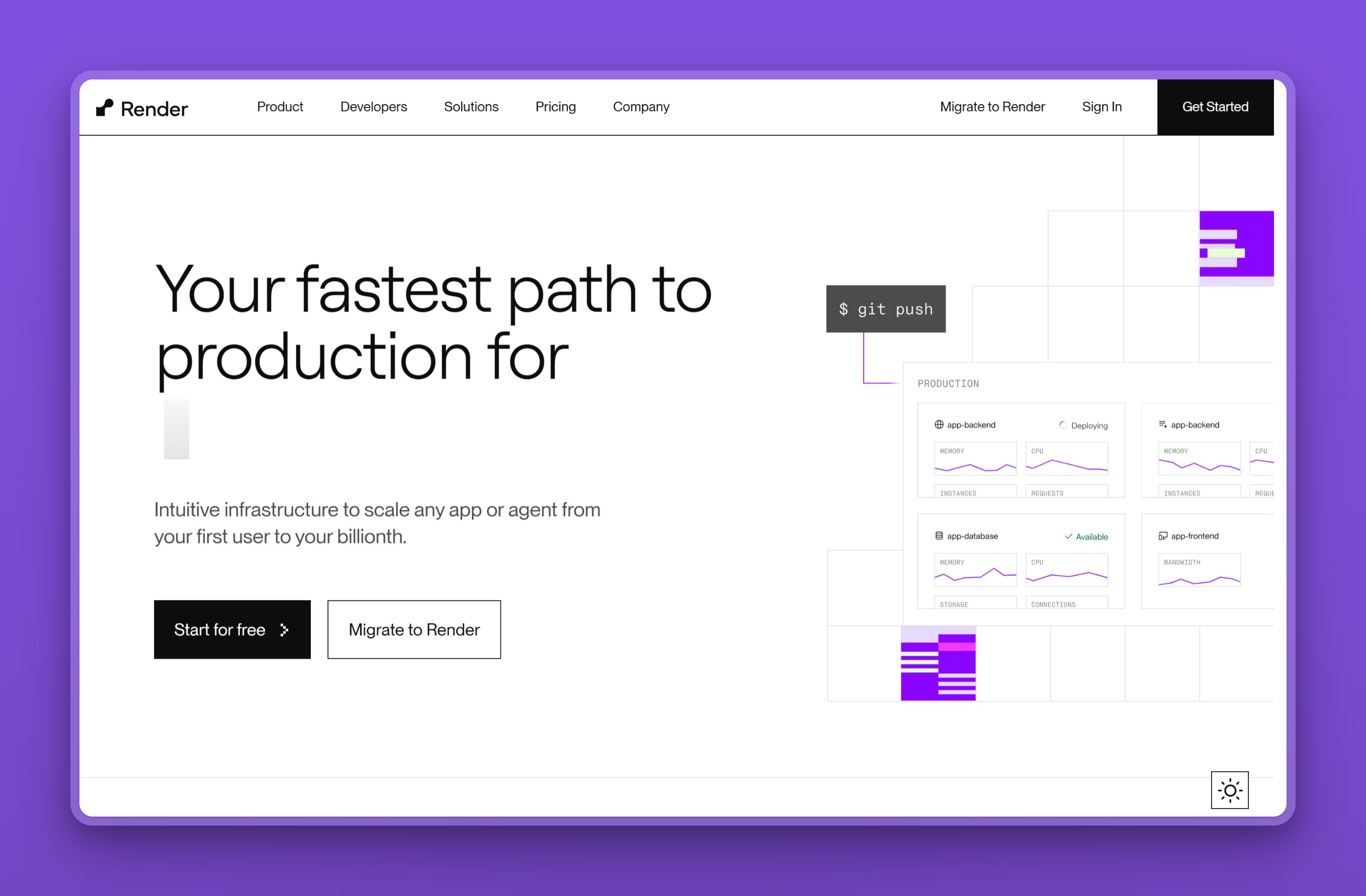
4. Render: an all-in-one platform with Postgres built in
Render is a managed platform-as-a-service where Render Postgres deploys alongside your web services, background workers, and cron jobs on the same platform and invoice.
Positioning
Render suits teams that want their whole stack, app plus database, running on one platform rather than assembling a database from a separate specialist provider. Like Railway, it is a general-purpose PaaS rather than a purpose-built managed-Postgres host: Render Postgres runs as one more managed resource on the platform, not a standalone product.
Regions / locations
Render runs in Oregon, Ohio, Virginia, and Frankfurt, with Singapore as its only Asia region.
Managed features
- Independently scalable storage and compute
- Point-in-time recovery (3-day window on Hobby, 7-day on Pro and above)
- High availability on Pro and Accelerated tiers
- Read replicas, connection pooling, and logical replication
- HIPAA-eligible configurations
Pricing model
Render’s free tier gives 256 MB of storage and is deleted after 30 days of inactivity. Paid Basic instances start at $6 a month for 256 MB, climbing to $75 a month at 4 GB. Pro tiers are priced separately, starting at $55 a month, per Render’s pricing page.
Best for
Full-stack teams in the US or Europe come to Render for that integration, deploying a web service, workers, and Postgres together on one platform. They trade the lowest possible database price for that convenience. It is a weak choice for a dedicated Asia host, since Singapore is its only Asia region and its price tiers jump steeply once you outgrow the Basic plans. Every read replica also bills at the full price of the primary instance, so scaling reads gets expensive fast. High availability is locked to the Pro and Accelerated tiers too, rather than included by default.
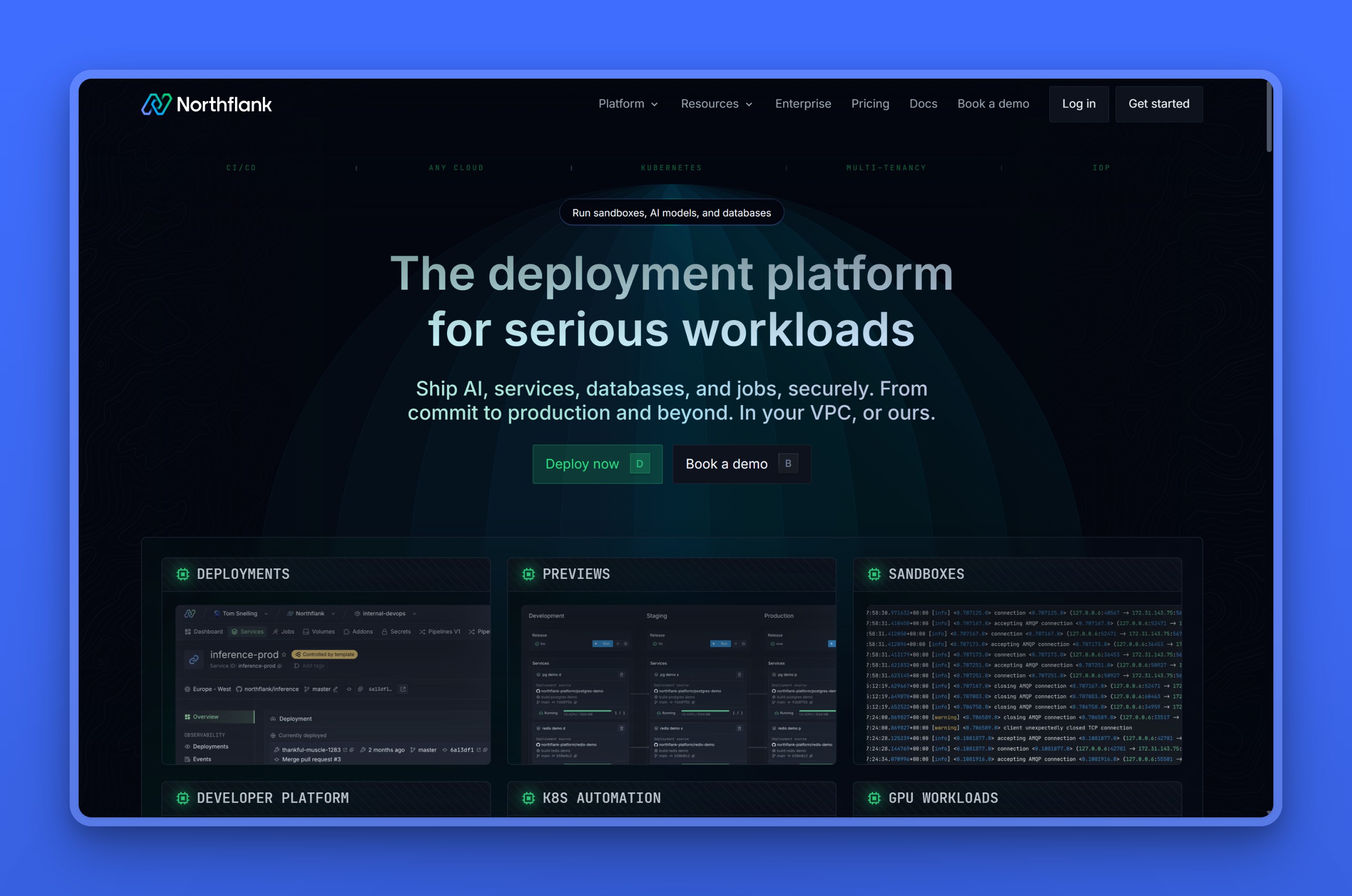
5. Northflank: containers, GPUs, and Postgres billed by the second
Northflank is a developer platform built on Kubernetes for deploying apps, background jobs, and databases, including Postgres, on the same per-second bill. CPU and GPU workloads run side by side on that same bill.
Positioning
Northflank is the same shape as Railway and Render: a general-purpose PaaS. Postgres runs as one more managed addon next to your services and jobs, not a standalone database product. Its differentiator is reach into GPU workloads (training, inference, Jupyter notebooks) on the same platform and invoice as the database.
Regions / locations
Northflank’s own managed cloud runs five regions: US West, US Central, US East, EU West, and a single Asia-Pacific region it calls Asia East. That is thinner Asia coverage than Railway, Render, or Supabase. Reaching a specific city, such as Singapore, Mumbai, Jakarta, or a Middle East location, means using Northflank’s Bring Your Own Cloud (BYOC) option instead. That deploys into your own AWS, GCP, Azure, Oracle, or Civo account in that region rather than Northflank’s own multi-tenant infrastructure, per Northflank’s regions documentation.
Managed features
- Automated failover that replaces a failed primary replica, plus optional connection poolers
- Automated backups and restores, with point-in-time recovery
- One-click database forking to clone a database’s existing state
- Real-time log tailing and resource metrics, with a 60-day retention window
- Pause and resume for dev and experiment databases
- TLS-secured connections and a private CLI proxy for local access
Pricing model
Northflank’s free Sandbox tier includes one always-on database with no sleeping. Paid usage bills compute at $0.01667 per vCPU-hour and $0.00833 per GB of RAM per hour. A fixed compute plan is also available, starting at nf-compute-10 for $2.70 a month (0.1 shared vCPU, 256 MB RAM). Storage bills separately at $0.15 per GB a month, and network egress costs $0.06 per GB, per Northflank’s pricing page.
Best for
Choose Northflank if you already want app, job, and database deployments on one Kubernetes-backed platform. That’s especially true for any workload that also needs GPU compute (training, inference, sandboxed code execution) in the same place. Like Railway and Render, it’s an integrated-PaaS pick, not a specialist Postgres host.
Skip it if your users sit in Asia or the Middle East outside Northflank’s single Asia East region. Reaching Singapore, Mumbai, Jakarta, Dubai, or Doha on Northflank’s own infrastructure isn’t an option. Routing through BYOC into your own cloud account for one of those cities is a meaningfully bigger commitment than picking a specialist that already runs there.
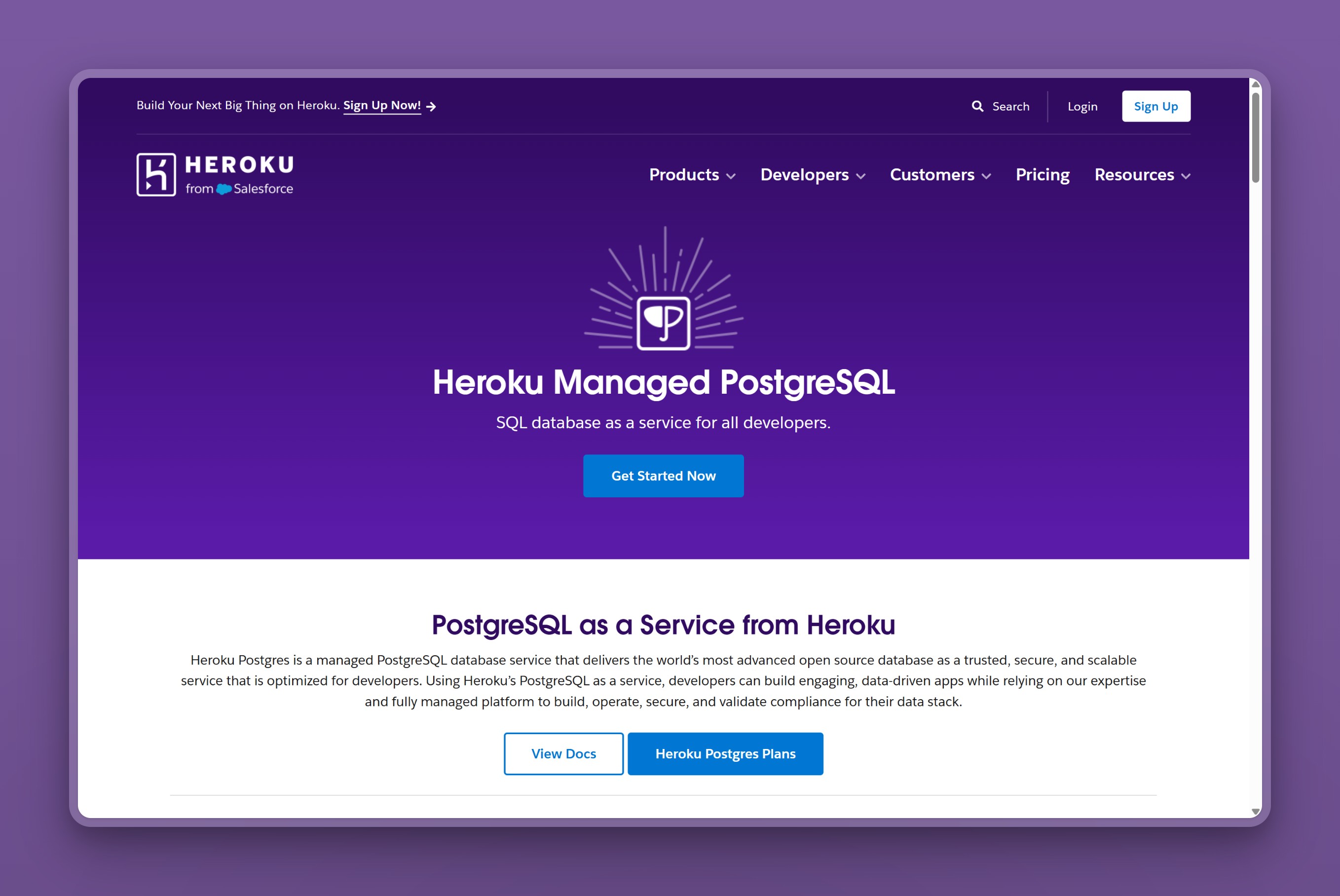
6. Heroku Postgres: the original managed Postgres add-on, priced for US and EU
Heroku Postgres is a managed PostgreSQL add-on for apps running on Heroku’s platform, and one of the oldest managed-database products in the category. It offers forking, read-only followers, and continuous protection on its production Standard and Premium tiers.
Positioning
A team already deploying dynos on Heroku gets Postgres as a natural extension of the same platform and bill, rather than a separate vendor to manage. Heroku Postgres is not a fit for a team choosing a database independently of where the app already runs.
Regions / locations
Essential-tier databases run only in Heroku’s two Common Runtime regions, US and Europe. Standard and Premium databases can run in other regions such as Tokyo, Singapore, Mumbai, or Sydney, but only inside a Heroku Enterprise Private Space, per Heroku’s regions documentation.
Managed features
- Forking for instant database clones to test schema changes and migrations
- Follower (read-replica) databases for distributing read traffic
- Continuous protection, replicating writes to durable storage across data centers
- Point-in-time rollback to recover from a bad migration or dropped table
- Dataclips for sharing live SQL query results
- PCI, HIPAA, ISO, and SOC 2 certifications, with enhanced isolation on Shield tiers
Pricing model
Heroku Postgres’s Essential tier scales with disk size:
- Essential-0: $5 a month (1 GB disk)
- Essential-1: $9 a month (10 GB disk)
- Essential-2: $20 a month (32 GB disk)
Standard plans range from $50 to $12,000 a month as disk scales from 64 GB to 8 TB. Premium plans add high availability and 7-day rollback, running $200 to $24,000 a month, per Heroku’s pricing page. Running Postgres in a region outside US or Europe requires a Heroku Enterprise Private Space. Standard and Premium databases keep their own prices there. The separate dedicated Private tier starts at $300 a month for Private-0.
Best for
Salesforce’s ecosystem is the honest context for Heroku Postgres today: a team already running dynos there gets a zero-ops, well-certified Postgres without adding a second vendor. Cost-sensitive teams and anyone serving Asia or the Middle East should look elsewhere. The cheap Essential tier is locked to Heroku’s US and EU Common Runtime. Reaching a Tokyo, Singapore, Mumbai, or Sydney region means moving Standard or Premium databases into a Heroku Enterprise Private Space, a step up in both commitment and cost.
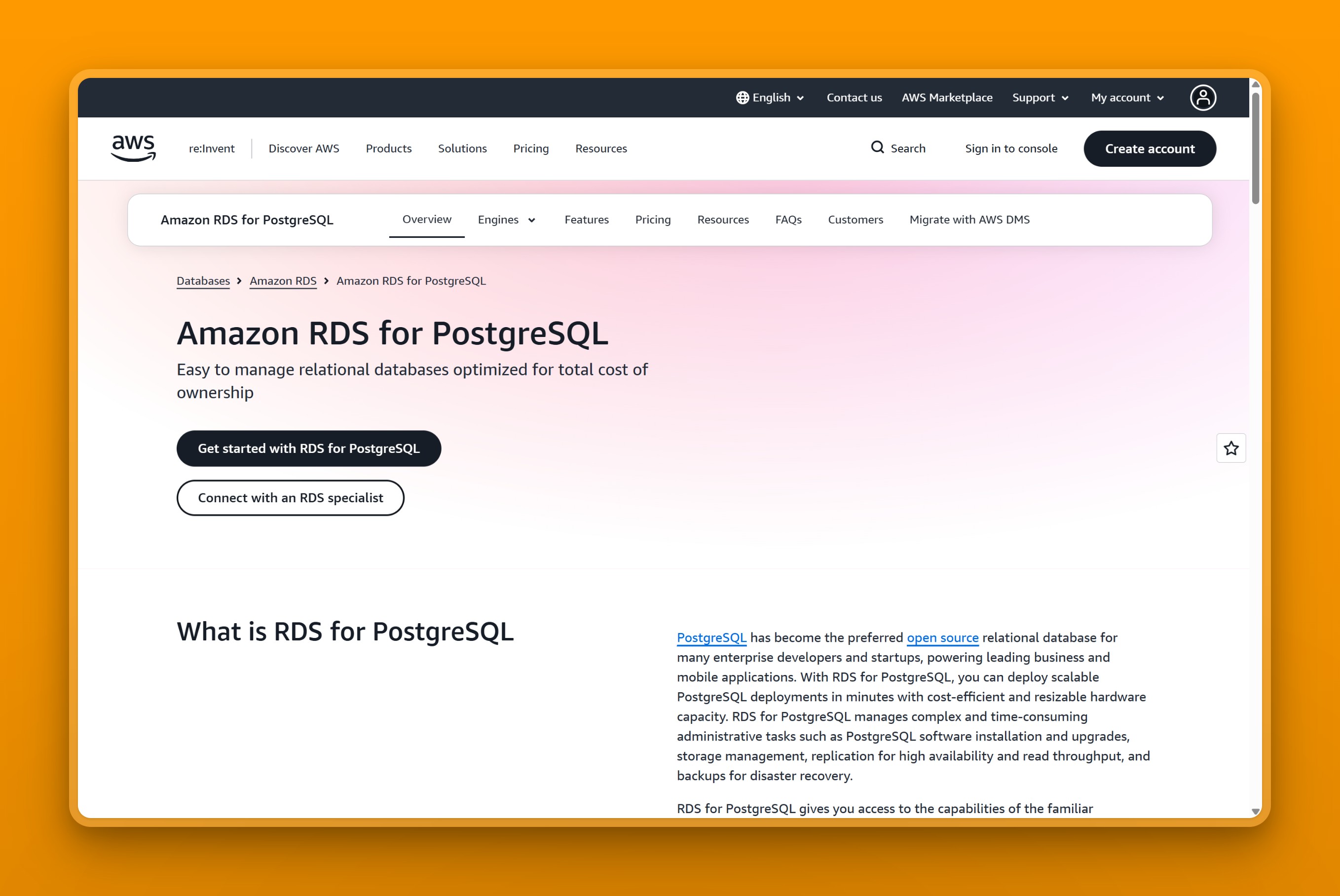
7. Amazon RDS for PostgreSQL: the AWS-native default
Amazon RDS for PostgreSQL is AWS’s managed Postgres service, handling provisioning, patching, backups, and Multi-AZ high availability on a metered, pay-as-you-go bill.
Positioning
RDS is the safe, ecosystem-native default for teams already committed to AWS who want deep VPC, IAM, and KMS integration more than a low, predictable bill.
Regions / locations
RDS spans 13 APAC regions, one of the broadest Asia-Pacific footprints in this roundup alongside Aiven’s. That list includes Hong Kong, Mumbai, Singapore, Tokyo, Seoul, Jakarta, Kuala Lumpur, and Bangkok, plus its US, Canada, EU, Middle East, and Africa regions.
Managed features
- Automated backups with point-in-time recovery
- Multi-AZ failover and read replicas
- Storage autoscaling from 20 GiB to 64 TiB
- Provisioned IOPS up to 256,000
- Zero-ETL integration to Redshift
- A 99.95% Multi-AZ SLA
Pricing model
RDS includes a 12-month free tier of 750 hours on a micro instance. On-demand Singapore pricing starts at $0.025 an hour (roughly $18 a month) for a db.t4g.micro instance, with storage, IOPS, and transfer billed separately, per Amazon’s RDS for PostgreSQL pricing page.
Best for
Choose RDS if you are already standardized on AWS and want a battle-tested managed Postgres with deep AWS integration and the FinOps discipline to track a metered bill. Cost-sensitive startups, solo developers, and anyone who wants superuser access to the underlying instance should look elsewhere. The bill stacks compute, storage, provisioned IOPS, and data transfer as separate line items. The total routinely lands well past the on-demand instance rate quoted above.
For a full side-by-side against the alternative built for that exact case, see Nearbase vs Amazon RDS. If RDS’s bill is the whole problem, our AWS RDS alternatives roundup covers ten replacements sorted by which limit you actually hit.
8. Amazon Aurora PostgreSQL: AWS-native throughput at hyperscaler prices
Amazon Aurora PostgreSQL is AWS’s Postgres-compatible database, built on distributed, self-healing storage. AWS states Aurora delivers 6x the throughput of standard PostgreSQL.
Positioning
Aurora targets large, high-concurrency OLTP workloads that need availability up to 99.99% in a single region, or 99.999% across regions, and can absorb a fully metered bill in exchange.
Regions / locations
Aurora spans more than 35 regions globally, including Hong Kong, Jakarta, Kuala Lumpur, Mumbai, Osaka, Seoul, Singapore, Bangkok, Tokyo, Bahrain, the UAE, and Tel Aviv.
Managed features
- Storage replicated six ways across three availability zones
- Serverless v2 with automatic scaling
- Aurora Global Database for cross-region replication
- Up to 15 read replicas
- Storage up to 128 TiB with point-in-time recovery
- Babelfish compatibility for T-SQL workloads
Pricing model
Aurora has no flat monthly tier; everything is usage-metered. Serverless v2 bills $0.12 per ACU-hour on the standard configuration. Provisioned db.r6i.large instances run around $0.29 an hour. Storage costs $0.10 per GB-month, plus $0.20 per million I/O operations, per Amazon’s Aurora pricing page.
Best for
Aurora is built to absorb large, high-concurrency Postgres workloads that need managed failover, run by AWS-committed engineering teams with the FinOps capacity to watch a metered spend. It is overkill and overpriced for a small, predictable app, where a flat-rate host does the same job for far less. On a busy OLTP workload, the $0.20-per-million I/O charge alone can equal or exceed the compute line. The bill also spans six separate dimensions: compute, storage, I/O, backups, snapshots, and extended support. Teams that budget for compute and storage alone routinely get blindsided.
9. Google Cloud SQL for PostgreSQL: deeply integrated, deceptively metered
Google Cloud SQL for PostgreSQL is Google’s fully managed, standard PostgreSQL service, built for teams that already run other workloads on Google Cloud.
Positioning
Cloud SQL is the rock-solid default for teams whose stack already sits on Google Cloud, offering automated backups, regional high availability, and read replicas without leaving that ecosystem.
Regions / locations
Cloud SQL covers more than 15 Asia-Pacific, Middle East, and Africa regions, including Taiwan, Hong Kong, Tokyo, Osaka, Seoul, Mumbai, Delhi, Singapore, Jakarta, Doha, and Tel Aviv.
Managed features
- Automated backups and patching
- Regional high availability with roughly 60-second failover
- Read replicas and cross-region replicas
- Two service editions (Enterprise and Enterprise Plus)
- Over 100 extensions, including pgvector
Pricing model
Cloud SQL bills metered, pay-as-you-go compute and storage. The Enterprise edition charges $0.0413 per vCPU-hour plus $0.007 per GiB-hour. New accounts also get $300 in free credits, per Google Cloud’s SQL pricing page.
Best for
Pick Cloud SQL if your stack already sits on Google Cloud and you want a managed Postgres tightly integrated with BigQuery, GKE, and IAM. That fit holds only if you have the discipline to model the real bill. Cost-sensitive startups and standalone-database buyers with no other GCP footprint should look elsewhere.
Turning on high availability roughly doubles compute cost, since the standby runs at the same size as the primary. It also raises the SSD storage rate on top of that. An idle public IPv4 address bills separately too, whether or not traffic ever flows through it. A bill can land well past what the pricing calculator first suggests.
10. Google AlloyDB: transactional and analytical Postgres in one engine
Google AlloyDB is a Postgres-compatible database built for demanding enterprise workloads, adding a built-in columnar engine for analytical queries and native vector search alongside standard transactional Postgres.
Positioning
AlloyDB is aimed at large, continuously running workloads that genuinely mix transactional and analytical or vector queries, not a general-purpose Postgres replacement for a typical app.
Regions / locations
AlloyDB covers Taiwan, Hong Kong, Tokyo, Osaka, Seoul, Singapore, Jakarta, Mumbai, and Delhi in Asia, plus Doha and Tel Aviv in the Middle East.
Managed features
- Full Postgres compatibility with a columnar hybrid transactional-analytical engine
- Built-in vector search
- Disaggregated, auto-scaling storage
- Read pools of up to 20 nodes
- High availability with automatic failover
- Continuous backup with point-in-time recovery
Pricing model
AlloyDB offers a 30-day free trial plus $300 in Google Cloud credits. Standard N2/C4A compute then bills $0.06608 per vCPU-hour plus $0.0112 per GiB-hour, per Google Cloud’s AlloyDB pricing page. There is no pause or stop option: you must delete the cluster entirely to stop paying.
Best for
Choose AlloyDB if you’re a GCP-committed team running large, always-on workloads that genuinely combine transactional and analytical or vector queries. It has not always won that comparison on smaller, CPU-bound workloads. One team migrating a write-heavy caching workload needed an 8-core, 64 GB AlloyDB configuration to match the performance of a 4-core, 8 GB Cloud SQL instance. They wasted resources migrating to AlloyDB and back, and settled on Cloud SQL instead, according to a discussion thread on Hacker News.
Small teams, dev and staging environments, and anyone outside Google Cloud should pick something simpler. There is also no pause or stop option: a dev or staging cluster keeps billing around the clock unless you delete it outright, so idle environments cost real money.
11. Azure Database for PostgreSQL: managed Postgres for Azure shops
Azure Database for PostgreSQL is Microsoft’s managed, community-Postgres service (Flexible Server), offering granular vCore and storage sizing with deep Azure integration.
Azure Database for PostgreSQL’s pricing page, captured for this comparison.
Positioning
Enterprises already committed to the Azure ecosystem, who want a managed Postgres tied into VNet, Entra ID, and Azure Monitor, are Azure Database for PostgreSQL’s target audience.
Regions / locations
Azure covers East Asia (Hong Kong), Southeast Asia (Singapore), Japan, Korea, India, Malaysia West, Indonesia Central, Australia, the UAE, Qatar, and Israel. That is part of a global footprint of more than 60 regions, per Microsoft’s Azure global infrastructure region list.
Managed features
- Three compute tiers: Burstable, General Purpose, and Memory-Optimized
- Zone-redundant and same-zone high availability with automatic failover
- Reserved capacity discounts
- VNet, Entra ID, and Azure Monitor integration
- Automated backups with point-in-time recovery
- PgBouncer connection pooling and pgvector support
Pricing model
Compute-only, on-demand US East pricing starts around $12 a month for a Burstable B1ms instance. It rises to around $130 a month for a General Purpose D2ds_v5, per Bytebase’s Azure pricing tracker. Storage, high availability, and bandwidth bill separately.
Best for
Choose Azure Database for PostgreSQL if you are already committed to Azure and will actually use reserved capacity to manage cost. Cost-sensitive small teams who want flat, predictable pricing without that discipline should look elsewhere.
Reviewers on Azure Database for PostgreSQL’s PeerSpot page describe costs rising over time. They call the service “a bit expensive.” The same pay-as-you-go model gets praised elsewhere on the page for letting a team start small. The cheap Burstable tier is also a trap for production. It throttles to baseline performance once its CPU credits run out, and Microsoft does not recommend it for production workloads.
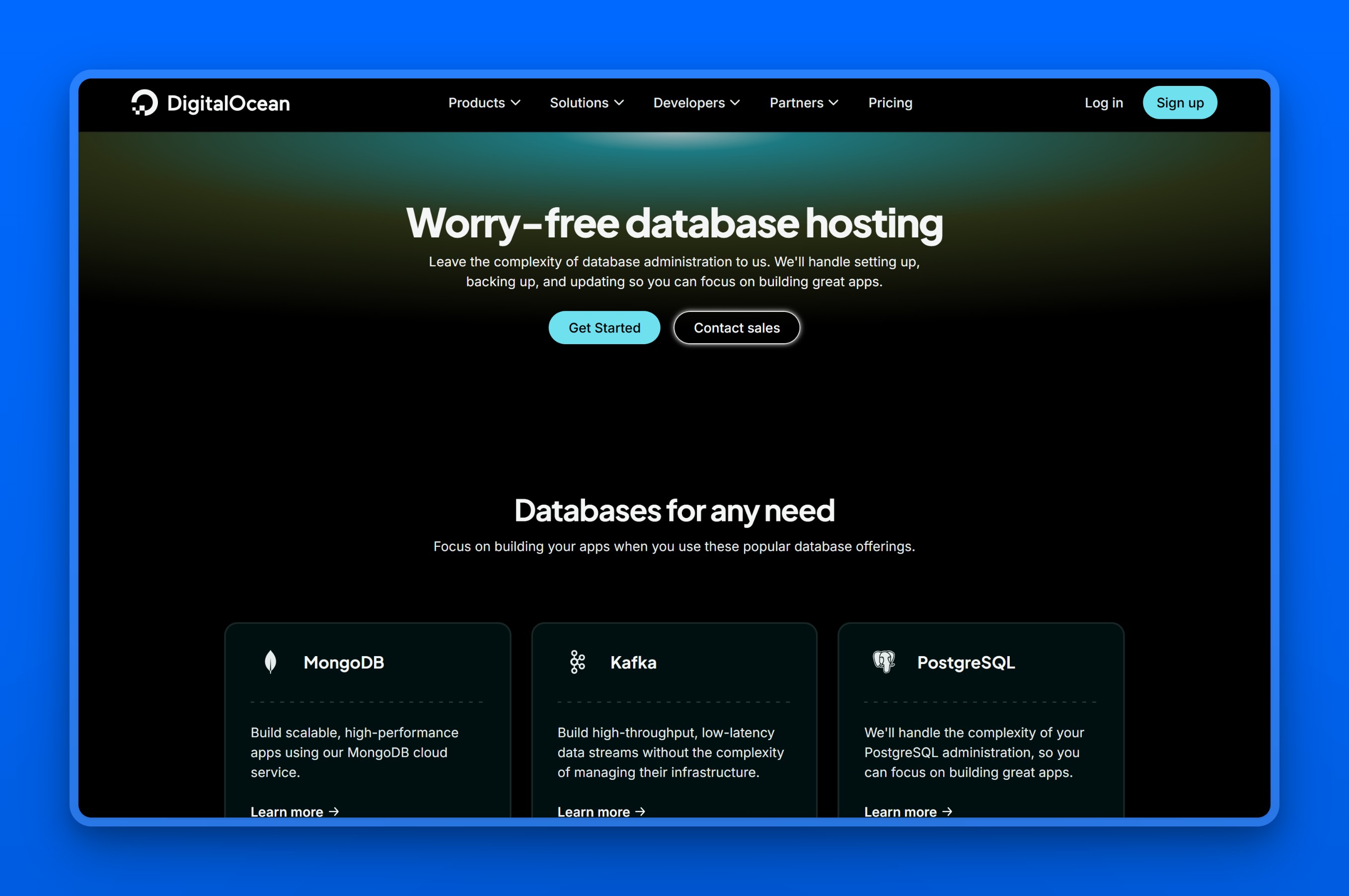
12. DigitalOcean Managed Databases: simple, flat, and Asia-light
DigitalOcean Managed Databases is a fully managed database service covering Postgres and other engines, handling setup, backups, and failover from $15 a month.
Positioning
Developers and small teams already running Droplets or App Platform, who want a no-knobs, predictably priced Postgres cluster without AWS-level complexity, are DigitalOcean’s audience.
Regions / locations
DigitalOcean’s Asia footprint is limited to Singapore (SGP1) and Bangalore (BLR1), alongside Sydney and its US and European data centers.
Managed features
- Free daily backups with 7-day point-in-time recovery
- Automatic failover
- Vertical scaling and autoscaling storage
- VPC networking with encryption
- PgBouncer connection pooling
- A UI, API, and CLI (doctl)
Pricing model
The smallest node, 1 GiB of RAM with 1 vCPU, runs $15.15 a month. That scales to $30.45 a month at 2 GiB, and $60.90 a month at 4 GiB with 2 vCPUs. Extra storage costs $0.215 per GiB a month, per DigitalOcean’s managed database pricing page.
Best for
Choose DigitalOcean if you’re a small team already on the platform that wants a low-effort, predictable Postgres cluster for a small-to-mid workload. Teams that need affordable high availability should look elsewhere. A standby node for failover costs the same as the primary, so redundancy doubles the bill with no discount, according to DigitalOcean’s own database documentation. Storage can only be added, never reduced, so a cluster sized too big for a workload has to migrate to a smaller one rather than scale back down.
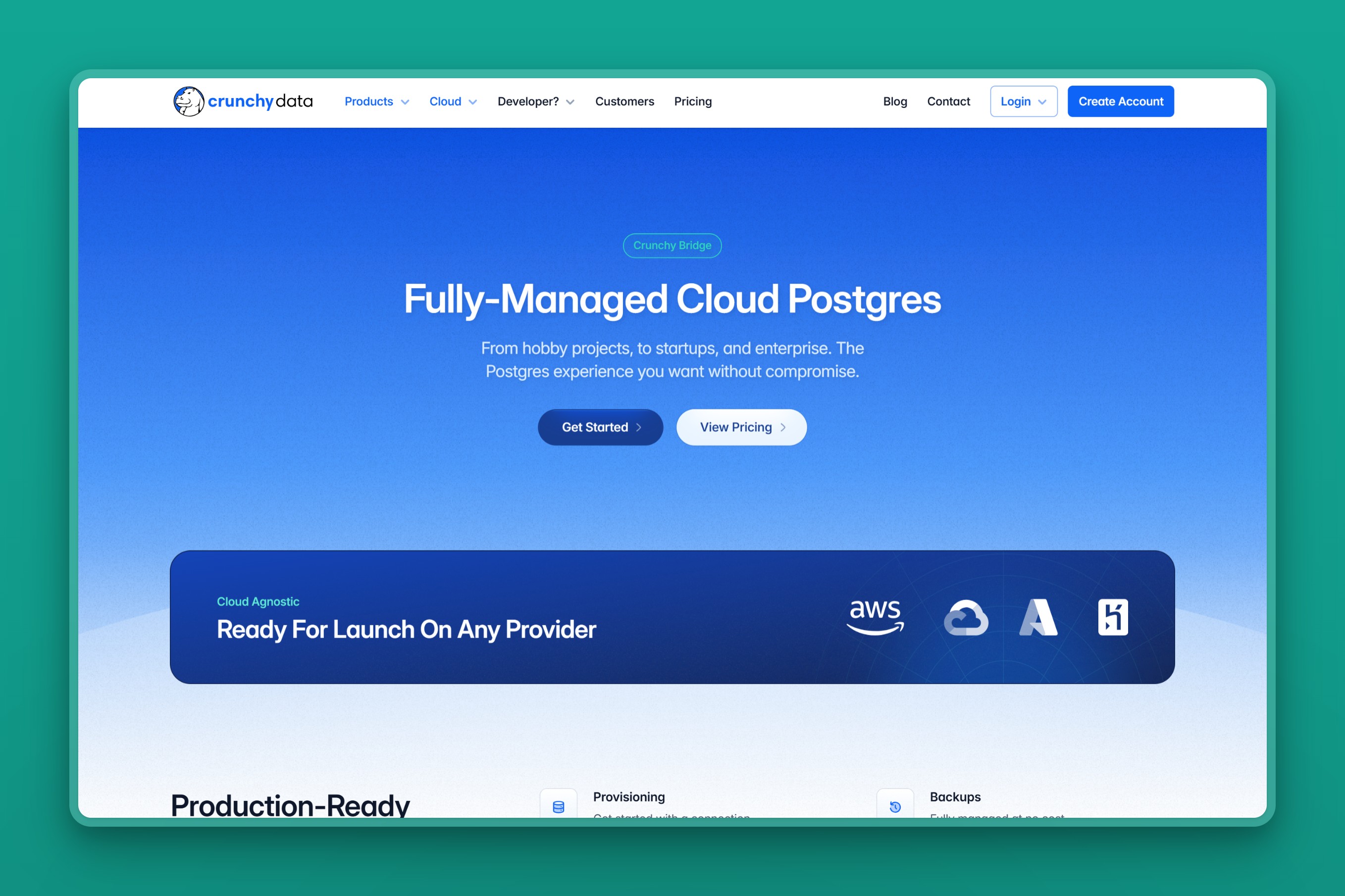
13. Crunchy Bridge: the Postgres-purist premium pick
Crunchy Bridge is a fully managed, single-tenant Postgres host running on AWS, GCP, or Azure, built around flat per-instance pricing and Postgres-only support. Snowflake acquired Crunchy Data in 2025, and the product continues to operate as Crunchy Bridge.
Positioning
Crunchy Bridge is built for teams that want a dedicated, single-tenant Postgres instance and expert Postgres support, rather than a bundled backend platform or a metered hyperscaler service.
Regions / locations
Crunchy Bridge runs across AWS, GCP, and Azure, with Asia coverage in Tokyo, Mumbai, Singapore, Sydney, and Jakarta, plus a Middle East region in Doha.
Managed features
- Single-tenant Postgres on three clouds with no egress fees
- PgBouncer connection pooling on Standard and above
- Cross-zone failover and high availability
- Managed backups with point-in-time recovery
- Read replicas and in-place vertical scaling
- SOC 2 Type 2 compliance and support for PostGIS
Pricing model
There is no free tier and no scale-to-zero. The entry Hobby-0 plan runs $9 a month for non-production use. The production-ready Standard-4 plan starts at $70 a month. Pricing then scales up with instance size, topping out at $6,720 a month for the largest Standard-384 configuration, per Crunchy Bridge’s plans and pricing page.
Best for
Choose Crunchy Bridge if you’re running production Postgres and want flat, predictable per-instance pricing with expert Postgres-only support. That is especially true for teams coming from RDS’s metered line-item bill. Hobbyists and spiky side projects that need a genuine free tier or scale-to-zero will find Neon or Supabase far cheaper. Crunchy Bridge’s entry plan bills a minimum of $9 a month even when idle.
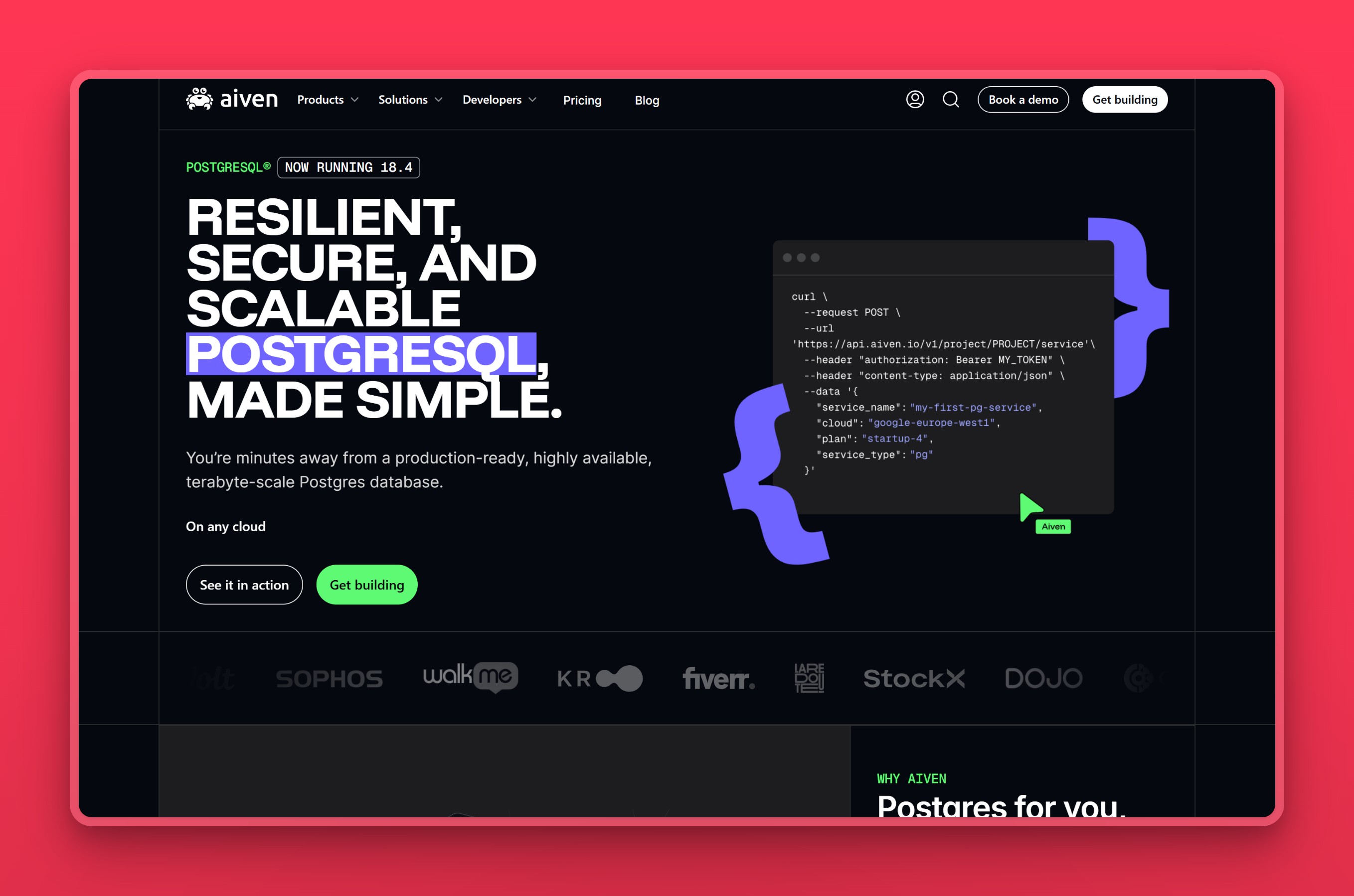
14. Aiven for PostgreSQL: one flat plan across three clouds
Aiven for PostgreSQL is a fully managed, multi-cloud Postgres service running across AWS, GCP, Azure, DigitalOcean, and UpCloud, with a 99.99% SLA and all-inclusive flat pricing.
Positioning
Teams that want one managed Postgres product they can point at whichever of the three major clouds their other infrastructure already lives on turn to Aiven.
Regions / locations
Aiven’s Asia coverage includes Singapore, Tokyo, Osaka, Mumbai, Hyderabad, Bangalore, Delhi, Hong Kong, Seoul, Jakarta, and Taiwan, plus Dubai, Doha, and Tel Aviv in the Middle East. That spans more than 90 regions total.
Managed features
- Fully managed operations with a 99.99% SLA
- Automatic failover and point-in-time recovery
- Over 50 extensions, including PostGIS, TimescaleDB, and pgvector
- True multi-cloud deployment across AWS, GCP, Azure, and more
- All-inclusive pricing that bundles compute, storage, and network
- VPC peering and SOC 2 plus GDPR compliance
Pricing model
Aiven’s tiers step up together on both price and capability:
- Free: 1 CPU, 1 GB of RAM, no choice of cloud or region
- Developer, $5/mo: same 1 CPU, 1 GB of RAM, 8 GB of storage cap, still no cloud or region choice
- Hobbyist, $12/mo: same 1 CPU/1 GB/8 GB cap, but adds a choice among DigitalOcean, Google Cloud, and OVH
- Startup, from $75/mo: adds the full 99.99% SLA
Figures per Aiven’s PostgreSQL pricing page.
Best for
Choose Aiven once your workload passes the $5 to $12 entry tiers. It gives you a managed, multi-cloud Postgres with strong extension support and the freedom to pin data to a specific Asia region. Cost-sensitive developers and small projects should be cautious. Reviewers repeatedly describe Aiven as expensive compared with AWS or RDS once a workload grows past that entry point, on Aiven’s G2 reviews page.
The cheap tiers also cap you at 1 CPU, 1 GB of RAM, and 8 GB of storage. The $5 Developer plan does not even let you choose a cloud or region. Reaching the full spread of Aiven’s 90-plus regions means moving up to the $75-a-month Startup plan.
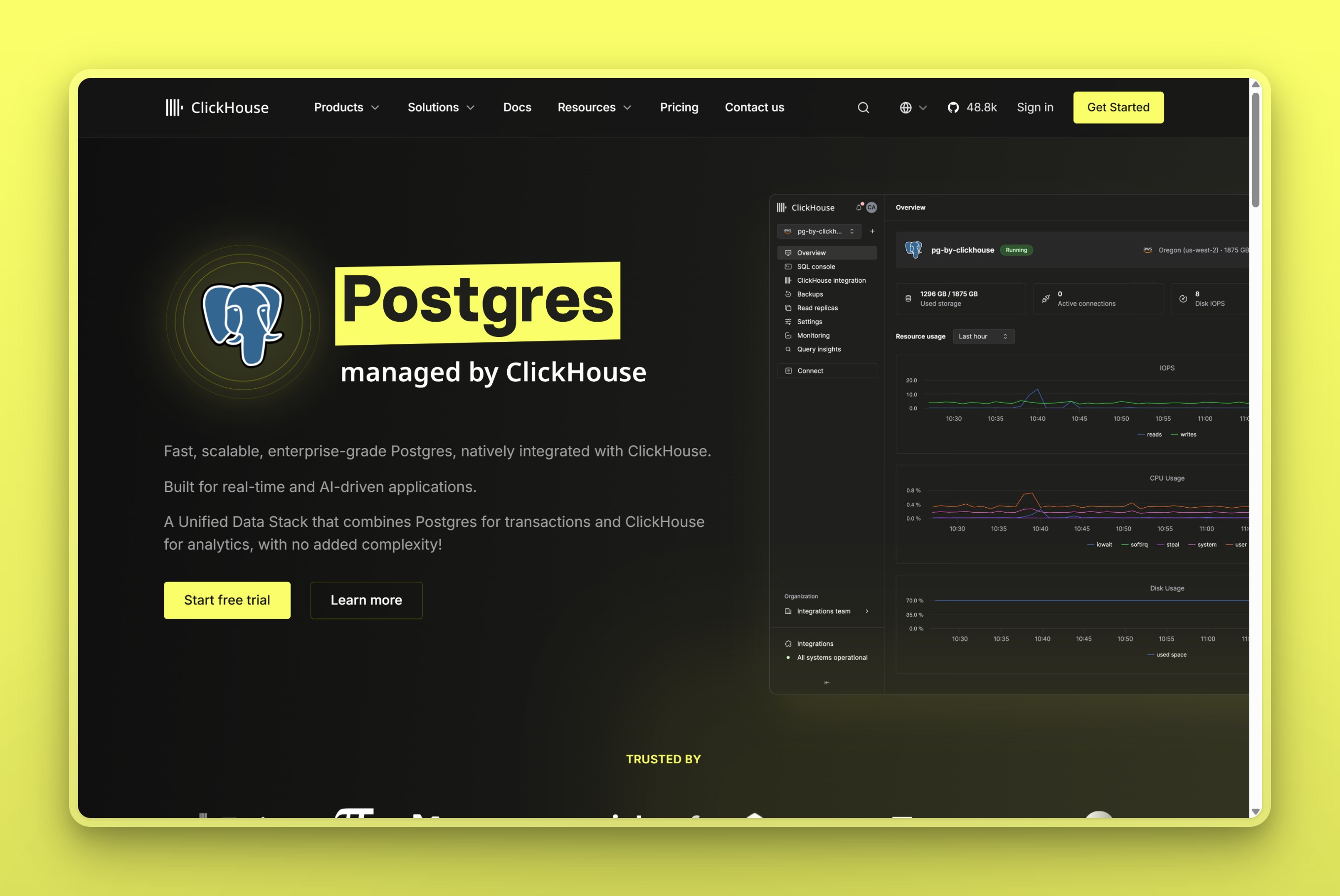
15. Postgres managed by ClickHouse: fast, new, and Asia-unconfirmed
Postgres managed by ClickHouse is an emerging, NVMe-backed managed Postgres service from the ClickHouse team, launched into public beta in early 2026. It is built around native change-data-capture into ClickHouse for real-time analytics on the same data.
Positioning
This is a genuinely new entrant, aimed at teams that want their transactional Postgres and their real-time analytics running on the same vendor’s stack rather than stitched together.
Regions / locations
ClickHouse currently runs this service on AWS across 10 public regions; the specific region codes are not published, and whether any Asia-Pacific region is currently live is not publicly confirmed. Support for GCP and Azure has been announced but is not yet available.
Managed features
- Local NVMe storage the vendor claims is up to 10 times faster than network-attached storage
- Native change-data-capture (PeerDB) pushing changes into ClickHouse for real-time OLAP
- High availability with two synchronous standbys
- Write-ahead-log backups to object storage with point-in-time recovery
- Database branching, read replicas, and connection pooling
- Infrastructure-as-code via OpenAPI, with Terraform support coming soon
Pricing model
The service was free through June 15, 2026, per ClickHouse’s own beta announcement. A 50% beta discount now applies on top of standard rates. At that discounted rate, the entry configuration, roughly 1 vCPU, 8 GB of RAM, and 59 GB of NVMe storage, runs around $32 a month, per ClickHouse’s Managed Postgres page.
Best for
Teams already running ClickHouse for analytics, who want their transactional Postgres in the same stack with one-click change-data-capture, are this service’s clearest audience. One developer who migrated off RDS said the switch happened “without no data inconsistencies very quickly,” in a public post on X. They said customers noticed faster page loads almost immediately.
The tradeoff for that speed is durability risk. The default configuration runs on ephemeral local NVMe, so a single-node setup can lose data on compute failure unless you pay for synchronous standbys and point-in-time recovery. Anyone who needs a specific Asia-Pacific region confirmed today, GCP or Azure support, or a multi-year operational track record should wait or pick something more established. That caution matters most before trusting a primary database to a young service.
16. Nearbase: managed Postgres inside Asian and Middle Eastern data centers
Nearbase runs fully managed PostgreSQL inside local data centers in nine cities across Asia and the Middle East, plus Virginia in the US. It charges one flat price that does not change by region.
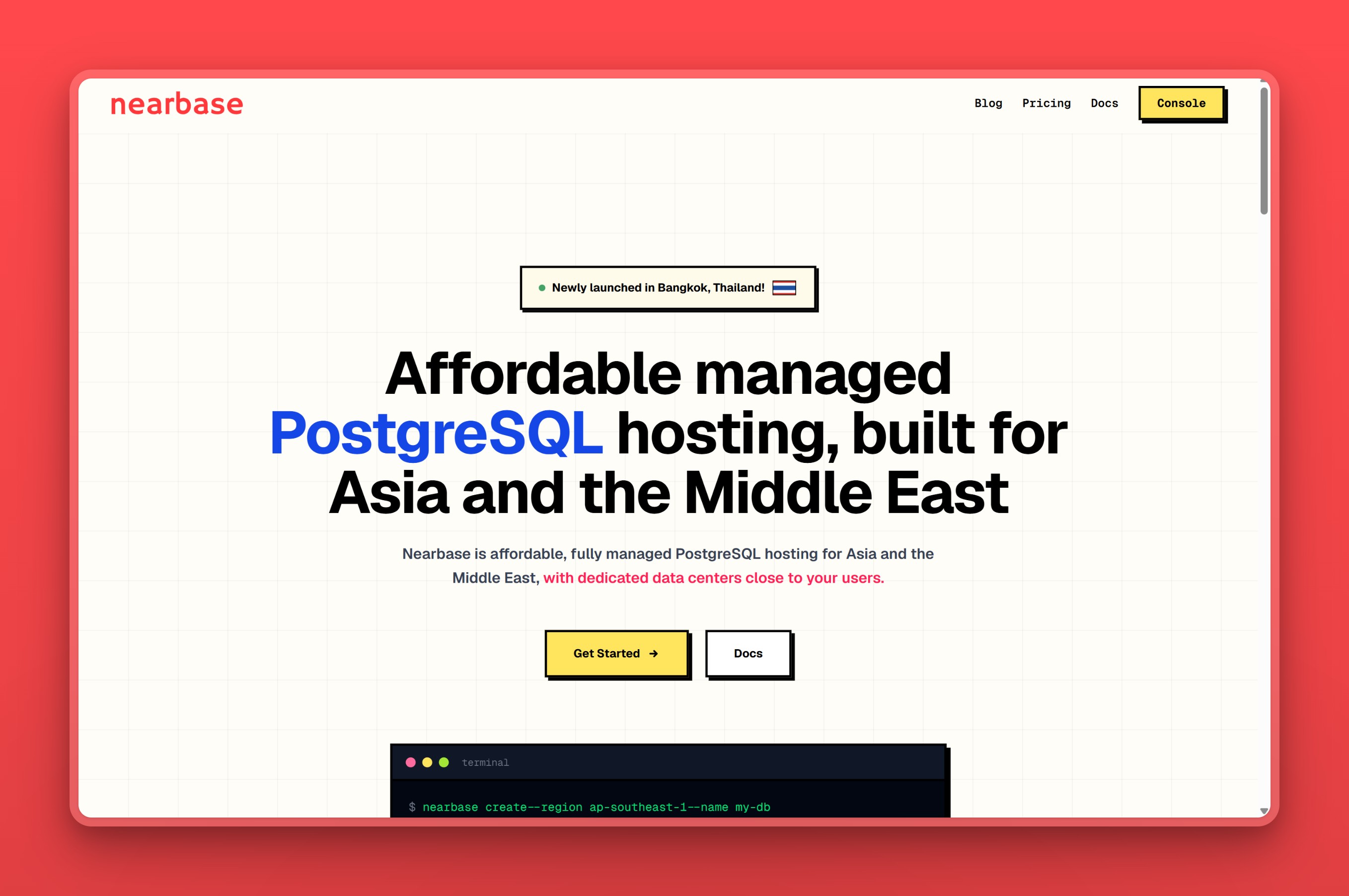
Positioning
Nearbase is a regional specialist, not a generalist. It exists specifically for teams whose users sit in Asia or the Middle East, and whose current host puts the database in a different region entirely. That current host also usually charges a metered price that moves with usage.
Regions / locations
Nearbase’s nine Asia and Middle East cities are Jakarta, Manila, Kuala Lumpur, Hong Kong, Singapore, Tokyo, Seoul, Dubai, and Bangkok, with Virginia serving as its North America region.
Managed features
Every instance ships with the features Nearbase announced at launch:
- Provisioning, patching, and backups fully managed for you
- Automatic failover, part of Nearbase’s 99.99% uptime SLA
- Data encrypted at rest and in transit
- One-click independent scaling of CPU, memory, and storage with zero downtime
- Automated daily backups with point-in-time recovery
- A monitoring dashboard covering metrics, logs, and backup history
- Support for the region’s data-residency laws, including PDPA, PDPO, and PIPL
- Targets sub-10ms latency to users inside its regions, by putting the database in the same city instead of a distant central hub
Pricing model
Nearbase charges one flat instance price in every region, the same in Jakarta as in Virginia, and the smallest instance runs about $13 a month all-in. The entry General Purpose instance (1 vCPU, 2 GB) starts at $6 a month. Storage bills separately at $3.60 per 10 GB, with a 20 GB minimum, per Nearbase’s pricing page. There are no per-query or egress fees, and deleting an instance returns a prorated credit for the unused period.
Best for
Nearbase is built for teams whose users sit in Jakarta, Manila, Dubai, or any of its other cities. It fits when you want a database that actually lives in-region at a bill that does not move with traffic.
Skip it if your users sit outside Asia, the Middle East, or the US East Coast. The same goes if you want a provider with a longer independent track record before trusting it with a production database. It is also a newer operator next to the hyperscalers in this roundup.
Nearbase does not publish a read-replica or multi-node topology, a backup retention window, or a security certification the way several of the larger providers above do. Its North America presence also stops at Virginia, with no other city on that continent.
If you’re ready to see what that looks like for your own app, you can spin up a managed Postgres instance on Nearbase. It runs in any of its nine Asia and Middle East cities, or Virginia in the US.
Postgres hosting providers at a glance
| Tool | Asia/ME regions | Entry price (verified) | Managed scope | Data residency |
|---|---|---|---|---|
| Neon | Singapore only | Free tier; paid usage from $0.106/compute-hour | Branching, backups, autoscaling | Not a stated feature |
| Supabase | Mumbai, Singapore, Tokyo, Seoul | Free tier; Pro from $25/mo | Auth, storage, backups, realtime | Not a stated feature |
| Railway | Singapore only | Trial credits; usage-based, no fixed price | Deploys and backups you manage | Not a stated feature |
| Render | Singapore only | Free tier; Basic from $6/mo | Backups, PITR, HA on Pro+ | Not a stated feature |
| Northflank | One region (Asia East) on managed cloud; BYOC only for other cities | Free Sandbox tier; paid plans from $2.70/mo | Backups, PITR, failover, forking | Not a stated feature |
| Heroku Postgres | None (US/EU Common Runtime only) | Essential-0 from $5/mo (US/EU only) | Forking, followers, PITR, HA on Premium+ | Private Spaces only, at higher cost |
| Amazon RDS for PostgreSQL | Hong Kong, Mumbai, Singapore, Tokyo, Seoul, Jakarta, KL, Bangkok | Free tier; on-demand from about $18/mo | Backups, Multi-AZ failover, autoscaling storage | In-region hosting available |
| Amazon Aurora PostgreSQL | Hong Kong, Jakarta, KL, Mumbai, Osaka, Seoul, Singapore, Bangkok, Tokyo, Bahrain, UAE, Tel Aviv | Usage-metered only, no flat tier | Six-way replicated storage, global database | In-region hosting available |
| Google Cloud SQL for PostgreSQL | Taiwan, Hong Kong, Tokyo, Osaka, Seoul, Mumbai, Delhi, Singapore, Jakarta, Doha, Tel Aviv | $300 free credit; usage-metered from about $0.0413/vCPU-hr | Backups, regional HA, read replicas | In-region hosting available |
| Google AlloyDB | Taiwan, Hong Kong, Tokyo, Osaka, Seoul, Singapore, Jakarta, Mumbai, Delhi, Doha, Tel Aviv | 30-day trial; usage-metered from about $0.066/vCPU-hr | HA, continuous backup, columnar engine | In-region hosting available |
| Azure Database for PostgreSQL | Hong Kong, Singapore, Japan, Korea, India, Malaysia, Indonesia, UAE, Qatar, Israel | Compute-only from about $12/mo | Backups, zonal HA, reserved capacity | In-region hosting available |
| DigitalOcean Managed Databases | Singapore, Bangalore | From $15.15/mo | Backups, PITR, autoscaling storage | In-region hosting available |
| Crunchy Bridge | Tokyo, Mumbai, Singapore, Jakarta, Doha | From $9/mo (non-production) | Backups, PITR, HA, expert support | In-region hosting available |
| Aiven for PostgreSQL | Singapore, Tokyo, Osaka, Mumbai, Hyderabad, Bangalore, Delhi, Hong Kong, Seoul, Jakarta, Taiwan, Dubai, Doha, Tel Aviv | Free/Developer $5/mo (no region choice); region choice from $12/mo (Hobbyist); full 99.99% SLA from $75/mo (Startup) | Backups, failover, PITR, 99.99% SLA (Startup+) | In-region hosting available |
| Postgres managed by ClickHouse | Unconfirmed for Asia-Pacific | Free in beta; entry about $32/mo after | HA, WAL backups, native CDC | Unconfirmed |
| Nearbase | Jakarta, Manila, KL, Hong Kong, Singapore, Tokyo, Seoul, Dubai, Bangkok | $6/mo instance plus separate storage, flat everywhere | Backups, failover, PITR, monitoring | PDPA, PDPO, PIPL support |
Which host actually runs in your Asia or Middle East sub-region?
“Best for Asia” is not one answer. The region splits into clusters of cities, and no single provider runs in all of them. Match your host to where your users actually sit.
India (Mumbai, Delhi, Bangalore, Hyderabad): Nearbase does not currently run a data center in India. The realistic shortlist here is Amazon RDS or Aurora in Mumbai, Google Cloud SQL or AlloyDB in Mumbai or Delhi, Azure Database for PostgreSQL in its India region, Supabase (also live in Mumbai), or Aiven, which spans Mumbai, Hyderabad, Bangalore, and Delhi. DigitalOcean’s only Indian city is Bangalore. Pick by whichever cloud your other infrastructure already sits on, or Aiven for the widest India-specific city choice.
Southeast Asia (Singapore, Jakarta, Kuala Lumpur, Manila, Bangkok): This is Nearbase’s core footprint, with Jakarta, Manila, Kuala Lumpur, Singapore, and Bangkok all live today. Amazon RDS and Aurora, Google Cloud SQL, AlloyDB, and Aiven also reach Singapore and Jakarta. Every serverless or PaaS platform in this roundup, Neon, Supabase, Railway, and Render, tops out at a single Singapore region here, and Heroku only reaches Singapore through its costlier Private Spaces tier. A team specifically in Manila or Kuala Lumpur will not find any of those five living in-city.
East Asia (Hong Kong, Tokyo, Seoul, Taiwan, Osaka): Nearbase runs Hong Kong, Tokyo, and Seoul. Amazon RDS and Aurora cover the same three cities, Google Cloud SQL, AlloyDB, and Aiven add Taiwan and Osaka on top, and Azure groups Hong Kong, Japan, and Korea into the same cluster. Crunchy Bridge and Supabase both reach Tokyo as well.
Middle East (Dubai/UAE, Doha/Qatar, Tel Aviv/Israel, Bahrain): Nearbase’s only Middle East city is Dubai. Amazon Aurora reaches Bahrain, the UAE, and Tel Aviv; Google Cloud SQL, AlloyDB, and Aiven all cover Doha and Tel Aviv; Azure spans the UAE, Qatar, and Israel; and Crunchy Bridge runs a Doha region. Amazon RDS lists its Middle East regions as a group rather than by city. An RDS-committed team serving the Gulf should check current per-city availability or use Aurora instead.
Best Postgres hosting for startups
A startup’s Postgres host has to work for the free prototype stage, and then keep working the moment real traffic shows up without warning. Neon and Supabase both give an early-stage team a genuine free tier to build against. Supabase’s bundled auth and storage can save a small team from standing up separate services early on. Once traffic gets steady, a flat-priced host removes the risk of a metered bill spiking right when growth finally shows up. DigitalOcean, Aiven’s entry tiers, and Crunchy Bridge all offer that predictability for teams staying inside the US or Europe.
For a startup building specifically for users in Asia or the Middle East, the calculation changes again. Nearbase’s flat $6-a-month entry instance, with no per-query or egress fees, gives a founder a real number to put in a budget from day one. It sits in a region a hyperscaler’s default setup would otherwise route around.
Free and cheap Postgres hosting options
Several providers in this roundup offer a database that costs nothing to start. Neon’s free plan includes 0.5 GB of storage and 100 compute-hours a month. Supabase gives 500 MB across two projects that pause when idle. Aiven’s free tier covers 1 CPU and 1 GB of RAM.
Render’s free Postgres instance holds 256 MB, but it gets deleted after 30 days without activity. Northflank’s free Sandbox tier, by contrast, includes one always-on database that never sleeps. Railway’s trial hands out $5 in credits rather than an ongoing free plan. ElephantSQL, once a popular free-tier option, has shut down; teams migrating off it can see the closest replacements in our ElephantSQL alternatives guide.
Once a free tier is not enough, the cheapest paid entry points cluster around $5 to $15 a month, though not all of them are directly comparable. Northflank’s fixed compute plans start at $2.70 a month for nf-compute-10, the lowest sticker price in this roundup. That price only buys a fractional 0.1 shared vCPU and 256 MB of RAM, with storage billed separately at $0.15 per GB.
Among conventional, all-inclusive entries, Aiven’s $5 Developer plan and Heroku’s $5 Essential-0 plan are the cheapest. Neither lets you choose a region: Aiven’s Developer tier places your database wherever Aiven decides, and Heroku’s cheap tiers are locked to its US/EU Common Runtime.
Among plans that do let you pick a specific region on day one, entry prices run:
- Aiven Hobbyist: $12 a month, same 1 CPU/1 GB/8 GB cap as Developer, adds a choice among DigitalOcean, Google Cloud, and OVH
- DigitalOcean smallest node: $15.15 a month
- Crunchy Bridge Hobby (non-production): $9 a month
- Nearbase entry instance: about $13 a month all-in ($6 for the instance plus roughly $7.20 for the 20 GB storage minimum)
Nearbase’s pricing page does not list a free tier; its case for cost-sensitive teams is a flat, low bill that does not move, not a free plan to start on.
Which Postgres host should you choose?
Your app scales to zero and you want fast database branching for previews? Neon is the match.
You want Postgres bundled with auth, storage, and realtime in one product? Supabase is the match.
You want to deploy your app and its database together on one platform? Railway or Render, depending on whether per-second billing or a flat tier structure suits your budget more, or Northflank if you also need GPU compute in the same place.
You are already running your app on Heroku dynos? Heroku Postgres is the natural extension, as long as US or EU hosting works for you.
You are already deep inside AWS, GCP, or Azure? Amazon RDS or Aurora, Google Cloud SQL or AlloyDB, and Azure Database for PostgreSQL each match that specific cloud.
You want a flat, predictable bill without a hyperscaler’s complexity? DigitalOcean, Crunchy Bridge, or Aiven, depending on how many regions and extensions you need.
Your users sit in Asia or the Middle East and the bill needs to hold still? Nearbase, with data centers in-region and one price that does not change by city.
Frequently asked questions
Which Postgres hosting is best?
Neon and Supabase lead for serverless and full-stack apps. Amazon RDS and Google Cloud SQL make sense if you already run other infrastructure on that cloud. Nearbase is the pick for teams serving users in Asia or the Middle East on a flat budget.
Is Postgres hosting free?
Yes, for small projects. Neon, Supabase, Aiven, Render, and Northflank all offer a genuinely free tier, though each caps storage, compute, or uptime. Render’s free database is deleted after 30 days of inactivity; Northflank’s free Sandbox database, by contrast, stays always-on. A production workload usually outgrows these limits within weeks.
What is the cheapest managed PostgreSQL?
Northflank’s fixed compute plans start at $2.70 a month, the lowest sticker figure in this roundup. That price only buys a fractional 0.1 shared vCPU and 256 MB of RAM, with storage billed separately. Among conventional, all-inclusive entries, Aiven’s $5 Developer plan and Heroku’s $5 Essential-0 plan are the cheapest paid options. Neither lets you pick a region: Aiven’s Developer tier places the database wherever it decides, and Heroku’s cheap tiers are locked to its US/EU Common Runtime. Among plans that let you choose a specific region, the lowest verified prices, in order, are:
- Nearbase: $6 a month (entry instance)
- Crunchy Bridge: $9 a month (Hobby plan)
- Aiven: $12 a month (Hobbyist plan, a choice of DigitalOcean, Google Cloud, or OVH)
- DigitalOcean: $15.15 a month (smallest node)
Compare the all-in price either way, since some providers bill storage and IOPS separately from the instance rate.
Is Amazon RDS PostgreSQL expensive?
For a steady, predictable production workload, yes, compared with flat-rate alternatives. A t3-medium instance with 5 GB of storage, run the way AWS recommends for production, cost one developer $130 a month. A comparable 2 vCPU, 16 GB instance in Mumbai reached $548 a month for another team. RDS’s metered pricing across compute, storage, IOPS, and transfer is what drives that total.
Is Supabase or Neon better?
Neither is universally better: Supabase bundles a full backend (auth, storage, realtime) around Postgres, while Neon focuses purely on the database with instant branching and true scale-to-zero. Pick Supabase if you want the surrounding app infrastructure included, and Neon if you want branching for preview environments and a database that genuinely idles between bursts.
How do I reduce Postgres hosting costs for users in Asia?
Start by checking whether your current host actually runs a data center in the region your users sit in. A database that is close by is often the bigger latency win than any tuning. Then compare flat-priced options against your current metered bill: Nearbase’s flat pricing, with no per-query or egress charges, is built specifically for that comparison.
Can I keep my Postgres data inside a specific country?
Yes, if you pick a provider with a data center physically located in that country or region. Amazon RDS, Google Cloud SQL, Azure Database for PostgreSQL, Aiven, and Nearbase all run regional data centers across parts of Asia and the Middle East. Nearbase specifically supports the region’s PDPA, PDPO, and PIPL residency requirements.
What is the best Postgres hosting for startups?
It depends on the stage, not a single provider. A prototype benefits most from Neon or Supabase’s free tier, since there is no bill to plan around yet. Once the app has real, steady traffic, a flat-rate host such as DigitalOcean, Crunchy Bridge, or Aiven caps the downside a metered bill would otherwise carry. For a startup building specifically for Asia or the Middle East, Nearbase is the flat-cost option built for that audience.
How to Choose the Best Postgres Hosting Provider
The seven routes in the decision guide above cover most teams. If your users sit in Asia or the Middle East and the bill needs to hold still, the last one is you.
Nearbase runs managed Postgres in nine Asia and Middle East cities, plus Virginia in the US. It charges one flat price that does not change by region. Start with managed Postgres on Nearbase; an entry instance runs about $13 a month all-in.
Last updated: 2026-07-28 Originally published: 2026-07-28