12 Best Neon Alternatives for Managed Postgres (Reviewed)
Compare the 12 best Neon alternatives for managed PostgreSQL: predictable pricing, Asia regions, branching, and no cold starts. See which one fits.
The best Neon alternative is the one that fixes why you are leaving. That might be a usage bill that climbs with traffic, only two Asia regions to choose from, or cold starts on a database that fell asleep. If your users are in Asia or the Middle East, Nearbase runs managed Postgres in-region at a flat monthly price. Eleven more options follow.
Neon made serverless Postgres genuinely good. The database branches like Git, scales to zero when it is idle, and starts on a free plan. The friction shows up later, once the workload settles into something steady. An always-on production database never gets to sleep, so Neon’s per-hour compute meter runs around the clock and the bill moves with your traffic.
Cost is only part of it. Neon runs in two Asia-Pacific regions, Singapore and Sydney, and nowhere else in Asia or the Middle East. Its Azure regions are also being deprecated, narrowing that option further. And after Databricks acquired Neon in 2025, some teams are watching where the roadmap points next.
If your users are in Jakarta or Manila, they feel the distance on every query. If you have to keep a Singapore fintech’s data on local soil, you need a region in the right country, not the nearest one. Both are leaving Neon, but for very different reasons.
We read every provider’s live pricing page for this guide. We matched each one’s published region list against Neon’s, city by city, and priced its entry-level plan on the same storage basket. Crunchy Bridge and Tiger Cloud do not publish a city-level region list at all, which we have said plainly in their own sections rather than guessed at.
TL;DR
Which Neon alternative fits depends on which limit you actually hit. If it is the meter, Crunchy Bridge, DigitalOcean, and Render trade it for one flat number. If it is the region gap, Nearbase runs Postgres in nine Asia and Middle East cities Neon does not reach, at one flat price.
If branching is what you would miss most, Xata matches it closest with copy-on-write data, PlanetScale trades it for raw throughput, and Supabase keeps a version of it alongside a full app backend. Amazon RDS, Google Cloud SQL, and Azure Database for PostgreSQL fit teams already committed to that specific cloud.
| Tool | Best for | Key strength |
|---|---|---|
| Nearbase | Teams serving users in Asia and the Middle East | Local data centers across Asia and the Middle East at one flat monthly rate |
| Supabase | App teams who want the Neon-style experience plus a backend | Postgres with auth, storage, APIs, and branching |
| PlanetScale | Teams scaling past Neon on performance | High-performance Postgres with branching, no free tier |
| Xata | Teams that want Neon-style branching elsewhere | Copy-on-write data branching with scale-to-zero |
| Amazon RDS | Teams staying inside AWS | Mature managed Postgres, Aurora to scale further |
| Google Cloud SQL | Teams already on Google Cloud | Deep GCP integration, wide Asia regions |
| Azure Database for PostgreSQL | Teams already committed to Azure | Wide Asia and Middle East region list, still Microsoft’s own metered bill |
| Aiven for PostgreSQL | Multi-cloud teams who want flat plans | One managed Postgres across several clouds |
| Crunchy Bridge | Postgres purists on a budget | Pure managed Postgres from a low flat price |
| DigitalOcean Managed Databases | Simple apps that want a flat bill | Predictable monthly cost, easy setup |
| Render | Teams hosting the app and database together | App platform with managed Postgres attached |
| Tiger Cloud (Timescale) | Metrics, events, and IoT workloads | Compression and aggregates for high-volume time-series writes |
What is Neon, and why look for alternatives?
Neon is a serverless PostgreSQL service that separates storage from compute, which lets it autoscale, scale compute to zero when idle, and offer Git-like database branching. You can spin up an isolated copy of a database for a pull request, then throw it away. For lean teams, preview environments, and AI apps that create many short-lived databases, the model is a strong fit, and Postgres itself is the reason. In the 2024 Stack Overflow Developer Survey, Postgres was the most-used database among professional developers, which is why nearly every alternative here is also managed Postgres.
Teams look past it once the workload outgrows that serverless model, when a steady, regional, or budget-friendly database matters more than scale-to-zero.
Neon after the Databricks acquisition
Databricks acquired Neon in 2025, and the product has moved since, though the core reason to compare alternatives has not. Neon now ships an AI and agent backend alongside the database: Managed Better Auth, Object Storage in beta, and Functions in beta. It also added an AI Gateway in beta and an Agent Plan for platforms that provision thousands of databases for generated apps.
Current pricing, per neon.com/pricing, is usage-based across three tiers. A CU is roughly one vCPU plus 4 GB of RAM.
- Free: $0.
- Launch: about $0.106 per CU-hour plus $0.35 per GB-month of storage, with a typical intermittent workload landing near $15 a month.
- Scale: about $0.222 per CU-hour, with a typical heavy-load bill near $701 a month.
The plan names changed; the meter did not. For an always-on production database, compute still bills by the hour around the clock, so the reasons to look at alternatives are intact. Check neon.com/pricing yourself before you budget on any number.
We checked Neon’s own status page directly rather than assume the worst about reliability. At the time of writing, Neon’s status page showed all systems operational. Its rolling 30-day history logs only short, region-scoped degraded-performance events, each resolved in about 30 to 60 minutes, with no multi-hour or global outage. On its own, that is not a reason to leave Neon. It is a broadly stable service.
The pattern worth watching is narrower. The repeat incidents were delays or failures waking suspended computes and handling project or branch operations, twice in the Singapore region. Running computes were unaffected each time. That is exactly the failure mode you would expect from a database that scales to zero and has to cold-start, not from an always-on instance. Incident history can shift fast, so check the status page yourself before you weigh it into a decision.
How to move off Neon
Neon runs standard PostgreSQL, so leaving it is a normal database migration, not a rewrite. Your schema, queries, and drivers carry over to any standard-Postgres provider. Two paths cover most teams.
Small database, short maintenance window. A dump and restore is simplest. Take a pg_dump -Fc of the Neon database, load it into the new provider with pg_restore, switch your connection string over, and that is the migration. Downtime is roughly proportional to the database size.
Large database, minimal downtime. Use PostgreSQL logical replication so Neon keeps serving traffic while the new database catches up:
- Enable logical replication on the Neon project, then create a publication on the source:
CREATE PUBLICATION pub FOR ALL TABLES; - Load the schema into the target (
pg_dump --schema-only | psql), then create a subscription that points back at Neon:CREATE SUBSCRIPTION sub CONNECTION '...' PUBLICATION pub; - Let the initial copy finish and the stream catch up. Watch replication lag until it reaches zero.
- Cut over: stop writes to Neon, confirm lag is still zero, repoint the app to the new database, then drop the subscription.
One nice thing about leaving Neon: you can rehearse the whole cutover on a Neon branch first. Check row counts and a few critical queries before you flip production. One thing to check first: some managed hosts will not let you act as a logical-replication subscriber, which would block this path.
What to look for in a Neon alternative
Five checks decide most Neon replacements: the bill, regions and residency, cold starts, how much is managed for you, and whether you need branching. Weigh the ones that match your situation and skip the rest.
Does the bill hold still?
If Neon’s usage meter is the thing you are leaving, start here. Ask whether the provider quotes one monthly number per instance, or a rate that moves with usage. A flat plan trades some elasticity for a figure you can budget, which is the point of leaving a per-hour meter. If you go usage-based again, confirm there is a spending cap, since Neon’s model has no reserved-capacity rate to limit a spike.
Regions and data residency
Latency and residency are different questions that both look like geography. Latency is about distance. Neon gives you Singapore and Sydney in Asia and nothing else in the region, so check a provider’s real region list for the actual city, not a “global” badge. Tokyo, Seoul, Jakarta, and Dubai are all places Neon does not reach today. Residency is about the law. In-country data residency means the data legally stays inside a named country’s borders, a pass-or-fail filter that decides the shortlist before cost or features get a vote. A neighboring country’s region will not satisfy it.
Does it stay warm, or scale to zero?
Neon’s cold start is a feature for idle databases and a tax on always-on ones. Decide which you have. If the app is latency-sensitive and runs all day, a database that stays warm by default removes the wake-up wait and the keepalive workarounds. If most of your databases are idle or short-lived, you may actually want to keep scale-to-zero, which is a reason to stay.
How much does it manage for you?
“Managed” ranges from backups-and-patching to a full operations layer. Check what each plan includes versus charges extra: high availability and failover, read replicas, point-in-time recovery, and connection pooling. A cheap headline plan that makes you bolt on high availability later is not actually cheap.
Is it plain Postgres, and do you need the branching?
Neon runs standard PostgreSQL, so any standard-Postgres provider takes your schema, queries, and drivers without a rewrite. The one thing that does not always travel is Neon’s developer workflow. If branch-per-pull-request or instant preview databases are central to how you ship, only a few providers match it, so weight that feature heavily. If you just want the database, almost everything here qualifies.
12 Best Neon Alternatives
Every price below is the entry-level one, and for most providers it moves by cloud or region, so check the current number before you build a budget on it. Nearbase charges the same flat price in every region.
Railway and Northflank lead with app and container hosting and attach a database to it. Turso runs libSQL, not Postgres, so your schema and drivers do not carry over the way they do everywhere else here.
1. Nearbase: managed Postgres in nine Asia and Middle East cities
Nearbase is a managed-Postgres service built for Asia and the Middle East that runs your database in local data centers across the region. That includes cities Neon does not reach at all: Jakarta, Manila, Tokyo, Seoul, and Dubai. It charges one flat monthly price with no per-query or egress meters running in the background. For a team leaving Neon over an unpredictable bill or a missing region, those are the two things Nearbase changes first.
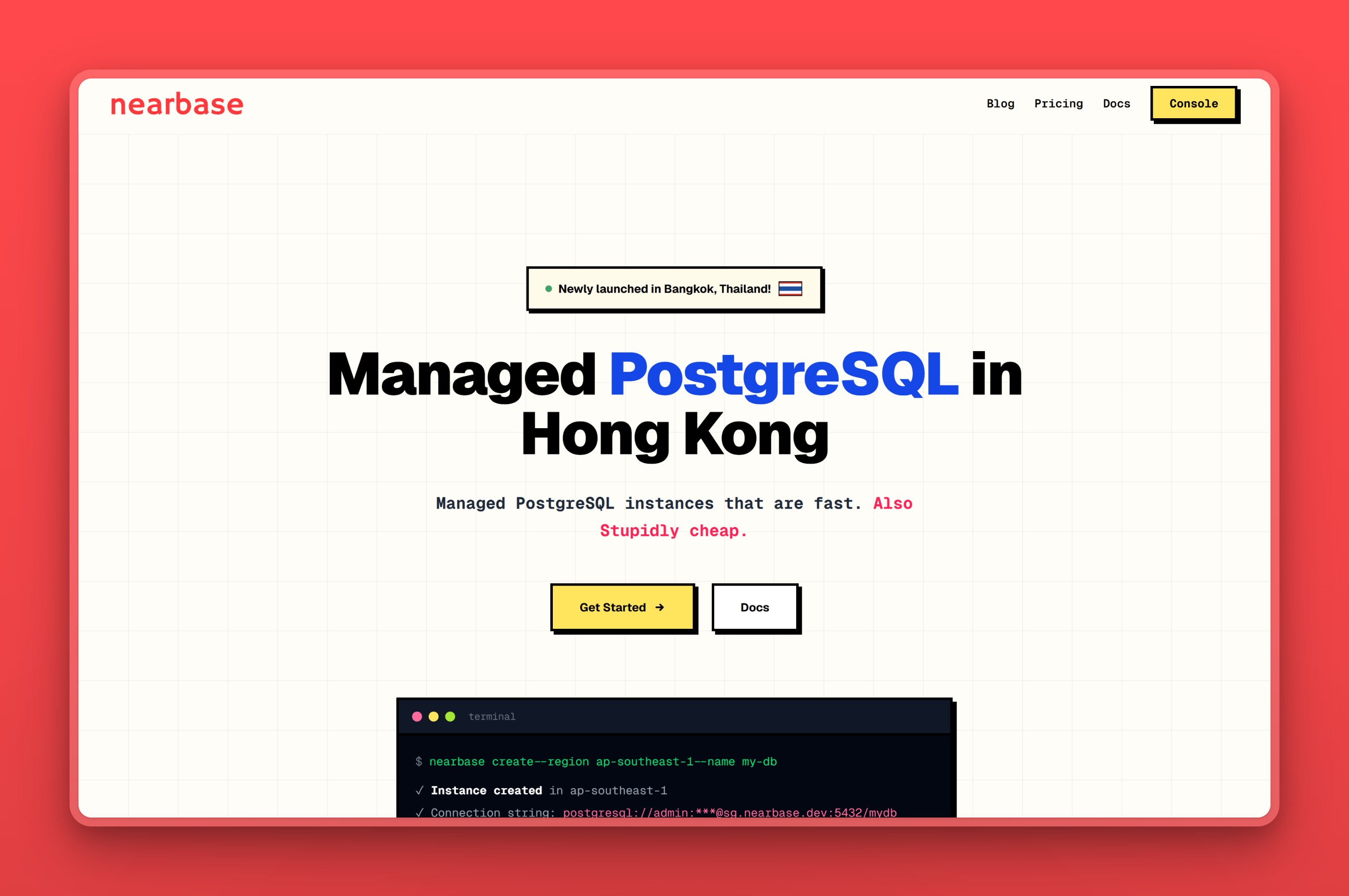
Regions / locations
The footprint covers ten regions. Nine are Asia and Middle East cities: Jakarta, Manila, Kuala Lumpur, Bangkok, Singapore, Hong Kong, Tokyo, Seoul, and Dubai, and Virginia covers North America. Neon stops at Singapore and Sydney; Nearbase can put the instance in the same city as the people using your app, in eight cities Neon has no presence in at all.
Managed features
- The instance stays on around the clock, so there is no cold start to wake up from the way there is after a quiet spell on Neon’s scale-to-zero
- Regions in nine Asia and Middle East cities, well beyond the two Neon reaches, with data that stays physically in-country for teams that need it there
- Nearbase targets sub-10ms latency by keeping the database in the same region as the users rather than a hop away
- Fully managed: provisioning, backups, and routine maintenance are handled for an instance that stays running around the clock rather than pausing the way Neon’s scale-to-zero does, backed by a 99.99% uptime SLA and automatic failover
- You size the instance once, from 1 vCPU/2 GB up to 32 vCPU/256 GB, rather than paying for compute units by the hour. ESSD storage scales separately, from 20 GB to 64 TB
Pricing model
Where Neon meters compute by the hour, Nearbase charges one flat monthly price per instance, the same in every region, with no per-query or egress line items. On Nearbase’s pricing page, at the time of writing, an entry instance starts at $6 a month; check the live page before you budget on it, since prices can move. Storage is billed separately at $3.6 per 10 GB, 20 GB minimum, which puts the smallest instance at about $13 a month all-in. Add those two line items together and you have the whole invoice; nothing in it shifts when your traffic does.
Where it falls short
- No database branching and no scale-to-zero. The instance runs around the clock by design, which is the tradeoff for never having a cold start, the same tradeoff every always-on provider in this list makes
- A newer, smaller platform than the hyperscalers, without their decade-plus track record; replica topology beyond automatic failover is not yet publicly documented
- If your users sit mostly in the US or Europe, Neon’s own broader region list already reaches them directly, so the regional wedge does not apply
Best for
The fit is a team with users in Asia or the Middle East that wants the database in-region, data kept in-country, and a bill that does not move.
2. Supabase: Postgres with auth, storage, and APIs built in
Supabase is the closest like-for-like move from Neon for an app team. It is an open-source backend platform built on managed PostgreSQL, often called a Firebase alternative, and it now offers database branching of its own. A Neon project gives you the database; Supabase adds everything most apps end up wiring around one.
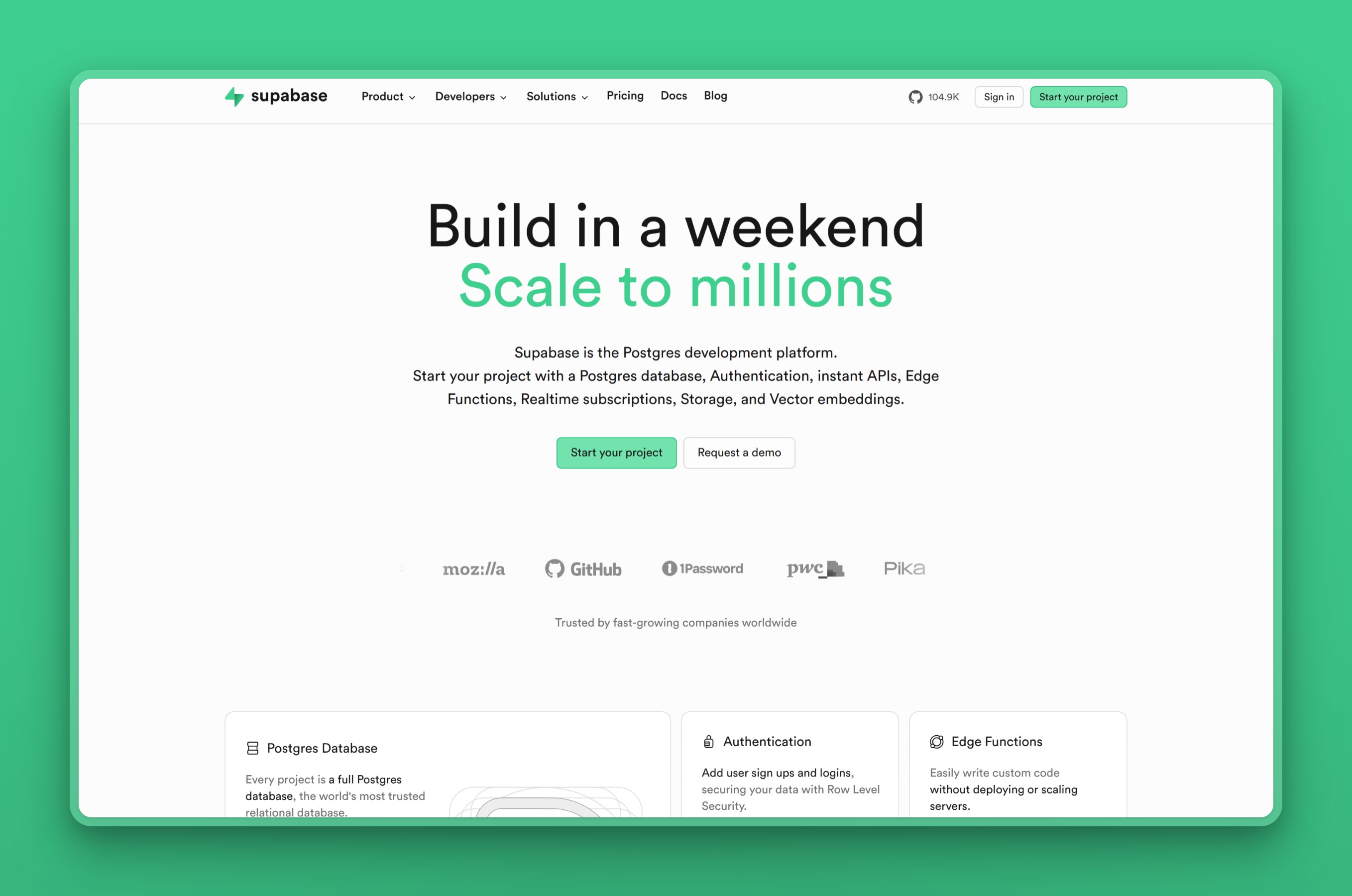
Regions / locations
Supabase offers regions in Singapore, Tokyo, Seoul, Mumbai, and Sydney across Asia Pacific, plus North America and Europe. That is wider Asia coverage than Neon, though still hub-focused.
Managed features
- Auth, object storage, auto-generated REST and GraphQL APIs, and realtime subscriptions are already wired in, the layer a bare Neon connection string leaves you to assemble from separate services
- Database branching for preview environments, Supabase’s own take on Neon’s branch-per-pull-request workflow
- pgvector for AI search and row-level security baked into the auth layer, neither of which a plain Postgres database gives you on its own
- Open-source and self-hostable, which keeps lock-in lower than a fully managed-only platform
Pricing model
Supabase keeps a free tier where the database pauses after about a week of inactivity. Its Pro plan starts at $25 a month as a base fee, with compute, egress, and per-project usage billed on top of it in arrears. This is closer to Neon’s usage-based shape than a flat plan, and it deserves the same budgeting caution.
Where it falls short
- Metered overages on top of the $25 base bill compute, egress, and per-project fees in arrears; real-world Pro bills commonly land in the $35 to $75 a month range once usage is added in, and multi-project or high-MAU setups can run well past that
- Egress lockouts have broken logins on the free tier once usage crosses the included quota, and Supabase’s own billing terms pause every project in the organization once an invoice goes overdue, a real risk for a small balance that slips past a card expiry
- Its bundled auth, storage, and realtime layer is Supabase-specific, so leaving later means rebuilding those pieces on another platform
Best for
Full-stack and indie developers who want a batteries-included Firebase alternative on real Postgres, with auth, storage, realtime, and pgvector bundled in, and who will actively watch a usage-based bill.
3. PlanetScale: Postgres built for throughput at scale
PlanetScale spent years as the managed MySQL platform teams reached for at scale, and it now runs Postgres too. Its pitch is raw performance rather than a serverless model. The Metal tier attaches NVMe storage directly to the database, and PlanetScale publishes benchmarks putting its Postgres ahead of Aurora, AlloyDB, and Neon. If you outgrew Neon on throughput rather than on price, this is the one built for that.
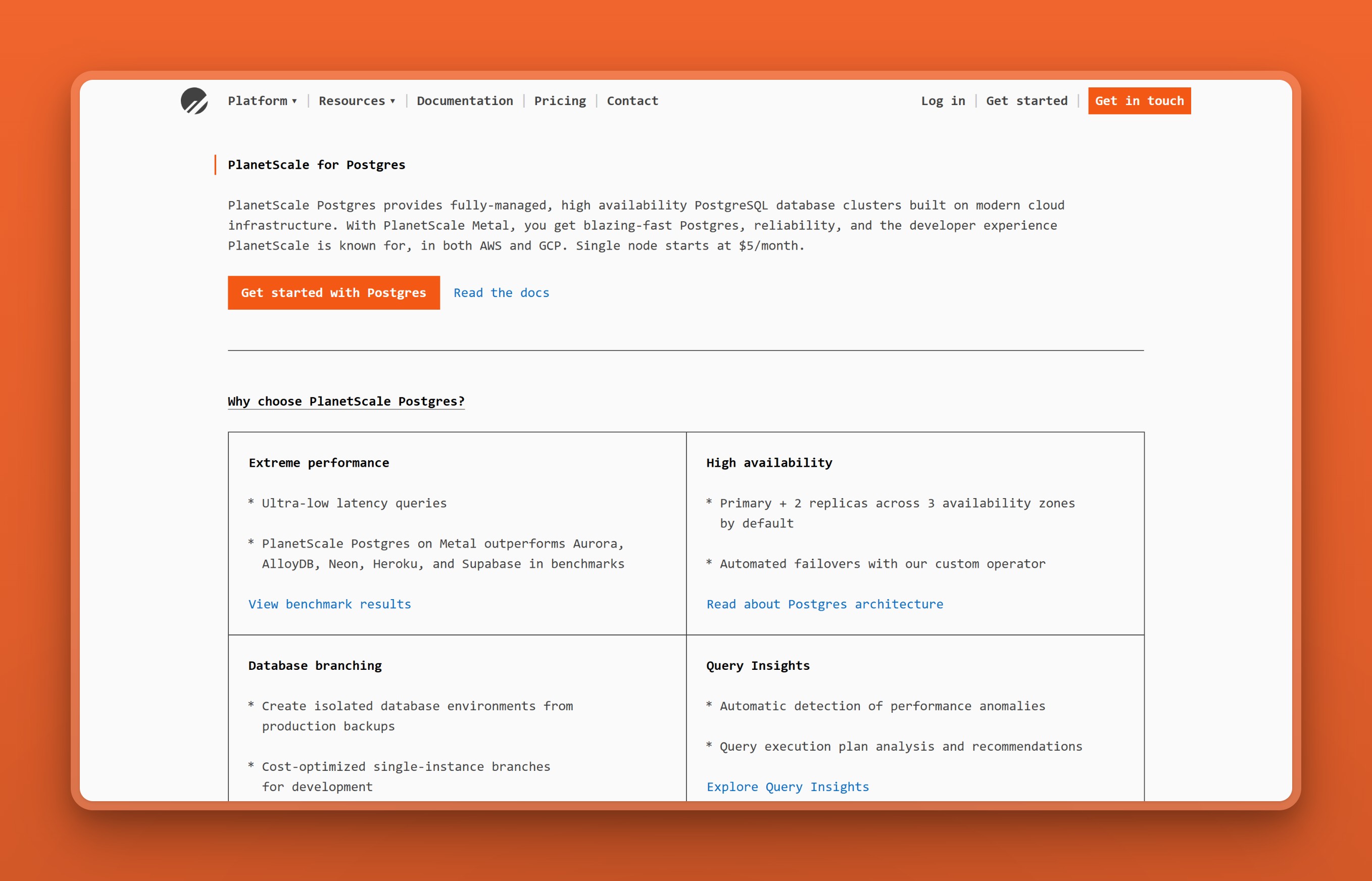
Regions / locations
PlanetScale runs on AWS and GCP. Its AWS footprint reaches Tokyo, Mumbai, Singapore, and Sydney across Asia Pacific, alongside US and European regions, with more available on GCP. That is broader Asia coverage than Neon offers.
Managed features
- Postgres branches spun up from production backups, a deploy-style take on Neon’s branching
- A Metal tier with direct-attached NVMe storage, where PlanetScale benchmarks its Postgres ahead of Neon on raw throughput
- High availability as standard: one primary and two replicas across three availability zones, failover under 30 seconds
- Query Insights and traffic controls that cap a runaway query before it becomes a bill spike, since PlanetScale’s price is tied to the node tier you pick rather than a compute meter that moves with usage
Pricing model
PlanetScale has no free tier. A single-node Postgres instance starts at $5 a month, and a high-availability three-node setup starts around $15 a month, before storage, backups, and egress. The bill scales with the cluster size you pick, not with how many queries you run.
Where it falls short
- No free tier at all; PlanetScale dropped its free plan and prices for performance over the lowest possible bill
- High availability costs three times the single-node entry price before storage, backups, and egress are even added
- Postgres is newer to PlanetScale’s platform than its original MySQL focus, so its long-term Postgres operational track record is shorter than RDS’s or Cloud SQL’s
Best for
Teams leaving Neon for more performance and headroom at scale that want a branch-based workflow without scale-to-zero.
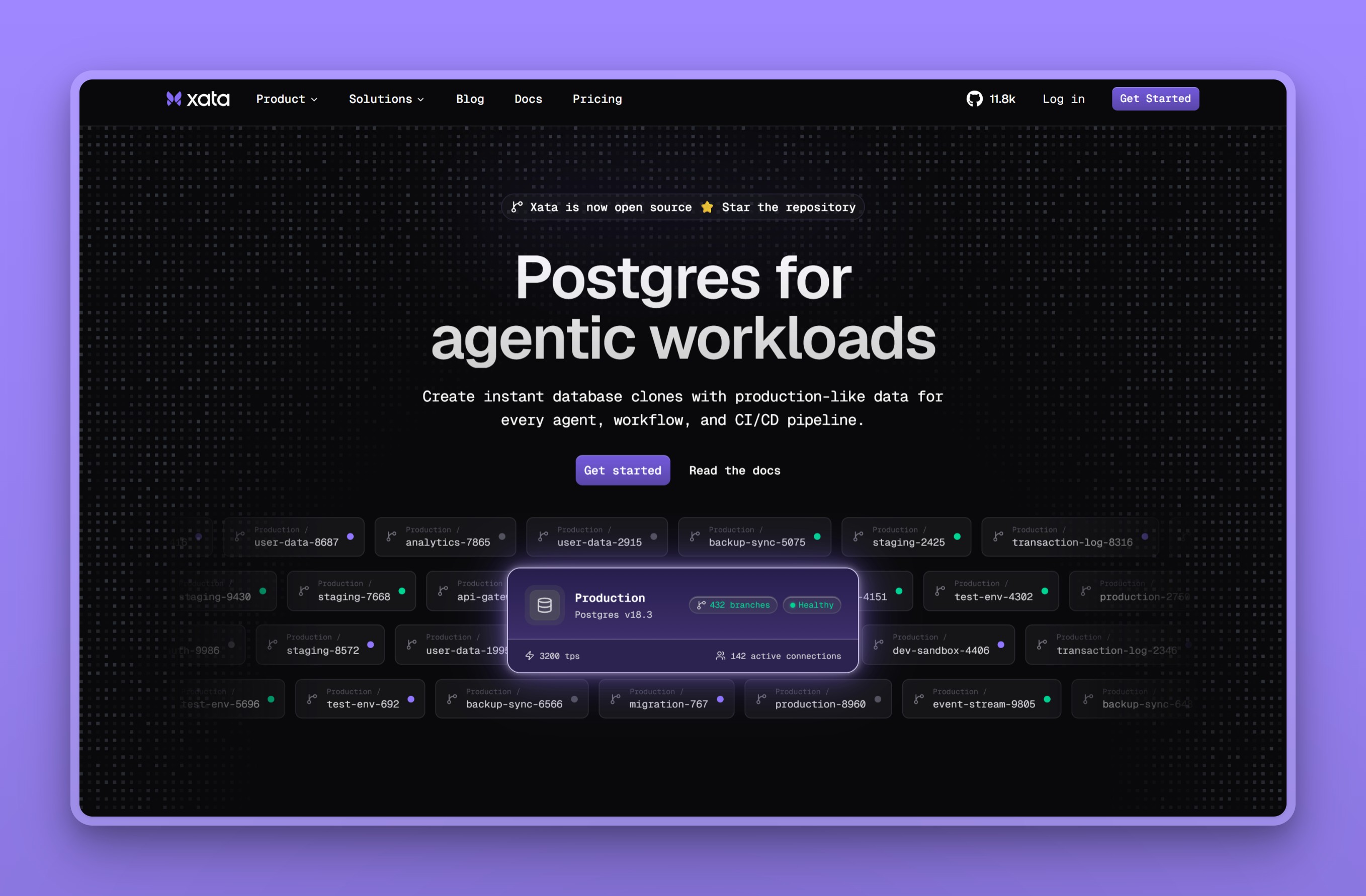
4. Xata: copy-on-write branching on a dedicated Postgres platform
Xata is a dedicated Postgres platform built around the feature Neon users most often want to keep: branching. Its branches are copy-on-write, so a new branch is a full copy of the parent’s schema and data that only charges for what changes. Idle branches scale to zero, much like Neon. For a team that likes Neon’s workflow but wants a different vendor, Xata is the closest match.
Regions / locations
Xata Cloud runs in US regions (N. Virginia and Oregon) and Europe (Frankfurt) on AWS, plus Iowa and Singapore on GCP, with a bring-your-own-cloud option for other locations. We checked this against Xata’s own pricing.md rather than its marketing page, since that is the file that lists the multiplier by region. Singapore is the one Asia-Pacific option, at a 1.2x compute and storage multiplier over the US baseline.
Managed features
- Copy-on-write branching that duplicates schema and data without copying storage
- Scale-to-zero compute that suspends idle branches, with roughly one-second wake
- Zero-downtime schema migrations
- PII anonymization for safer development branches
- Bring-your-own-cloud and on-premises deployment, with HIPAA options available
Pricing model
Xata offers a free, self-managed open-source edition, and a usage-based Xata Cloud plan that bills compute by the hour, from about $0.012 per compute-hour, plus storage per gigabyte. A bring-your-own-cloud tier is custom-priced.
Where it falls short
- Exactly one Asia-Pacific region, GCP Singapore, at a 1.2x price multiplier over the US baseline, the same city Neon already reaches
- Idle branches scale to zero and cold-start on wake, about one second, the same tradeoff Neon makes rather than a fix for it
- Xata Cloud bills compute by the hour, so it does not solve Neon’s core complaint that the bill moves with usage
Best for
Teams that came to Neon for branching and want that workflow on a different provider, especially if copy-on-write data branches or a self-hostable option matter.
5. Amazon RDS: managed Postgres inside AWS
Amazon RDS for PostgreSQL is the mature, widely deployed managed Postgres many teams move to when a side project becomes a real product. It handles provisioning, patching, backups, and failover, and when you outgrow a single instance, Amazon Aurora is the PostgreSQL-compatible engine built to scale further. For a team already inside AWS, it is the lowest-friction destination because the tooling, identity, and networking are identical.
Regions / locations
RDS and Aurora run across AWS’s broad global footprint, including many Asia Pacific regions: Singapore, Mumbai, Tokyo, Osaka, Seoul, Hong Kong, Jakarta, Hyderabad, and Sydney, among others. The big hub cities are well covered; smaller regional ones are not.
Managed features
- A long production track record, the reassurance many teams want from a database that has been run at production scale for over a decade
- No database branching, and standard RDS does not scale to zero; Aurora Serverless v2 is the AWS path that now can
- Multi-AZ failover is available but priced as a second full instance running alongside the primary, roughly doubling the compute bill, a trade-off Neon’s own high-availability options carry too
- Read replicas, including cross-region, so a busy deployment can put a replica closer to users in another region instead of routing every read back to one place
- Aurora as a PostgreSQL-compatible upgrade path when one instance runs out of room
Pricing model
RDS bills for compute, storage, provisioned IOPS, and backups separately, which is flexible but keeps the same forecasting work that pushes some teams off usage-based pricing in the first place. Aurora Serverless v2 starts at $0.12 per ACU-hour and can now scale down to zero capacity with auto-pause, before storage and I/O.
Where it falls short
- No OS-level or superuser access to the underlying instance
- Multi-AZ failover roughly doubles the compute bill, and “Expensive” and “Cost Issues” top the cons list in RDS’s G2 reviews
- Asia-region instances carry a price premium over US regions
Best for
Teams committed to AWS that want a mature, deeply supported managed Postgres and a clear path to scale through Aurora. Skip it if escaping a metered, hard-to-forecast bill was the whole reason you left Neon, since RDS keeps that model.
6. Google Cloud SQL: Google Cloud’s managed Postgres
Google Cloud SQL is the managed relational database built into Google Cloud, covering PostgreSQL, MySQL, and SQL Server. Its value shows up when the rest of your stack already runs on GCP, since it connects straight to BigQuery, GKE, and Google’s networking. When Cloud SQL is not enough, AlloyDB is Google’s higher-performance Postgres-compatible engine.
Regions / locations
Cloud SQL has a wide Asia footprint: Taiwan, Hong Kong, Tokyo, Osaka, Seoul, Mumbai, Delhi, Singapore, and Jakarta, plus the Americas, Europe, and the Middle East. AlloyDB covers a similar set, including Bangkok.
Managed features
- Far wider Asia coverage than Neon’s two regions, spanning nine cities from Tokyo to Jakarta, so users in more countries sit near the data
- A conventional always-on managed instance, without Neon’s branch-and-preview workflow
- Automated backups with point-in-time recovery, and regional high availability that fails over on its own
- Cross-region read replicas, so the primary can stay in Singapore while a replica sits in Jakarta or Delhi, the closest thing to the in-region reach Neon does not have
Pricing model
Cloud SQL bills per vCPU-hour, per GB of memory, and per GB of storage. A small shared-core instance starts around $8 a month before storage, with larger instances billed per vCPU and per GB on top. Steady workloads can take committed-use discounts, and Asia regions generally price above the US baseline.
Where it falls short
- Turning on high availability roughly doubles the compute charge and also raises the storage rate
- An idle public IP address bills whether or not traffic flows, and provisioned storage can grow but never shrink
- Real-world bills have run well past the pricing calculator’s default estimate once HA, replicas, and egress are added in
Best for
This earns its place when GCP is already your platform and the database wires straight into BigQuery and GKE. It also takes the FinOps discipline to model the real bill rather than a calculator’s default estimate. Skip it if you are a cost-sensitive startup with no other GCP footprint to justify the integration.
7. Azure Database for PostgreSQL: Microsoft’s managed Postgres
Azure Database for PostgreSQL (Flexible Server) is Microsoft’s fully managed Postgres. It is the same kind of hyperscaler default for an Azure-standardized team that Amazon RDS is for AWS and Cloud SQL is for Google Cloud. Its Asia and Middle East region list is wide, wider than Neon’s own deprecated Azure footprint ever reached.
The billing model is the same shape Neon uses, though: pay by the hour for what you provision, not a flat number. We queried Azure’s own retail-pricing API for the rates below rather than its JS pricing calculator, which would not render a number without a browser.
Regions / locations
Azure Database for PostgreSQL runs in East Asia (Hong Kong), Southeast Asia (Singapore), Japan East (Tokyo), Japan West (Osaka), Korea Central (Seoul), Korea South (Busan), Central India, South India, Indonesia Central (Jakarta), Malaysia West (Kuala Lumpur), and UAE North (Dubai), among many more regions worldwide. That covers most of the hub cities Neon skips. Azure has no Philippines or Thailand region today, though, so Manila and Bangkok are still gaps here too.
Managed features
- Zone-redundant high availability in most of its Asia regions, with an automatic standby failover Neon’s standard tier does not offer
- Burstable, General Purpose, and Memory Optimized compute tiers, so you provision a size rather than letting compute autoscale the way Neon’s serverless model does
- Automated backups with point-in-time recovery, a default 7-day retention window extendable to 35 days
- Deep integration with the rest of an Azure stack, VNet, Entra ID, and Azure Monitor, the draw for a team already standardized there
- Encryption at rest with AES-256, plus the option to stop and start a server to cut costs outside business hours, a manual version of what Neon does automatically
Pricing model
Azure bills per vCore-hour by compute tier, plus storage and backups separately, the same metered shape as Neon’s own CU-hour model. The rate depends on where you provision the instance:
- East US: the entry Burstable B1ms tier (1 vCore, 2 GB) runs about $0.017 an hour, roughly $12 a month for compute alone.
- Southeast Asia: the same B1ms tier runs about $0.026 an hour, roughly $19 a month, before storage.
Storage adds another $0.115 to $0.138 per GB-month on top, depending on the region. Unlike Nearbase’s single price everywhere, the same Azure instance costs more in Singapore than it does in the US. Check the live retail-pricing page before you budget on any of these numbers.
Where it falls short
- Bills per vCore-hour just like Neon’s own CU-hour meter, so it does not fix an unpredictable-bill complaint, only relabels it
- A standby replica for zone-redundant high availability roughly doubles the cost
- The cheap Burstable tier throttles to baseline once its CPU credits run out, and Microsoft’s own guidance does not recommend it for production
Best for
Enterprises and teams already committed to the Azure ecosystem who want a managed Postgres tightly integrated with VNet, Entra ID, and Azure Monitor. They should use reserved capacity to tame the bill. Skip it if a flat, predictable price was the whole reason you left Neon, since Azure keeps the same metered shape, just under Microsoft’s name.
8. Aiven for PostgreSQL: one managed Postgres across several clouds
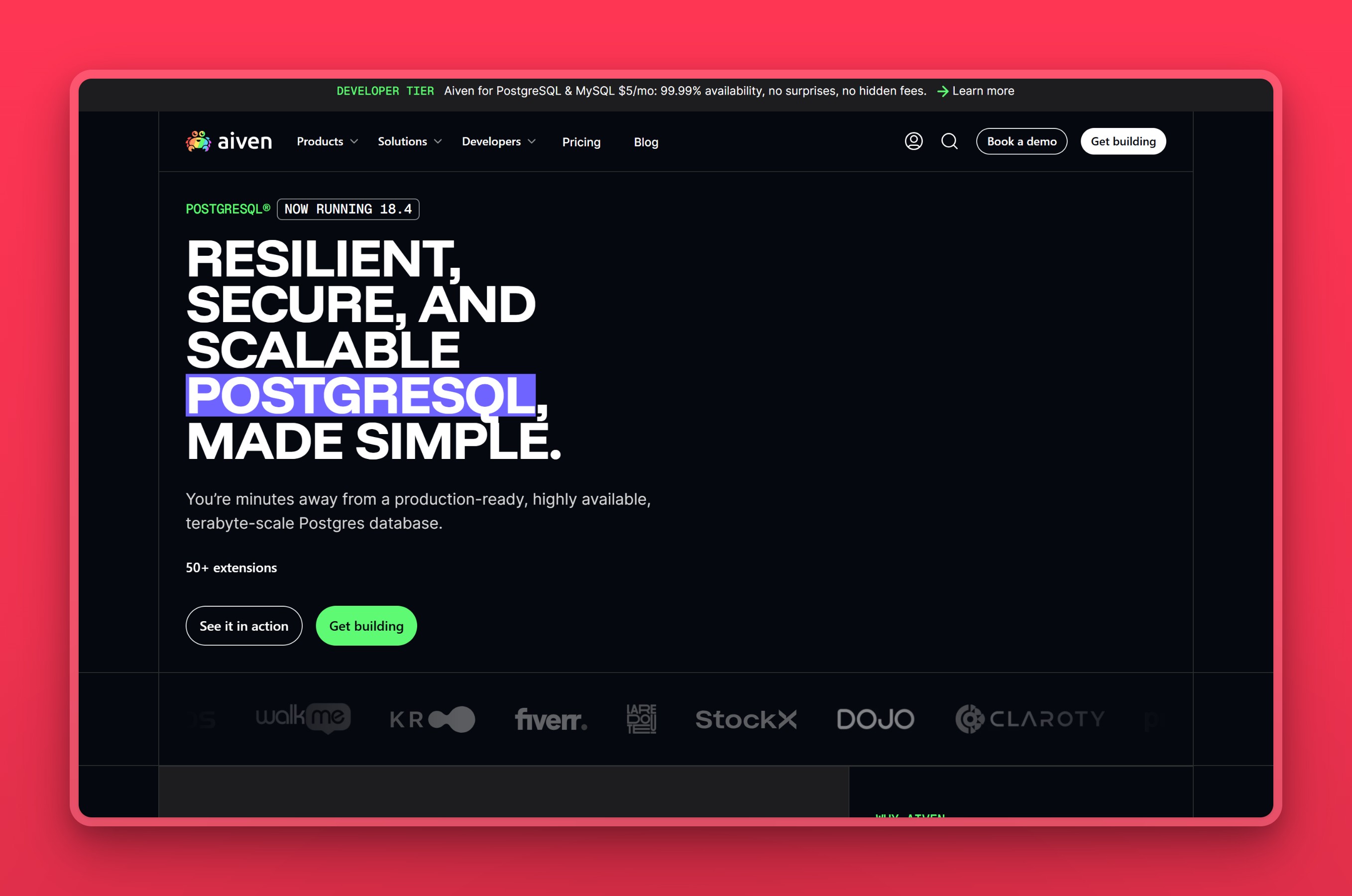
Aiven for PostgreSQL runs the same managed database on whichever cloud you pick: AWS, GCP, Azure, DigitalOcean, and others. The draw is one control plane and one bill across all of them, on flat plans rather than a usage meter. It also ships a long list of Postgres extensions ready to switch on.
Regions / locations
Through its underlying clouds, Aiven covers a broad Asia footprint: Tokyo, Osaka, Singapore, Mumbai, Delhi, Bangalore, Seoul, Hong Kong, Jakarta, and Taiwan.
Managed features
- Flat, all-inclusive plans in place of Neon’s per-hour meter, so the tier sets the bill, not traffic
- One control plane across AWS, GCP, Azure, and more, with the same database on each
- Over 50 extensions ready to enable, PostGIS, TimescaleDB, and pgvector among them
- High availability on Business and Premium, PITR up to 30 days, VPC peering, and a 99.99% SLA
Pricing model
Aiven has a free tier and a Developer tier from $5 a month, with all-inclusive flat plans above that. Moving up the tiers buys high availability and more capacity. Prices vary by the underlying cloud and region, but each plan is a flat figure rather than a meter.
Where it falls short
- Pricing is the most-flagged complaint in Aiven’s G2 reviews, with users noting costs run higher than other options once you move past the $5 Developer tier
- If you only run on one cloud, that cloud’s own managed Postgres is usually cheaper, so the multi-cloud draw does not pay off
- Extension breadth (50+) is the headline draw, but most single-workload apps only lean on a handful of them, so part of the bill pays for capability you may not use
Best for
Teams that run across multiple clouds, or want to move an instance between them without changing tools, and prefer a flat plan to usage billing.
9. Crunchy Bridge: Postgres-only hosting, nothing else bolted on
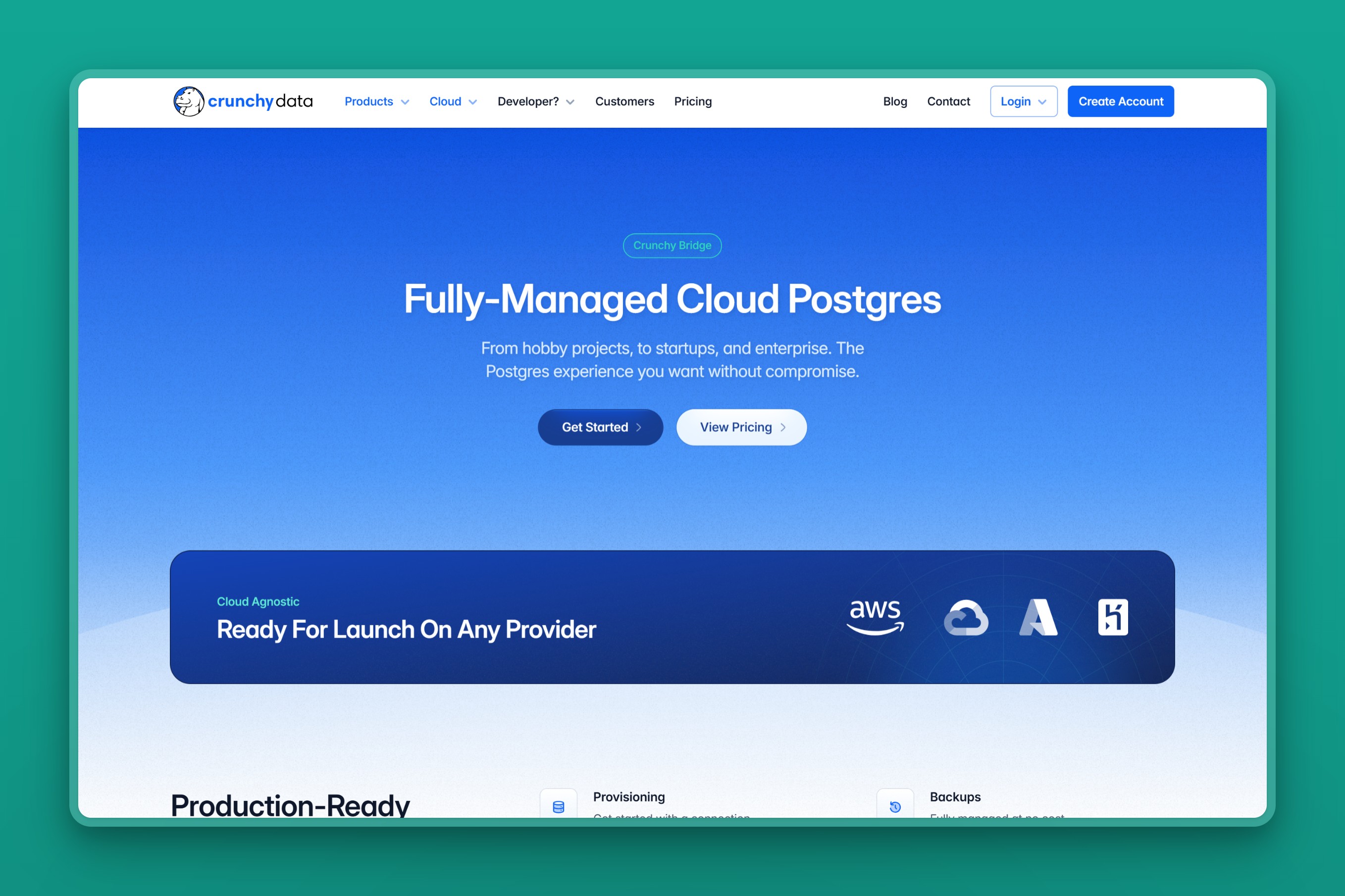
Crunchy Bridge is managed PostgreSQL from Crunchy Data, a team known for deep Postgres expertise, on AWS, Azure, or GCP. Crunchy Data joined Snowflake in 2025. Unlike Neon’s post-Databricks pivot toward AI and agent infrastructure, Crunchy Bridge’s roadmap has stayed exactly one thing: plain Postgres, run well, with nothing else bolted on.
Regions / locations
Crunchy Bridge runs on AWS, Azure, and GCP. The public product pages do not expose a simple city table, so choose the cloud provider and confirm the exact Asia-Pacific region during provisioning. Crunchy Data also documents Heroku as a migration source for teams moving off it, not as a place Crunchy Bridge itself deploys.
Managed features
- Plain PostgreSQL with no branching, no scale-to-zero, and no AI-platform features bolted on, the opposite of the direction Neon’s roadmap has taken since its own acquisition
- Flat compute pricing that already folds in backups and data transfer, in place of Neon’s usage meter
- Continuous WAL archiving for automated backups and point-in-time recovery
- High-availability replicas on production tiers, with PgBouncer pooling included
- 24/7 monitoring from a team whose focus has stayed Postgres specifically, before and after the Snowflake deal
Pricing model
Crunchy Bridge starts at $9 a month for a small Hobby instance, with storage billed separately at a flat $0.10 per GB. Compute pricing already includes backups and data transfer, which keeps the total close to the headline number.
Where it falls short
- No free tier and no scale-to-zero; the entry Hobby plan is a paid ~$9 a month, billed even when the database sits idle
- A spiky or idle side project keeps costing money here where Neon or Supabase would run it free, so hobbyists and students are better served elsewhere
- No bundled auth, storage, or realtime layer the way Supabase offers, so an app team still assembles those services separately
Best for
Teams and companies running production Postgres who want flat, predictable per-instance pricing, no egress fees, and expert Postgres-only support.
10. DigitalOcean Managed Databases: flat-rate Postgres for small teams
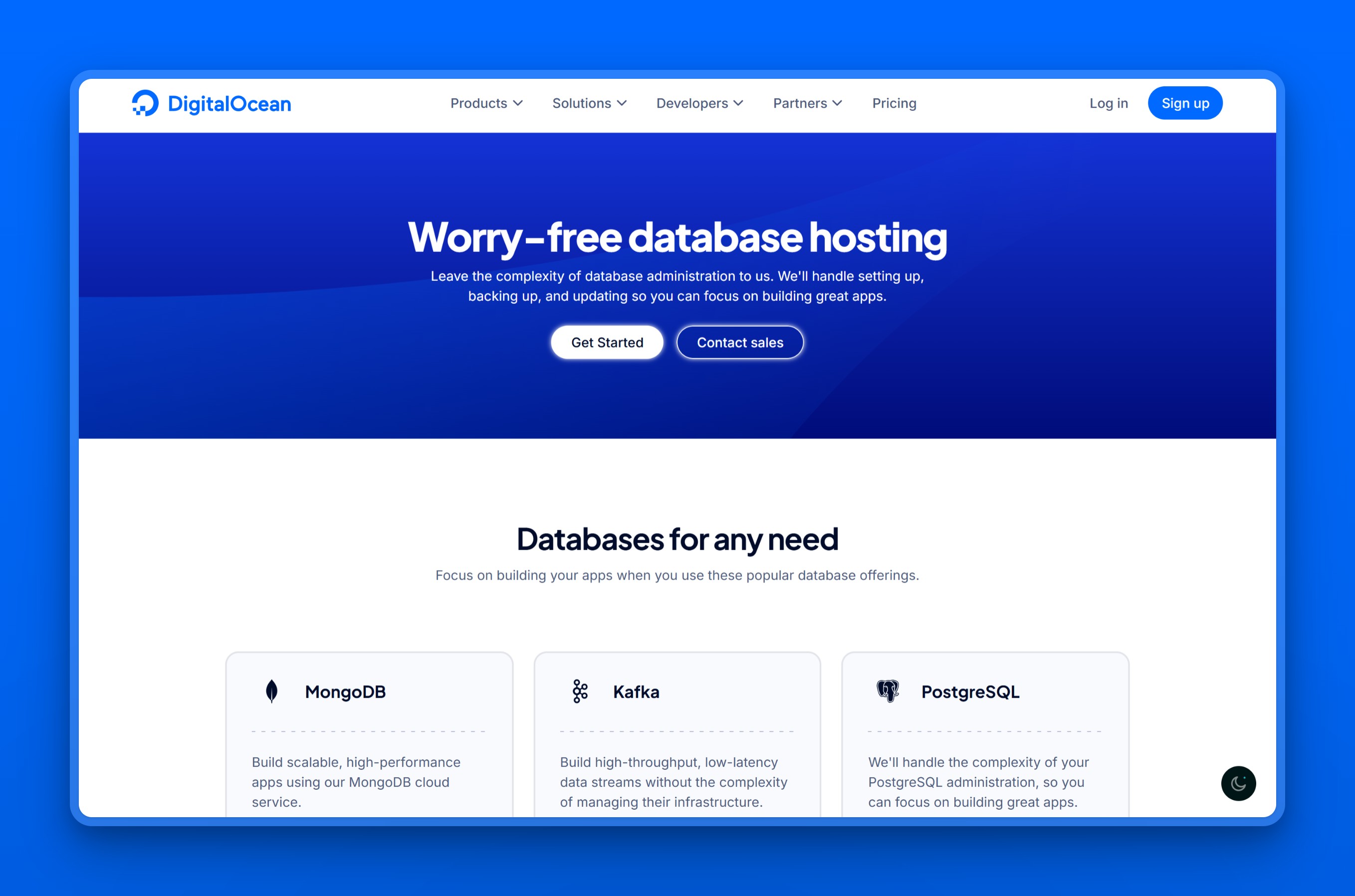
DigitalOcean Managed Databases is the simplest option here. It is an independent, fully managed service for PostgreSQL and other engines, with flat monthly pricing and a setup built for small teams. There is no separate IOPS or egress meter to reason about, which is the contrast a Neon leaver is usually looking for.
Regions / locations
Asia Pacific coverage is limited to Singapore, Bangalore, and Sydney, alongside the US, Canada, and Europe. Bangalore is the only city here Neon does not already reach; anyone outside those three pays for it in latency.
Managed features
- One flat monthly price with no IOPS or egress meter, the opposite of Neon’s usage billing
- Scaling is a resize you choose, not an autoscaler you pay for, so the bill only changes when you change the plan
- Free daily backups with 7-day point-in-time recovery, and optional high-availability nodes
- Almost nothing to tune: managed setup, automatic minor updates, and sensible defaults
Pricing model
DigitalOcean uses flat monthly pricing with bundled RAM, vCPU, and storage. The entry plan starts at $15.15 a month for 1 GiB of RAM and 10 GiB of storage, with extra storage at a fixed per-GiB rate.
Where it falls short
- A standby node for high availability costs the same as the primary, so turning it on roughly doubles the bill with no discount
- Storage can only be increased, never decreased, so over-provisioning forces a full migration to a new cluster to fix
- The shared-vCPU base tiers can hit CPU-starvation slowdowns under load
Best for
The pick if the only thing you want from a switch is the meter gone, and your users are close enough to Singapore, Bangalore, or Sydney.
11. Render: Postgres hosted next to your app
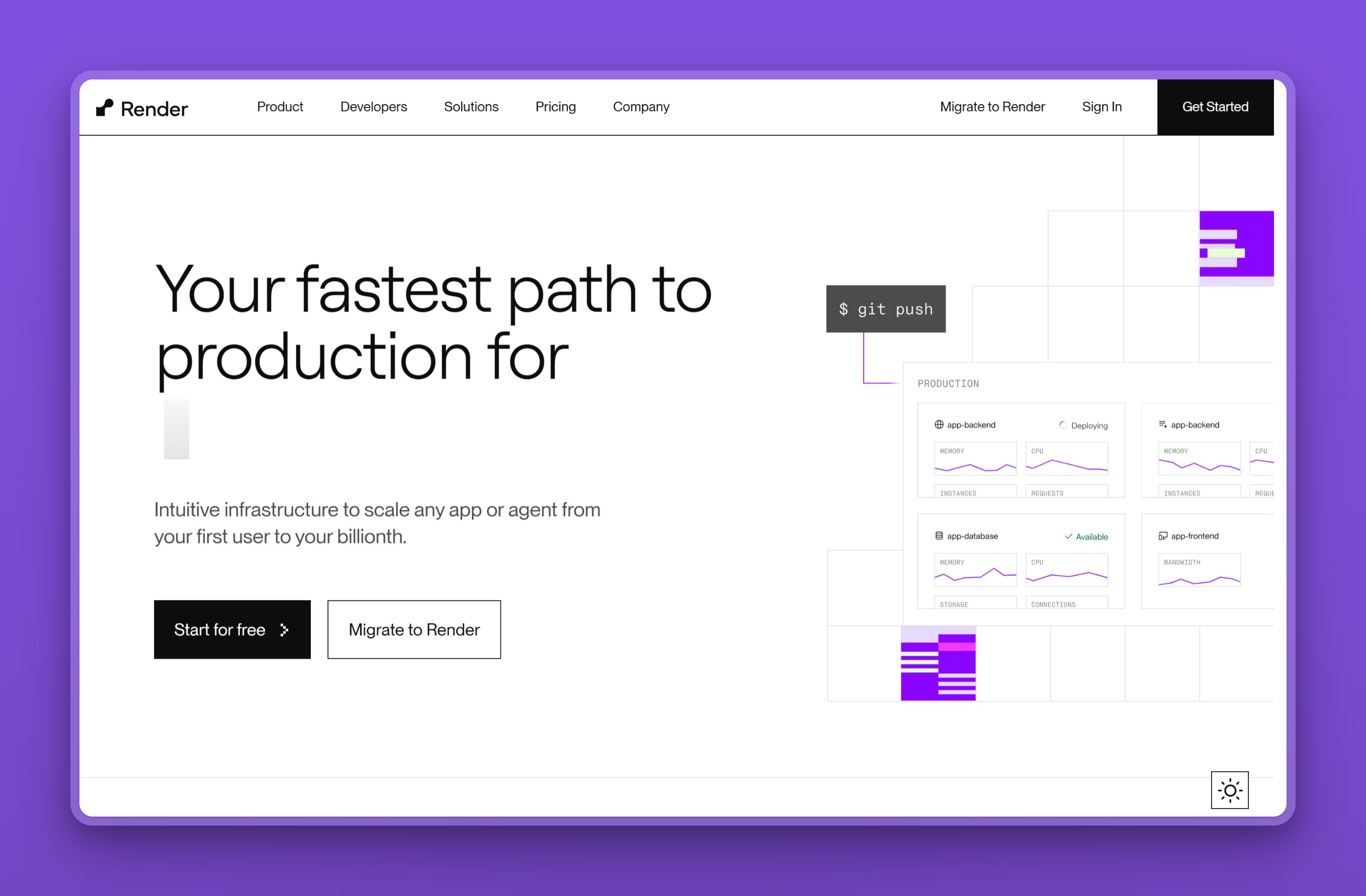
Render is a developer-friendly cloud platform that hosts your web services and a managed PostgreSQL database side by side. If pairing an app host with Neon was already your setup, Render is that same idea consolidated onto one platform, one dashboard, and one bill. The database is standard Postgres, with backups and a high-availability option.
Regions / locations
Render Postgres runs in Oregon, Ohio, and Virginia in the US, Frankfurt in Europe, and Singapore in Asia, the same city Neon already gives you. If your users are anywhere else in the region, Render does not add ground Neon does not already cover.
Managed features
- The database sits on the same platform as your web services and background workers, one bill and one dashboard instead of a database vendor and an app host to coordinate separately
- Flat plans, so the bill does not move with your traffic the way Neon’s meter does
- Daily backups with point-in-time recovery
- Read replicas for scaling reads
- Standard Postgres, so nothing proprietary to migrate onto or off of
Pricing model
Render Postgres uses flat plans, with storage billed at a fixed per-GB rate on top of the instance price. The tiers:
- Basic-256mb: $6 a month.
- Basic-1gb: $19 a month.
- Basic-4gb: $75 a month.
- Pro: from $55 a month, climbing into the hundreds on top of a per-seat workspace fee.
There is a limited free database for testing that is removed after a set period, so it suits trials rather than production. A plan that outgrows the hobby tier stops looking flat.
Where it falls short
- 7-day point-in-time recovery and high availability both require upgrading the entire workspace to a Pro plan, not something the entry tiers include
- Read replicas are billed at the full price of another primary instance, not a discounted add-on
- Price tiers jump hard past the hobby level (Basic-4gb runs $75 a month, Pro opens at $55 and climbs further), and Singapore is the only Asia region
Best for
The pick if pairing an app host with Neon was exactly the setup you want to keep, just consolidated onto one platform and one bill.
12. Tiger Cloud (Timescale): Postgres tuned for time-series data
Timescale, now sold as Tiger Cloud, answers a specific way a Neon bill gets out of hand: writing metrics, events, or IoT readings around the clock. That kind of workload never goes idle, so Neon’s per-hour compute meter never gets a break either. The raw row count also balloons faster than a general-purpose database is built to handle. Tiger Cloud is regular Postgres with the TimescaleDB extension added, which compresses and aggregates exactly that shape of data, something Neon has no built-in answer for.
Regions / locations
Tiger Cloud supports AWS and Azure deployments. The public docs expose the cloud-provider paths rather than a simple city table, so verify the exact AWS or Azure region available to your plan before committing.
Managed features
- Columnar compression that shrinks high-volume time-stamped tables Neon would otherwise store, and bill compute against, at full size
- Continuous aggregates that pre-compute rollups, so a dashboard query does not have to scan the raw stream every time, cutting the compute a metrics workload would otherwise burn
- Older history tiers off to object storage automatically, keeping the hot dataset small and cheap
- Read replicas and high availability, with point-in-time recovery varying by plan
- Compute autoscaling on plans that include it, for the bursty ingest a metrics or IoT pipeline actually produces
Pricing model
Tiger Cloud’s Performance plan starts at $30 a month, with storage metered on average consumption so it grows and shrinks with your data. A 30-day free trial, with no credit card required, lets you try it before committing.
Where it falls short
- Built specifically for high-volume time-series and metrics workloads; a plain transactional app is simpler and usually cheaper on a general-purpose Postgres host
- Storage is metered on average consumption, so unlike a flat-rate provider, the bill still moves with how much data you keep
- AWS and Azure only, no GCP, so a GCP-committed team looking for this specific compression and aggregation feature set has to look elsewhere
Best for
Reach for it if your Neon bill climbed specifically because you were writing metrics, events, or IoT readings around the clock, not because of general application traffic. Columnar compression and continuous aggregates fix that shape of workload in a way a general-purpose Postgres database, Neon included, does not.
Neon alternatives at a glance
| Tool | Cold start? | Branching? | Asia cities Neon lacks | Bill: flat or metered |
|---|---|---|---|---|
| Nearbase | No | No | Jakarta, Manila, KL, Bangkok, Hong Kong, Tokyo, Seoul, Dubai | Flat |
| Supabase | No (free tier pauses) | Yes | Tokyo, Seoul, Mumbai | Metered (base + usage) |
| PlanetScale | No | Yes | Tokyo, Mumbai | Flat (tiered) |
| Xata | Yes (idle branches) | Yes | None (Singapore only) | Metered (per compute-hour) |
| Amazon RDS | No (Aurora Serverless v2 can auto-pause) | No | Mumbai, Tokyo, Osaka, Seoul, Hong Kong, Jakarta, Hyderabad | Metered |
| Google Cloud SQL | No | No | Taiwan, Hong Kong, Tokyo, Osaka, Seoul, Mumbai, Delhi, Jakarta | Metered |
| Azure Database for PostgreSQL | No | No | Hong Kong, Tokyo, Osaka, Seoul, Central India, South India, Jakarta, KL, Dubai | Metered (varies by region) |
| Aiven | No | No | Tokyo, Osaka, Mumbai, Delhi, Bangalore, Seoul, Hong Kong, Jakarta, Taiwan | Flat (tiered) |
| Crunchy Bridge | No | No | Not published at city level | Flat |
| DigitalOcean | No | No | Bangalore | Flat |
| Render | No | No | None (Singapore only) | Flat |
| Tiger Cloud (Timescale) | No | No | Not published at city level | Flat tier + metered storage |
A cold start, a branching workflow, and a flat bill are the three things a Neon leaver actually asks about. Region depth, here, counts how many cities beyond Neon’s own two a provider actually reaches.
On a single steady, always-on production database with about 20 GB of storage, the sticker prices above tell a misleading story unless the basket is the same. Priced on that identical basket, instance plus a 20 GB storage minimum, the monthly totals separate fast:
| Provider | Plan | Monthly total (instance + 20 GB storage) | Rate used |
|---|---|---|---|
| Neon | Launch | About $84 | $0.106/CU-hour around the clock, plus $0.35/GB storage |
| Nearbase | Entry | About $13 | $6 instance, plus $7.20 storage at $3.6/10 GB |
| Crunchy Bridge | Hobby-0 | About $11 | $9 instance, plus $2 storage at $0.10/GB |
| DigitalOcean | Entry | $15.15 | Bundles only 10 GB of storage, not 20, so this is not an exact basket match |
The compute meter never stops just because the workload is steady rather than bursty. On this basket, a flat-rate provider undercuts Neon’s own meter every time. Neon’s scale-to-zero still wins for anything that is actually idle most of the time.
Which Neon alternative should you choose?
Five questions cover most reasons people leave Neon: bill, region, cloud commitment, workflow, and workload shape. Answer them in order and the field narrows fast without reading all twelve entries.
Is the main goal a flat, predictable bill instead of a usage meter?
- And you want plain Postgres: Crunchy Bridge or DigitalOcean.
- And you host the app on the same platform: Render.
Do your users sit in Asia or the Middle East, outside Singapore and Sydney?
- Yes, and a predictable bill matters too: Nearbase, for a database in-region at a flat price.
- Yes, but you also want an app backend: Supabase, in its nearest region.
Are you already committed to a hyperscaler?
- AWS: Amazon RDS, with Aurora to scale further.
- Google Cloud: Cloud SQL, or AlloyDB for heavier workloads.
- Azure: Azure Database for PostgreSQL, if leaving Neon’s own deprecated Azure regions still means staying on Azure for everything else.
Do you specifically need the serverless or branching workflow Neon is known for?
- Branching plus an app backend: Supabase comes closest.
- Copy-on-write data branching with scale-to-zero: Xata is the nearest match.
- Performance and headroom at scale: PlanetScale.
- Scale-to-zero purely to pay nothing on idle databases: this may be a case where Neon is still the right tool.
Is your Neon bill climbing specifically because of metrics, events, or IoT writes running around the clock, not general app traffic?
- Tiger Cloud, since columnar compression and continuous aggregates fix that shape of workload.
When to stay on Neon
Staying on Neon is sometimes the right call. It is built for a specific shape of work, and it is very good at it. If your databases are mostly idle, bursty, or short-lived, scale-to-zero genuinely saves money, since you pay almost nothing while they sleep. If you spin up a fresh database for every pull request or preview environment, Neon’s branching is still hard to match.
It also makes sense if your users are concentrated near Singapore or Sydney, Neon’s own two Asia-Pacific regions. Add a bill that is predictable at your current scale and a developer experience that keeps your team fast, and staying put can outweigh what switching would buy you. Switching has a real cost in time and risk.
If the meter, the missing region, or the cold start is not actually costing you anything, stay on Neon. If one of them is, that is the only thing your replacement has to fix. A flat bill points at Crunchy Bridge, DigitalOcean, or Render. A missing region or residency requirement in Asia or the Middle East points at Nearbase. A hyperscaler commitment points at Amazon RDS, Google Cloud SQL, or Azure Database for PostgreSQL. For the wider managed-Postgres market beyond Neon specifically, see the best Postgres hosting providers.
Neon stops at Singapore and Sydney. If your users are in Jakarta, Manila, or Dubai, launch a Postgres instance there with Nearbase at a flat monthly price. Run a real workload through it before you commit.
Frequently asked questions
Basics
What is the best alternative to Neon?
There is no single best alternative; it depends on why you are leaving. If a flat bill matters most, Crunchy Bridge, DigitalOcean, and Render trade Neon’s meter for one number. If your users are in Asia or the Middle East outside Singapore and Sydney, Nearbase runs in nine cities Neon does not reach, also at a flat price. Supabase is the closest match for the Neon-style developer experience plus an app backend. Amazon RDS, Google Cloud SQL, and Azure Database for PostgreSQL fit teams already committed to those specific clouds.
What is the difference between Neon and Supabase?
Supabase adds a full backend on top of managed Postgres: auth, storage, realtime subscriptions, and auto-generated REST and GraphQL APIs. A bare Neon project gives you only the database connection string. Both offer branching and a free tier, but Supabase’s free databases pause after about a week of inactivity. Its Pro plan starts at a $25 base fee with compute, egress, and per-project usage billed on top, closer to Neon’s own usage-based shape than a flat plan. Pick Neon for serverless Postgres alone with scale-to-zero. Pick Supabase for the database plus the app backend already wired in.
Is Neon still independent after Databricks bought it?
No. Databricks acquired Neon in 2025 to run Postgres for AI-agent workloads, and Neon now operates as part of Databricks rather than as a standalone company. The core database and its pricing model have not changed because of the deal. What has changed is the roadmap, which now points at AI and agent infrastructure, Managed Better Auth, Object Storage, an AI Gateway, rather than at more Asia regions or a flatter bill.
Why is Neon’s bill unpredictable?
Neon’s paid plans bill compute by the hour and storage by the gigabyte, with no reserved-capacity rate, so the cost tracks usage. For an idle or bursty database that is cheap, because it scales to zero. For an always-on production database the meter runs continuously, and a traffic spike raises the compute bill in proportion. Flat-rate providers quote one monthly number instead.
Migration and compatibility
How hard is it to migrate off Neon?
For most teams it is a standard PostgreSQL migration. Neon runs standard Postgres, so your schema, queries, and drivers carry over. A small database can move with pg_dump and pg_restore plus a connection-string change. A larger one uses logical replication to cut over with minimal downtime. Confirm your target provider allows logical replication as a subscriber.
Do my Neon branches come with me if I leave?
Not directly. A branch is Neon’s own copy-on-write feature, so switching providers means recreating the workflow, not copying the branches themselves. Xata is the closest match, with copy-on-write branches that scale to zero on idle, and Supabase and PlanetScale both offer their own branching. Most other managed-Postgres providers here, including Nearbase, run plain standard Postgres without branching, so weigh how central branch-per-pull-request is to your team before ruling them out.
What happens to my Neon project in an Azure region?
Nothing happens to data already there, but you cannot start a new project on Azure. Neon has deprecated its Azure regions, stopped accepting new Azure projects, and supports existing ones “until further notice” with no end-of-support date published. Azure Database for PostgreSQL is the Azure-native alternative for a team that specifically wants to stay on Azure, though it keeps the same metered, pay-as-you-go billing model Neon uses, just under Microsoft’s name.
Regions and cost
Which Neon alternative is best for users in Asia?
Weight region coverage first. Neon offers only Singapore and Sydney in Asia Pacific, so if your users are elsewhere in the region, look at providers with more cities. The hyperscalers, Amazon RDS, Google Cloud SQL, and Azure Database for PostgreSQL, cover hub regions like Tokyo, Mumbai, and Jakarta. Nearbase is built specifically for this case, running managed Postgres in local data centers across nine Asia and Middle East cities, including ones the others skip.
Can a Neon alternative keep my data in a specific country?
Only if it has a region in that country, and only a few genuinely do. Amazon RDS, Google Cloud SQL, and Azure Database for PostgreSQL cover most of the region’s hub countries between them. Nearbase holds a region in nine Asia and Middle East cities, including Manila, Kuala Lumpur, Bangkok, and Dubai, cities none of the hyperscalers’ Asia hub lists reach. Match the provider’s real region list to the exact country your obligation names, and treat that as a yes-or-no filter before you compare anything else.
Will my bill actually go down if I move off Neon?
For a steady, always-on production database, usually yes, and often by more than the sticker prices suggest once storage is counted the same way on both sides. A workload that runs Neon’s Launch meter near $84 a month all-in costs about $13 on Nearbase or about $11 on Crunchy Bridge’s entry tier for the same instance-plus-storage basket. For an idle or bursty database, Neon’s scale-to-zero is still hard to beat, since a sleeping database costs close to nothing. Moving it to an always-on flat-rate provider can raise the bill instead of lowering it.
Last updated: 2026-07-28 Originally published: 2026-07-03