10 Best ElephantSQL Alternatives Reviewed (Free + Paid)
ElephantSQL alternatives compared: 10 managed Postgres hosts with free tiers, flat pricing, Asia and Middle East regions, and a step-by-step migration.

ElephantSQL shut down on January 27, 2025, so every alternative here is a live managed Postgres service you can migrate to today. If your users are in Asia or the Middle East, Nearbase runs Postgres in local data centers at a flat monthly price. Nine more managed-Postgres services are compared below, with a step-by-step migration included.
ElephantSQL ran standard PostgreSQL, so your schema, queries, and drivers move to any of these providers without a rewrite. The real question is which one fits your region, your budget, and your rules about where the data lives. Every price and region below reflects Asia and Middle East coverage, city by city, and PostGIS, pgvector, and TimescaleDB support is called out for each one.
TL;DR
For a free or near-free hobby database, Neon and Supabase are the closest heirs to the Tiny Turtle plan. For users in Asia or the Middle East who also want a predictable monthly bill, Nearbase runs managed Postgres in local data centers at a low, flat monthly price. Aiven is the official migration partner 84codes named, and Crunchy Bridge, Render, and DigitalOcean win on flat, predictable pricing.
| Tool | Best for | Key strength |
|---|---|---|
| Nearbase | Teams serving users in Asia or the Middle East | Postgres in a local data center at a low, flat price |
| Neon | Free and hobby databases | A real free tier with scale-to-zero |
| Supabase | App teams who want a backend, not just a database | Postgres plus auth, APIs, and storage |
| Aiven | Teams that took the official ElephantSQL exit | Multi-cloud with the widest Asia and Gulf region list |
| Crunchy Bridge | Developers who want plain Postgres run well | Flat pricing and deep Postgres expertise |
| Render | Teams hosting the app and database together | Cheap Postgres attached to an app platform |
| DigitalOcean | Simple apps that want one flat bill | Predictable monthly price, little to tune |
| Azure Database for PostgreSQL | Teams already standardized on Azure | Deep Azure integration, broad Asia and Gulf region list |
| Amazon RDS | Teams already inside AWS | Mature managed Postgres, broadest region map |
| Google Cloud SQL | Teams already on Google Cloud | Wide Asia coverage, deep GCP integration |
What happened to ElephantSQL, and why migrate now?
ElephantSQL was a hosted PostgreSQL service run by 84codes, best known for its free Tiny Turtle plan and its dead-simple setup. It is now fully retired. According to the company’s end-of-life announcement, new sales stopped in 2024, the service reached end of life on January 27, 2025, and shared-instance data was deleted on February 28, 2025.
The retirement was not caused by a technical failure. 84codes decided to concentrate on its RabbitMQ and LavinMQ messaging products and wound ElephantSQL down, arranging a migration partnership with Aiven for customers who wanted a direct handoff. On the way out, the shutdown turned aggressive. The schedule escalated daily outages, from an hour a day up to a full-day blackout, to push stragglers off before deletion. One developer on Hacker News described the brownouts as “harsh but effective.”
“I had built over 20 small projects using ElephantSQL,” one developer wrote on DEV. “Their free plan was, in my personal opinion, the best PostgreSQL service a beginner might ever get.”
Shared-instance data has been gone since February 28, 2025, and any dedicated instance still running today sits well past 84codes’ own January 27, 2025 end-of-life date. Every live service below runs standard PostgreSQL, so the switch is a database migration, not a rebuild. Here’s how to make that move before you pick a destination.
How to migrate off ElephantSQL
Migrating off ElephantSQL is a standard PostgreSQL migration, because ElephantSQL ran standard Postgres. If your instance still exists, your schema, queries, and drivers carry over to any of these providers with a pg_dump and a connection-string change. If it was already deleted, you are restoring from your own last backup into the new host instead.
If your database is small and you can afford a short maintenance window, a dump and restore is the simplest route. Check the source’s installed extensions first, create matching ones on the target, take a compressed dump with pg_dump -Fc, then load it with pg_restore. The commands below use placeholder connection strings, $ELEPHANTSQL_URL for the old database and $NEW_DATABASE_URL for the new one, so you can drop in your own and run them as-is.
  # 1. List the extensions installed on the source, so you know what the target needs
psql "$ELEPHANTSQL_URL" -c "\dx"

  # 2. Dump the source database in compressed custom format
pg_dump -Fc --no-owner --no-privileges -d "$ELEPHANTSQL_URL" -f source.dump

  # 3. Create each extension from step 1 on the target BEFORE restoring
psql "$NEW_DATABASE_URL" -c "CREATE EXTENSION IF NOT EXISTS postgis;"
psql "$NEW_DATABASE_URL" -c "CREATE EXTENSION IF NOT EXISTS vector;"

  # 4. Restore the dump into the new provider
pg_restore --no-owner --no-privileges -d "$NEW_DATABASE_URL" source.dump

  # 5. Point the app at the new connection string and deploy
export DATABASE_URL="$NEW_DATABASE_URL"
A missing extension is the single most common reason step 4 stops halfway, which is why step 1 and step 3 run before the restore, not after. Downtime scales roughly with the size of the database.
A larger database with little tolerance for downtime calls for PostgreSQL logical replication instead, so the old database keeps serving traffic while the new one catches up. Load the schema into the target first, every extension included, with pg_dump --schema-only | psql, since a missing extension is the most common reason a restore stops halfway. Then create a publication on the source (CREATE PUBLICATION pub FOR ALL TABLES;) and a subscription on the target that points back at it (CREATE SUBSCRIPTION sub CONNECTION '...' PUBLICATION pub;).
Wait for the initial copy to finish and the stream to catch up, watching replication lag until it hits zero. Then cut over: stop writes to the source, confirm lag is still zero, repoint the app, and drop the subscription.
Before you start, check that the destination supports every extension your app uses, since PostGIS, pgvector, or TimescaleDB parity can decide the whole migration. And if your app opens lots of short-lived connections, put a pooler in front of the new database, the way ElephantSQL fronted its instances with PgBouncer. Several providers here include one.
Free ElephantSQL Alternatives Compared
Neon, Supabase, and Aiven are the only three here with a genuine, ongoing free tier, not a time-limited trial. Free-tier terms shift often, so confirm current limits before you commit; every figure below comes from that provider’s own live pricing page, linked again in its section further down.
| Provider | Free-tier storage/limits | Sleep or pause behavior | Connection limits | Upgrade price |
|---|---|---|---|---|
| Neon | 0.5 GB storage per project, up to 100 projects, 100 CU-hours of compute per project each month | Scales to zero automatically after 5 minutes idle and wakes on the next connection, no manual restart | Pooled connections built on PgBouncer, included free, up to 10,000 pooled connections | Launch tier, usage-based; a typical intermittent workload runs about $15 a month (see Neon’s own entry below) |
| Supabase | 500 MB database size and 1 GB file storage, capped at 2 active projects | Pauses after 7 days of inactivity and needs a manual restore from the dashboard | 60 direct connections and 200 pooled connections through the built-in Supavisor pooler | Pro plan from $25 a month (see Supabase’s own entry below) |
| Aiven | 1 GB total storage on one dedicated 1 vCPU / 1 GB RAM VM, fixed cloud and region | Never pauses on a timer, though Aiven can shut down a free service it flags as abandoned or in breach of its acceptable-use policy | No connection pooling on the free plan, and no choice of cloud or region either | Developer tier from $5 a month (see Aiven’s own entry below) |
Render, DigitalOcean, Crunchy Bridge, Azure, Amazon RDS, and Google Cloud SQL all skip this table because none of them runs a genuine ongoing free tier. Render’s free database expires after 30 days, Amazon RDS gives new AWS accounts a 12-month free tier, and Google Cloud SQL offers only a one-time trial credit for new accounts. DigitalOcean, Crunchy Bridge, and Azure carry no free tier at all. Treat any of those as a runway, not a destination.
What actually matters when you replace ElephantSQL
What matters most comes down to where your users are, whether there’s a free or cheap tier, how predictable the bill is, and how hard the move will be. Focus on whatever fits your situation.
Regions and data residency
Where your database sits affects both how fast it answers and whether you’re even allowed to keep the data there in the first place.
Physical distance sets a hard floor on latency. ElephantSQL let you choose a cloud region, and if your users were far from it, every query paid for the round trip. One team hosting in US-West for a Hong Kong user base measured 150 to 200 milliseconds of base latency, enough to cause intermittent request timeouts. Moving the database to Singapore cut that to around 30 milliseconds. When you compare providers, check the actual cities in each one’s region list and confirm your users’ city is on it.
Residency, on the other hand, comes down to what the law requires, not how close the server sits. When a regulator or a customer contract requires the data to live inside a specific country, that requirement sets your shortlist before anything else. In-country residency means the database physically sits inside the named country. Many providers cannot offer that in every location you might need it.
A foreign-owned provider with a local data center can still fall under its home country’s disclosure laws. Developers building for regulated markets run into this gap repeatedly. Match each provider’s region list to the country your obligation names, and treat it as a yes-or-no filter. Nearbase covers this case for Asia and the Middle East, and our guide to data residency in the region explains what in-country hosting does and does not satisfy.
Is there a free or genuinely cheap tier?
For many ElephantSQL users, the free Tiny Turtle plan was the entire reason they were there. The free-tier comparison above spells out which providers still give that away and where the fine print bites. If none of those fit, judge a paid tier by the same rule. A flat price you can budget beats a meter that swings from a few dollars one month to hundreds the next.
How predictable is the bill?
Managed Postgres pricing splits into two shapes: a flat monthly figure per instance, or a meter that moves with usage. The meter can be cheaper for an idle or bursty database and more expensive, sometimes sharply so, for a steady one. Developers report the same database costing a few dollars one month and hundreds the next, depending on whether the app ever went idle.
Nearbase, Aiven, and Crunchy Bridge sit on the flat side of that split: one instance price, no usage meter. Neon, Supabase, Amazon RDS, and Google Cloud SQL price by usage instead. Decide up front whether you want elasticity or a number you can budget.
How hard is the migration, and do your extensions come along?
Because ElephantSQL ran standard Postgres, moving to another standard-Postgres provider is a normal migration. The one thing that does not always travel is your extensions. If your app depends on PostGIS, pgvector, or TimescaleDB, confirm the destination supports the same ones before you commit. A missing extension can block a restore halfway through. Connection pooling matters too: ElephantSQL fronted its shared instances with PgBouncer. If your app opens many short-lived connections, check that the new host offers pooling rather than leaving you to run it yourself.
10 Best ElephantSQL Alternatives
Every option below is a live, fully managed PostgreSQL service whose core product is the database, not web hosting with a database bolted on. Prices are entry-level and current at the time of writing, so treat them as a starting point, not a quote.
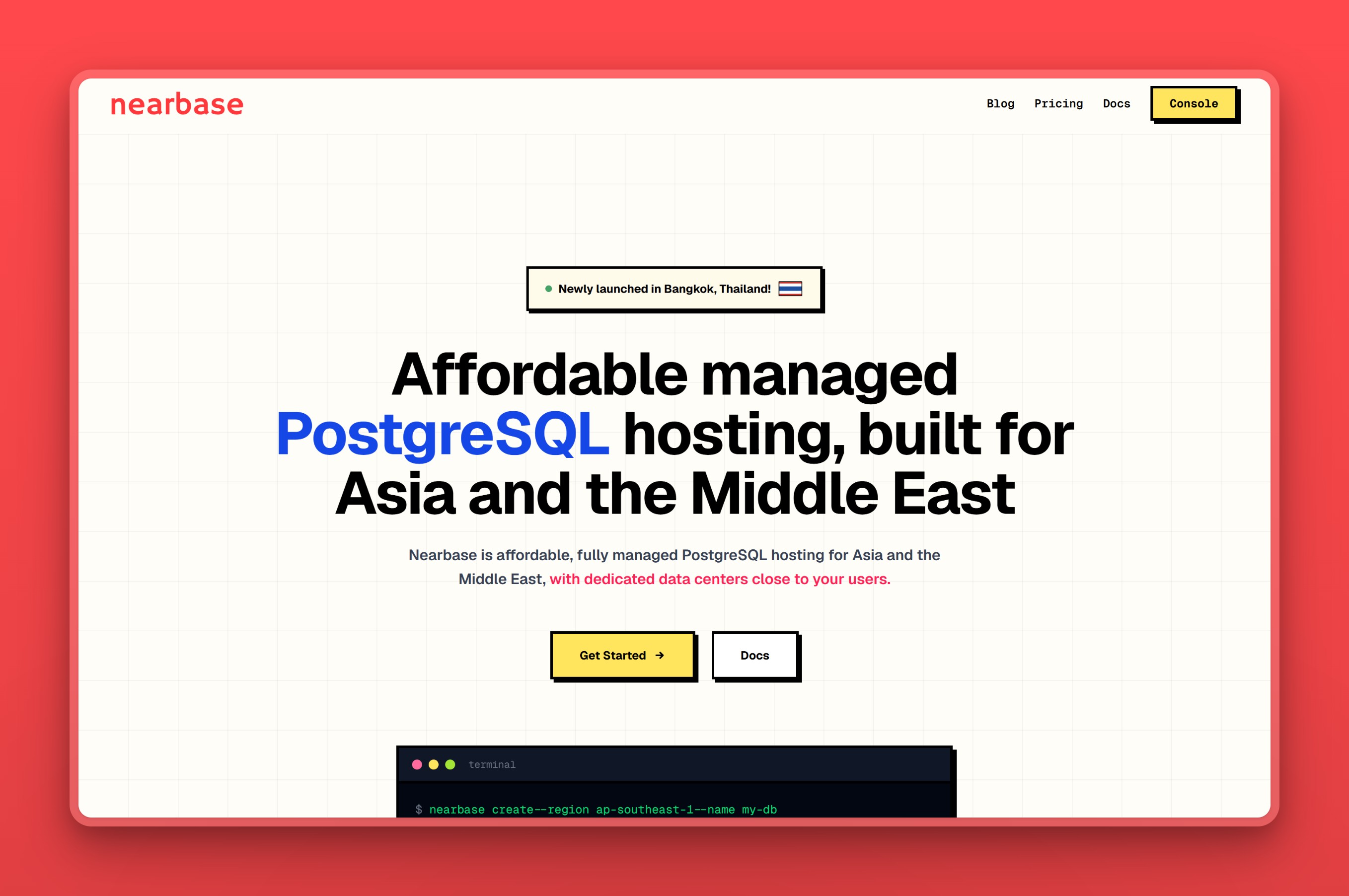
1. Nearbase: Postgres hosted in local Asia and Middle East data centers
We built Nearbase to run your managed Postgres inside local data centers across Asia and the Middle East. That includes cities most providers reach late or skip entirely: Jakarta, Manila, Bangkok, and Dubai. One flat monthly price per instance covers it, the same in every region. Storage is billed separately, and there are no per-query fees or egress meter. If your ElephantSQL app served the region from a distant cloud, this is the switch that puts the database next to the people using it.
Regions / locations
Nearbase runs in ten regions. Nine are Asia and Middle East cities: Jakarta, Manila, Kuala Lumpur, Bangkok, Singapore, Hong Kong, Tokyo, Seoul, and Dubai. The tenth, Virginia, covers North America, so a team whose users sit mostly in Asia but partly in the US can keep both on one provider. That Asia and Middle East list is still the reason to look here. Most managed hosts stop at Singapore or Tokyo, while Nearbase can put the instance in the same city as your users.
Managed features
- We handle the operational work, provisioning, backups, and routine maintenance, backed by a committed 99.99% uptime SLA. That’s what matters most right after migrating off a host that disappeared with little warning
- Data residency inside each of the nine Asia and Middle East cities, so regulated records never leave local soil
- A sub-10ms latency target, reached by keeping the database in the same region as the users rather than an ocean away
- General Purpose and Dedicated instance types that scale from 1 vCPU and 2 GB, plenty for a workload the size of ElephantSQL’s old shared plans. If that workload grows, it can scale up to 32 vCPU and 256 GB of compute, with ESSD storage from 20 GB to 64 TB
Pricing model
Nearbase charges one flat monthly price per instance, identical in every region, with storage billed separately. An entry instance starts at $6 a month, the low end of this list. Storage is billed separately at a flat rate per 10 GB. The bill is the instance plus storage rather than a meter that climbs with traffic, and there are no per-query, IOPS, or egress charges. That flat structure lands well below what the major cloud providers charge for managed Postgres once you add up their metered line items. For a team coming off a usage meter, that is the whole point: a number you can put in a budget.
Where it falls short
- Nearbase doesn’t offer database branching or scale-to-zero. The instance stays on around the clock by design, so it bills the same whether the app is busy or idle
- It’s a newer, smaller platform than the hyperscalers, without the decade-plus operational track record Amazon, Google, or Microsoft can point to
- Teams whose users sit mostly in the US or Europe are a weaker match, since a provider with a bigger footprint there already puts the database closer to those users
Best for
Nearbase fits a team whose users are in Asia or the Middle East and who want the database in-region, the data kept in-country, and a bill they can budget. If a free hobby database was ElephantSQL’s whole appeal for you, Neon or Supabase lands closer. It is also a weaker match when your users sit mostly in the US or Europe, where a provider with a bigger footprint there will serve them better.
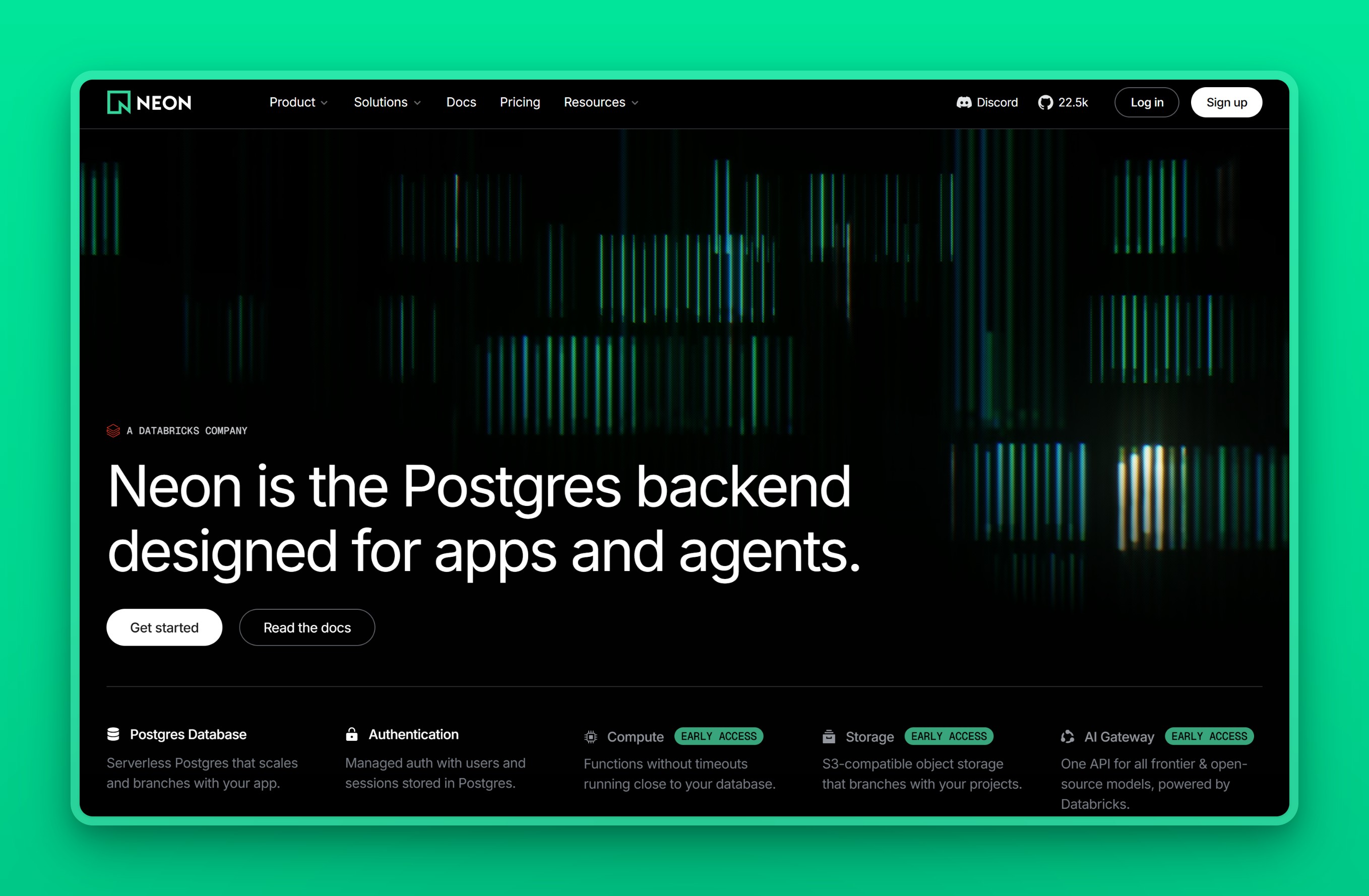
2. Neon: serverless Postgres, scale-to-zero, and a real free tier
Neon is ElephantSQL’s closest spiritual successor, because it brings back the thing people miss most: a genuine free Postgres database. It is serverless, separating storage from compute so it can autoscale and scale to zero when idle. It can also branch a database, creating an instant copy for preview environments. Neon was acquired by Databricks in 2025 and still runs as a standalone service.
Regions / locations
Neon runs on AWS in the US, in Frankfurt and London, and in two Asia-Pacific regions, Singapore and Sydney. Neon is retiring its older Azure regions. For an Asian user base outside Singapore, that coverage is thin, which is the main thing to check before committing.
Managed features
- A free tier that stands in directly for ElephantSQL’s Tiny Turtle plan, with a paid path when you outgrow it
- Scale-to-zero compute that suspends an idle database, so a quiet project costs almost nothing
- Instant database branching from production data, useful for pull-request previews
- Point-in-time recovery through branch history rather than a separate backup job
- Standard Postgres with pgvector, so an AI side project works without extra setup
Pricing model
Neon keeps a free plan with a fixed compute and storage allowance across a handful of projects. Paid usage is metered: its Launch tier bills compute by the hour and storage by the gigabyte, with no minimum, per the Neon pricing page. The meter is the catch. For an always-on database the cost tracks traffic. One pricing breakdown of Neon’s serverless model put the same database at $3 a month or $680 a month, same size, depending only on whether it ever sleeps.
Where it falls short
- The usage-based bill can move a lot as traffic grows. That same pricing breakdown put the same database anywhere from $3 to $680 a month depending only on whether it ever sleeps, a hard number to budget against
- Waking a scaled-to-zero database takes about 350 milliseconds, per Neon’s own pricing page. Enough teams keep an always-on compute floor running just to dodge that wait, and doing so quietly erodes the serverless savings
- Outside Singapore and Sydney, Neon has no other Asia-Pacific presence, so a steady, latency-sensitive workload elsewhere in the region is a weaker match
Best for
Neon is the natural home for the free and hobby databases ElephantSQL used to hold, and for teams that want branching and scale-to-zero. Watch the bill if you move a steady, always-on workload onto it, and look elsewhere if you need a region deeper into Asia than Singapore.
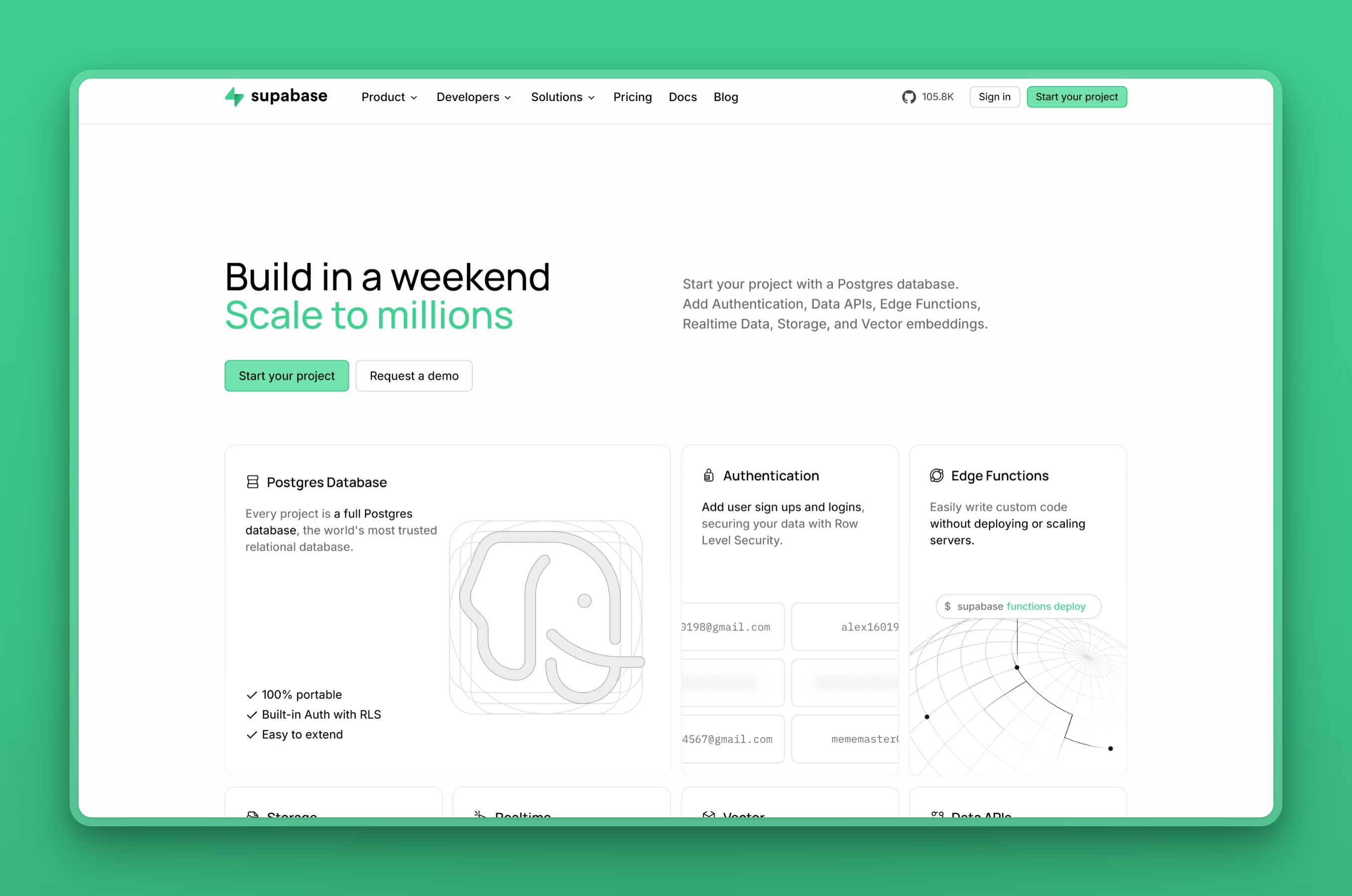
3. Supabase: more than a database, a full backend platform
Supabase replaces ElephantSQL with more than a database. It is an open-source backend platform built on managed Postgres. On top of the database it adds authentication, auto-generated APIs, object storage, realtime subscriptions, and vector search. If your ElephantSQL instance sat behind a stack of services you were assembling by hand, Supabase can fold several of them into one.
Regions / locations
Supabase runs across roughly seventeen AWS regions, with solid Asia-Pacific coverage: Singapore, Tokyo, Seoul, Mumbai, and Sydney, plus North America and Europe. That is wider Asia reach than Neon, though still concentrated in the hub cities.
Managed features
- Managed Postgres plus auth with 20-plus providers and row-level security, none of which ElephantSQL bundled
- Auto-generated REST and GraphQL APIs, S3-compatible storage, and realtime over WebSockets bundle the pieces a bare ElephantSQL app had to wire up itself
- pgvector ships built in, so an AI feature bolted onto the old database works here without extra setup
- A fully open-source, self-hostable stack, so you are not trading one single-vendor dependency for another the way an ElephantSQL migration could
Pricing model
Supabase keeps a free tier that pauses a project after about a week of inactivity and caps it at two active projects. Its Pro plan starts at $25 a month with usage-based overages above the included allowances. The fixed Pro base is more predictable than a pure meter. Still, developers running unmonetized side projects often find the $25 floor and per-project add-ons steep. There is no scale-to-zero, so a Pro database bills around the clock.
Where it falls short
- Compute, egress, and per-project usage bill in arrears above the $25 monthly base. Multiple users have reported “ghost compute” overages, with one paying over $300 against an expected $25 baseline, per a community pricing breakdown
- That same report documents projects suspended over balances as small as about $16, so a lapsed card can take a production database offline over a trivial amount
- A file-heavy or egress-heavy workload is a weak match, since that usage is exactly what pushes the bill past the flat-looking base price
Best for
Supabase suits app teams that want Postgres plus auth, storage, and APIs in one place rather than a bare connection string. It is more than you need if you only want a plain managed database, and the compute add-ons are worth watching as the project grows.
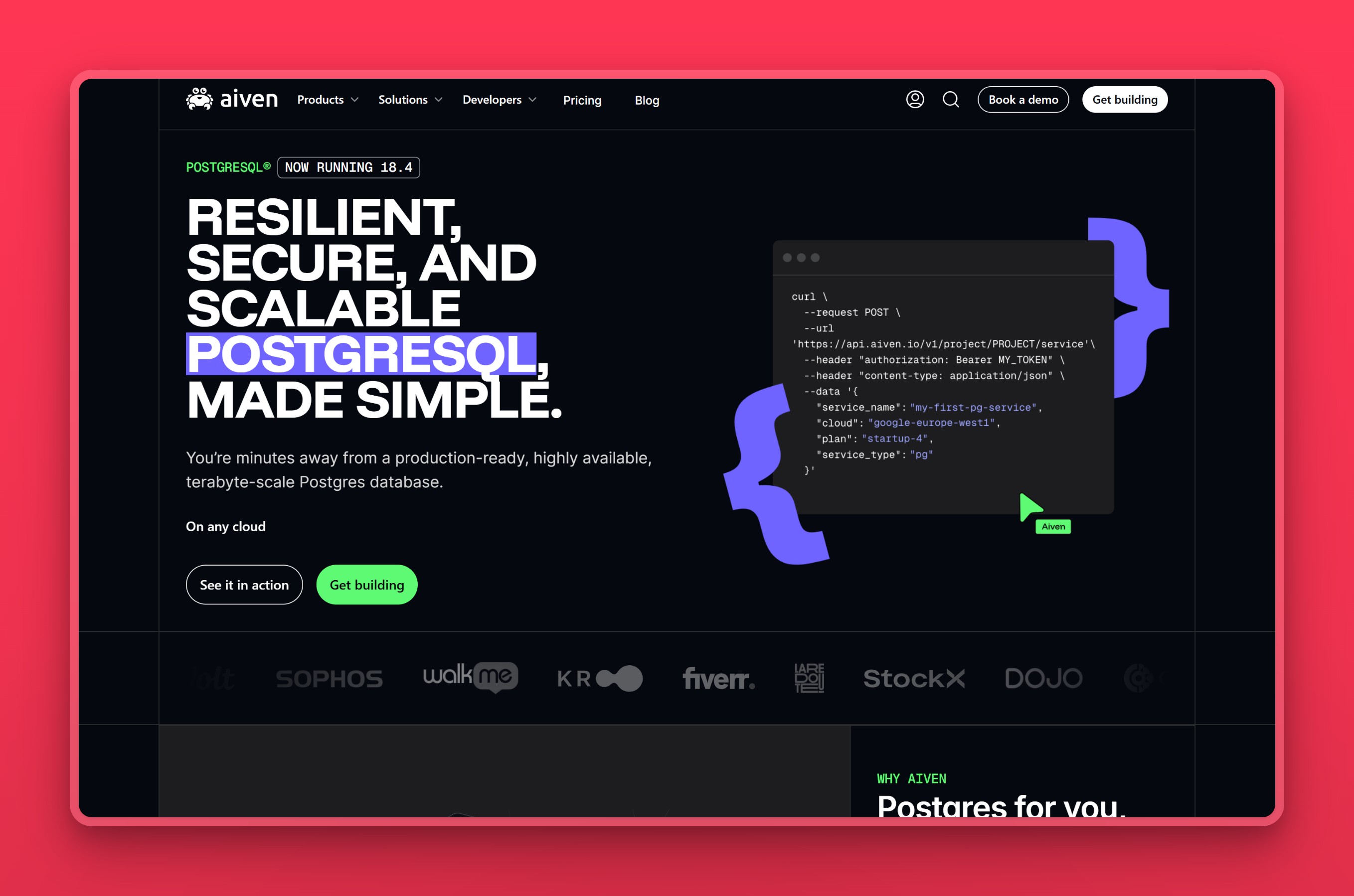
4. Aiven for PostgreSQL: 84codes’ named migration partner
Aiven for PostgreSQL is the provider 84codes named as ElephantSQL’s migration partner, so it is the closest thing to a sanctioned handoff. It runs the same fully managed Postgres on whichever cloud you pick, AWS, GCP, Azure, and others, on flat plans rather than a usage meter. It also carries the widest Asia and Gulf region list of any provider here.
Regions / locations
Through its underlying clouds, Aiven reaches a broad footprint: Singapore, Tokyo, Osaka, Mumbai, Hong Kong, Seoul, and Jakarta across Asia, plus several Middle East locations including the UAE and Qatar. Few managed hosts match that spread in one control plane.
Managed features
- One-click managed operation with no-downtime upgrades, on top of a 99.99% SLA and automatic failover
- The same database across AWS, GCP, and Azure, movable between them, which matters if your migration needs to land in a specific Asia or Gulf region
- Over 50 extensions ready to enable, including TimescaleDB, PostGIS, and pgvector
- End-to-end encryption, VPC peering, and in-country residency options across its Asia and Gulf regions, not just a GDPR checkbox
Pricing model
Aiven runs a genuine, permanent free plan, capped at 1 GB of storage on a single small VM. Above that sits a Developer tier from $5 a month for an always-on small instance. Production-grade plans with high availability start higher, generally around a couple of hundred dollars a month, and the exact figure depends on the underlying cloud and region. Each plan is a flat number rather than a meter, which is the trade Aiven makes.
Where it falls short
- We’d flag Aiven as pricier than AWS or RDS once a project moves past the $5 a month Developer tier; reviewers on Capterra say the same about storage and scaling specifically
- A small archive or low-traffic database can still cost real money here, since the flat plans bundle compute, storage, and network rather than scaling down with light use
- Running on only one cloud usually means that cloud’s own native Postgres service undercuts Aiven, so the multi-cloud draw mostly pays off for teams that actually move between clouds
Best for
Aiven is the safe, sanctioned move for a team that wants a wide choice of clouds and regions and a flat bill. It is especially strong if your users span several Asian or Gulf cities. The catch is the floor: its production plans price out early-stage teams running several tiny services, so a bare hobby database is a poor fit.
5. Crunchy Bridge: plain Postgres, run by Postgres people
Crunchy Bridge is managed PostgreSQL from Crunchy Data, a team with deep Postgres expertise, and it deliberately ships nothing but the database run well. If ElephantSQL appealed to you because it stayed out of the way, Crunchy Bridge is the same idea with far stronger operations underneath. It runs plain Postgres on AWS, Azure, or GCP, at a low flat price with no egress fees.
Regions / locations
Crunchy Bridge runs on AWS, Azure, and GCP, so its Asia reach follows theirs: Tokyo, Mumbai, Singapore, and Sydney on AWS, with more on GCP including Jakarta. You choose the cloud and region at provisioning time.
Managed features
- Continuous WAL archiving and point-in-time recovery, a safety net while you validate the cutover from your ElephantSQL export
- High-availability replicas and PgBouncer connection pooling on production tiers, the pooling ElephantSQL’s shared plans used to handle for you
- In-place vertical scaling and read replicas, for once the workload outgrows what an ElephantSQL-sized instance ever needed
- Recent Postgres versions with the common extensions, including PostGIS and pgvector, plus cross-cloud replication
- Monitoring and 24/7 support from engineers who contribute to Postgres itself, useful when a migration goes sideways
Pricing model
Crunchy Bridge starts at $9 a month for a small Hobby instance, with storage billed separately at a flat per-GB rate and no egress charges. Crunchy Bridge bills compute hourly, prorated to the second, and invoices monthly. There is no free tier and no scale-to-zero, so the cost is steady rather than elastic.
Where it falls short
- There is no free tier at all. The entry Hobby plan is a paid instance from about $9 a month, and it bills whether or not the database is doing anything
- A side project that only runs occasionally keeps accruing charges here, the opposite of what a scale-to-zero host would do with the same idle time
- The platform is deliberately just the database, so a team that wants auth, storage, or realtime bundled in still has to assemble that layer elsewhere
Best for
Crunchy Bridge is the pick for a developer who wants pure, expertly run Postgres at a low flat price and values correct defaults over extras. It has a wide reputation as the boring, dependable option. Skip it if you want a free tier, a broad platform of add-ons, or the branching workflow the serverless hosts offer.
6. Render: app hosting and Postgres on one platform
Render is a developer-focused cloud platform that hosts your web services and a managed Postgres database side by side. If your app ran on one host and the database on ElephantSQL, Render collapses that into one platform with flat plans and a low entry price. The database is standard Postgres with backups and an optional high-availability standby.
Regions / locations
Render Postgres runs in Oregon, Ohio, and Virginia in the US, Frankfurt in Europe, and Singapore in Asia. Singapore is the single Asia-Pacific option, so confirm it is close enough to your users before committing.
Managed features
- The database and your web services on one platform, billed together
- A free database for testing, plus flat paid plans on an always-on instance
- Point-in-time recovery and logical backups on paid workspaces
- A high-availability standby and read replicas on the higher tiers
- Standard Postgres with pgvector and PostGIS, nothing proprietary to migrate onto
Pricing model
Render offers a free Postgres database capped at 30 days, useful for trials rather than production. Paid instances are flat and start at $6 a month for a small Basic instance, with storage at a fixed per-GB rate. Point-in-time recovery already comes with a 3-day window on the free Hobby workspace. The $25 a month Pro workspace, a flat fee per organization with unlimited members rather than a per-user charge, extends that window to 7 days. High availability is a separate upgrade on the Postgres instance itself, not the workspace, with Pro instances starting at $55 a month, per Render’s pricing page.
Where it falls short
- High availability means upgrading to a $55 a month Pro instance. That’s separate from the $25 a month Pro workspace plan, which only extends point-in-time recovery from 3 to 7 days
- Adding a read replica bills at the same rate as a second full primary instance, so a real production setup costs more than the advertised entry price suggests
- The free database is capped at 30 days, so it works for a trial but never doubles as a low-cost production option the way ElephantSQL’s Tiny Turtle plan once did
Best for
Render fits a team that wants to host the application and its database together on flat plans, especially one moving off a separate app-host-plus-ElephantSQL setup. It is a weaker fit if your users are spread across Asia, since Singapore is the only regional option, or if you want the database independent of an app platform.
7. DigitalOcean Managed PostgreSQL: flat pricing with real ops behind it
DigitalOcean Managed PostgreSQL is the closest match to ElephantSQL’s low-effort simplicity, with real operations behind it. It is a fully managed cluster with flat monthly pricing, sensible defaults, and almost nothing to tune. Unlike ElephantSQL’s shared plans, it includes automatic failover and high-availability options. There is no IOPS or egress meter to reason about.
Regions / locations
DigitalOcean’s Asia coverage is Singapore and Bangalore, alongside the US, Canada, Europe, and Sydney. Anyone outside those two Asian cities pays for the distance in latency, so this is the main limit to weigh.
Managed features
- One flat monthly price with bundled RAM, vCPU, and storage, and no usage meter
- Daily backups with 7-day point-in-time recovery
- Automatic failover with optional high-availability standby nodes
- A built-in connection pooler, so PgBouncer-style pooling comes for free
- Private networking, encryption, and read replicas built in
Pricing model
DigitalOcean uses flat monthly pricing that starts at $15.15 a month for a 1 GB single-node instance, with extra storage at a fixed per-GB rate. DigitalOcean bills standby and replica nodes at the full primary price, so high availability roughly doubles the bill. There is no free tier.
Where it falls short
- Adding a standby node for high availability costs exactly what the primary does, so redundancy roughly doubles the monthly bill with no discount for the second node
- Storage only moves in one direction. Once you provision more, you cannot scale it back down without migrating to a whole new cluster
- The entry-level node also prices above a comparable instance on Amazon RDS, which cuts into the simplicity argument for a cost-sensitive team
Best for
DigitalOcean is the choice when you want the least to set up and think about: one flat number, sensible defaults, and no knobs. It is a weaker fit for a spread-out Asian user base, since coverage stops at Singapore and Bangalore. The lack of a free tier also rules it out for a throwaway hobby database.
8. Azure Database for PostgreSQL: Microsoft’s managed Postgres for Azure-committed teams
Azure Database for PostgreSQL is Microsoft’s fully managed, community-Postgres service, built on the Flexible Server architecture with granular control over compute and storage. It runs across more than 60 Azure regions worldwide, with real coverage across Asia and the Middle East. For a team already standardized on Azure for compute, identity, or networking, it is the natural place to land a Postgres database that used to sit on ElephantSQL.
Regions / locations
Azure’s Postgres footprint reaches deep into Asia and the Middle East. It covers East Asia (Hong Kong), Southeast Asia (Singapore), Central and South India, Japan East and West, and Korea Central, plus Australia East and Southeast, Indonesia Central, and Malaysia West. In the Middle East it adds UAE North and Central, Qatar Central, and Israel Central. That is one of the broadest region lists on this page, alongside Amazon RDS and Google Cloud SQL.
Managed features
- Three compute tiers, Burstable, General Purpose, and Memory Optimized, scaling up to 192 vCores
- Zone-redundant or same-zone high availability with a synchronous standby, plus Stop/Start to pause compute on a database you are not using between migration steps
- Automated backups retained 7 to 35 days with point-in-time recovery, and a built-in PgBouncer pooler on port 6432, useful if your app leaned on ElephantSQL’s own PgBouncer front end
- VNet private networking, TLS 1.2+, and FIPS 140-2 support for regulated workloads
- Deep integration with the rest of Azure: VNet, Entra ID, and Azure Monitor
Pricing model
Azure bills per vCore-hour plus storage, split across three compute tiers. The entry Burstable B1ms instance, 1 vCore and 2 GiB of memory, runs about $12.41 a month before storage, per Microsoft’s own pricing page. General Purpose and Memory Optimized tiers price higher and vary by region, and reserved capacity can cut the bill on a one- or three-year commitment.
Where it falls short
- We’d call bill shock the recurring complaint here, and a breakdown of Azure PostgreSQL’s default settings backs that up: defaults labeled “recommended” provision full-time vCores and one-way auto-grow storage, and a standby replica for HA doubles the compute cost
- The cheap Burstable tier silently throttles to baseline performance once its CPU credits run out. That catches teams that clone production settings onto it or run a real workload there directly
- The cost model rewards a team that already knows how to size and reserve Azure capacity, not one moving off a simple, flat-priced host like ElephantSQL
Best for
Azure fits an enterprise or team already standardized on the Azure ecosystem. It wants Postgres wired into VNet, Entra ID, and Azure Monitor, and it will commit to reserved capacity to keep the bill predictable. Cost-sensitive teams are a weaker match, and so is anyone who wants a flat, surprise-free price without watching CPU credits. A Burstable-tier database sized like a hobby project can throttle or bill more than expected the moment it sees real traffic.
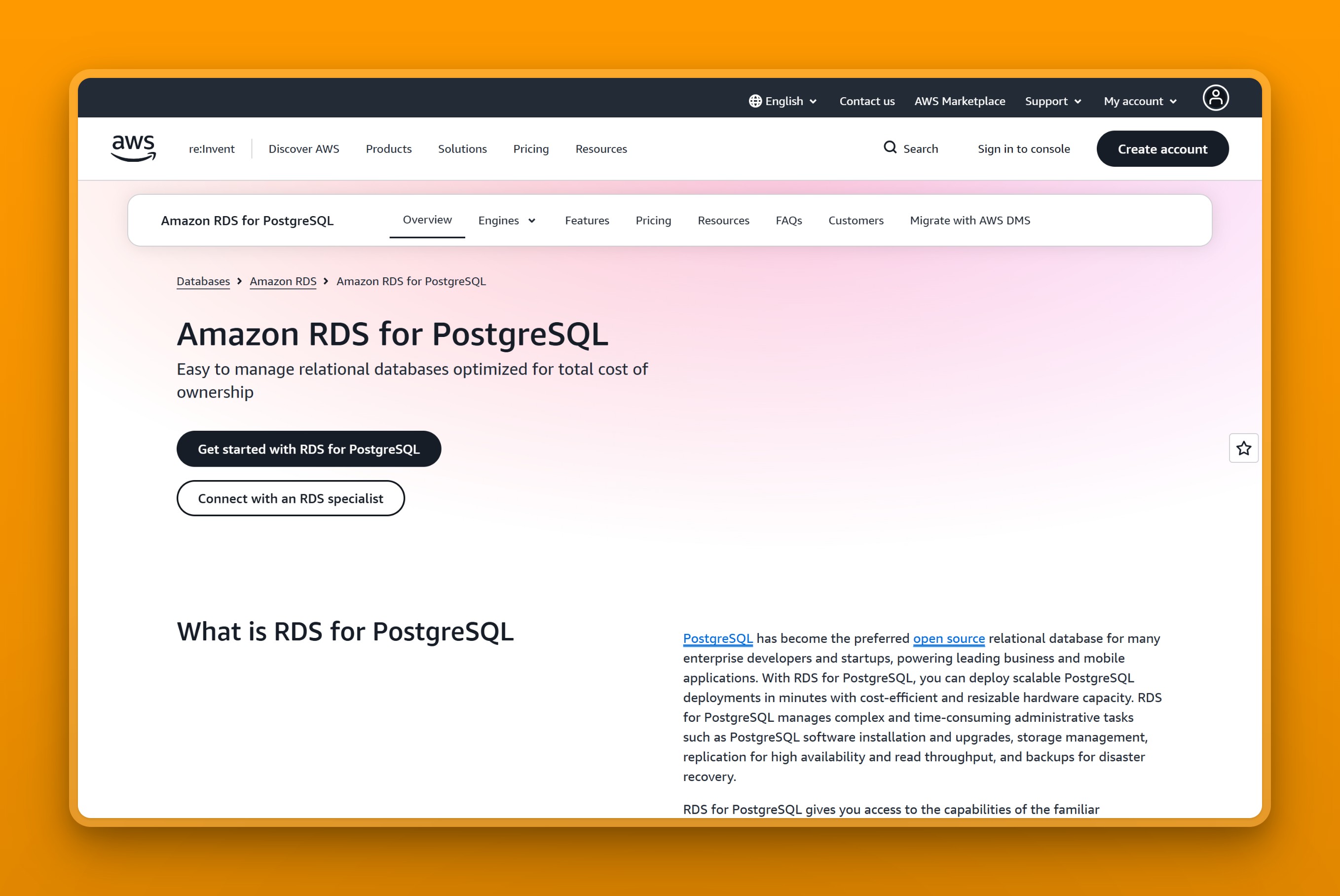
9. Amazon RDS for PostgreSQL: AWS’s production-grade managed Postgres
Amazon RDS for PostgreSQL is AWS’s production-standard managed Postgres. It sits at the opposite end of the spectrum from ElephantSQL: far more powerful and far less simple. It handles provisioning, patching, backups, and failover, and it has the broadest region map of anyone here. For a team already inside AWS, it is the lowest-friction destination because the tooling and networking are identical, and Amazon Aurora is the compatible engine for scaling further.
Regions / locations
RDS runs across AWS’s global footprint, the widest in Asia and the Middle East on this list. Cities include Singapore, Tokyo, Osaka, Seoul, Mumbai, Hyderabad, Hong Kong, Jakarta, plus Bahrain and the UAE, among many others. The hub cities are well covered; the smaller regional ones still are not.
Managed features
- Automated backups and point-in-time recovery to 35 days, useful insurance if you are restoring from your own backup because the ElephantSQL source is already gone
- Multi-AZ high availability with automatic failover, once your workload outgrows what a single ElephantSQL-style instance offered
- Read replicas, including cross-region, for scaling and locality
- A long list of supported Postgres versions and extensions, including PostGIS and pgvector
- Aurora as a PostgreSQL-compatible upgrade path when one instance runs out of room
Pricing model
RDS bills compute, storage, provisioned IOPS, and backups separately. That is flexible, but it keeps the forecasting work that pushes some teams off metered pricing. A small db.t4g.micro instance runs a little over $11 a month before storage in a US region, per third-party rate-card tracking from Vantage. AWS’s own RDS pricing page uses an interactive region and instance selector rather than a static figure. New AWS accounts also get a 12-month free tier, and Asian regions generally price above the US baseline.
Where it falls short
- The metered bill is hard to predict up front. Storage, I/O, Multi-AZ, and backups all bill as separate line items, and they stack fast on top of the base instance
- There is no OS-level or superuser access to the underlying instance, which is a hard limit for a team that needs low-level Postgres tuning
- Asia-region instances carry a price premium over the US baseline, which narrows the gap RDS’s maturity is supposed to buy
Best for
RDS is the right call for a team committed to AWS that wants a mature, deeply supported database and a clear path to scale. If a smaller or discontinued host like ElephantSQL was your whole setup, the full metered model can be more than you need. Our AWS RDS alternatives guide compares the lighter-weight options in more depth.
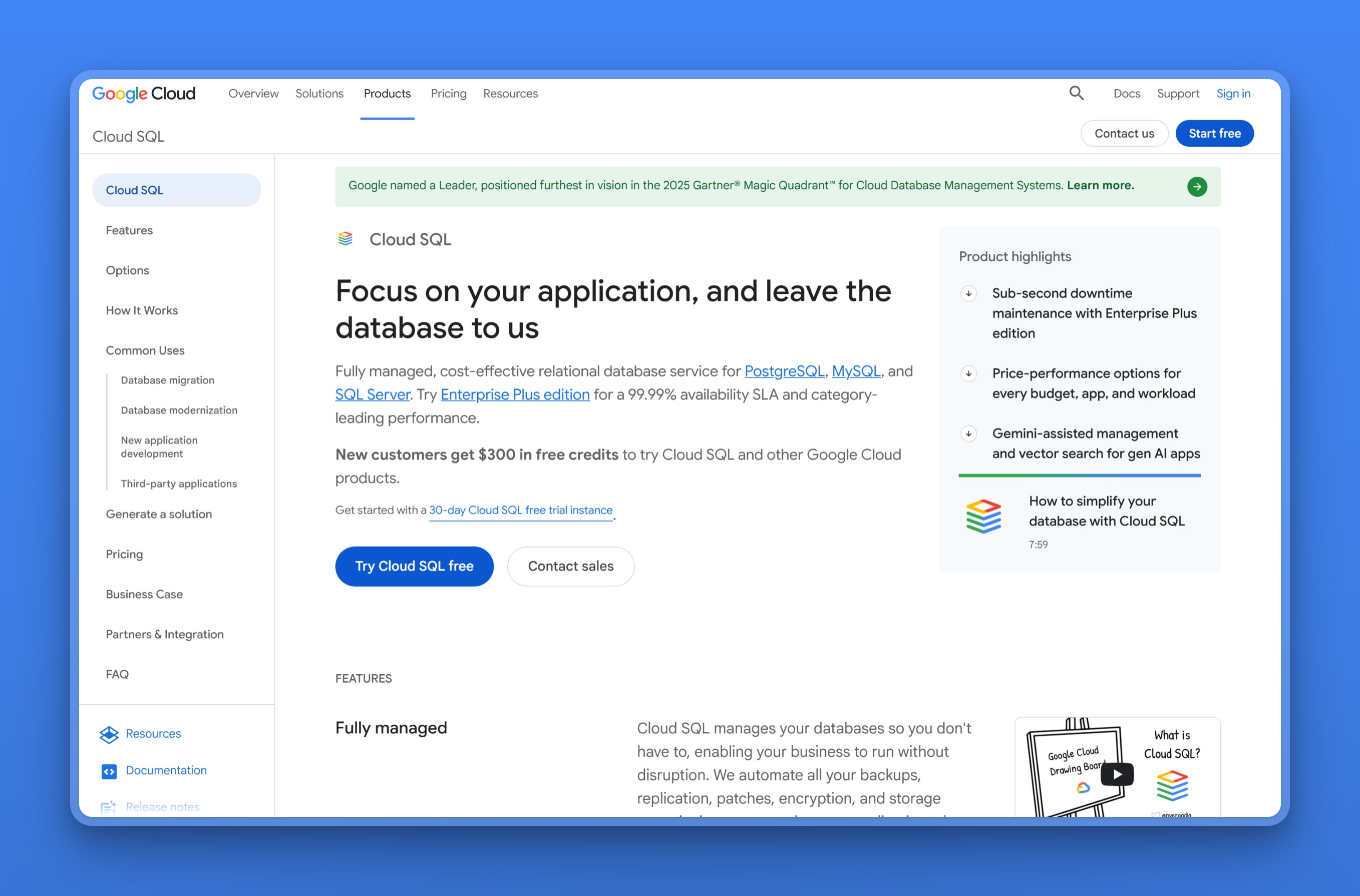
10. Google Cloud SQL for PostgreSQL: Postgres wired into BigQuery and GKE
Google Cloud SQL is the managed relational database built into Google Cloud, and like RDS it trades ElephantSQL’s simplicity for depth and reach. Its value shows up when the rest of your stack already runs on GCP, since it wires straight into BigQuery, GKE, and Google’s networking. AlloyDB is Google’s higher-performance Postgres-compatible engine when Cloud SQL is not enough.
Regions / locations
Cloud SQL has a wide Asia and Middle East footprint: Taiwan, Hong Kong, Tokyo, Osaka, Seoul, Mumbai, Delhi, Singapore, and Jakarta, plus Gulf regions and the Americas and Europe. That is far broader Asian coverage than the serverless hosts.
Managed features
- Automated backups with point-in-time recovery, useful insurance since the original ElephantSQL data is already gone
- Regional high availability that fails over on its own in about a minute
- Read replicas, including cross-region, so a nearby Asia or Middle East city can get a local read copy without leaving GCP
- Over 100 extensions, including pgvector and PostGIS
- Private IP, customer-managed encryption keys, and deep GCP integration
Pricing model
Cloud SQL bills per vCPU, per GB of memory, and per GB of storage, with committed-use discounts for steady workloads, per Google’s own pricing page. There is no permanent free tier, only a one-time trial credit for new accounts, and Asia regions generally price above the US baseline. A small always-on instance runs in the low tens of dollars a month before storage.
Where it falls short
- Switching on high availability roughly doubles the compute charge and pushes the storage rate higher at the same time
- A public IP address bills every month whether the database sees traffic or not, and provisioned storage only ever grows, never shrinks back down
- There is no permanent free tier, only a one-time trial credit for new GCP accounts, so there is no cheap always-on option comparable to ElephantSQL’s old Tiny Turtle plan
Best for
Cloud SQL earns its place when GCP is already your platform and you want the database wired into it. It is harder to justify off GCP, since the value is the integration, and the metered model is a bigger jump in complexity than an ElephantSQL user may want.
Managed Postgres pricing and regions at a glance
We count only three providers here with both a real Asia/ME footprint and a flat bill: Nearbase, Aiven, and Crunchy Bridge.
| Tool | Asia / ME regions | Managed scope | Pricing model | Free tier | Connections / pooling |
|---|---|---|---|---|---|
| Nearbase | 9 cities incl. Jakarta, Manila, KL, Bangkok, Dubai | Provisioning, backups, maintenance, HA SLA | Flat, from $6/mo + storage | Paid, from $6/mo | Not publicly documented |
| Neon | Singapore, Sydney | Backups via branching, scale-to-zero | Free, then metered | Yes | Built-in PgBouncer pooling on every plan, up to 10,000 pooled connections |
| Supabase | Singapore, Tokyo, Seoul, Mumbai, Sydney | Backups, auth, APIs, storage, branching | Free, then flat Pro + overages | Yes | Built-in Supavisor pooler; 60 direct / 200 pooled on the Free tier |
| Aiven | Singapore, Tokyo, Mumbai, Hong Kong, Seoul, Jakarta, UAE, Qatar | Backups, HA, PITR, 50-plus extensions | Flat plans | Yes (permanent, capped) | PgBouncer from the Startup plan up; none on Free or Developer |
| Crunchy Bridge | Tokyo, Mumbai, Singapore, Sydney, Jakarta | Backups, HA, pooling | Flat, from $9/mo + storage | No | Built-in PgBouncer, enabled per cluster |
| Render | Singapore | Backups, HA standby (paid), replicas | Flat, from $6/mo + storage | 30-day only | Built-in PgBouncer pooling on paid databases, added 2026, no extra charge |
| DigitalOcean | Singapore, Bangalore | Backups, failover, pooling | Flat, from $15.15/mo | No | Built-in PgBouncer connection pools included |
| Azure Database for PostgreSQL | Hong Kong, Singapore, Mumbai, Tokyo, Osaka, Seoul, Jakarta, UAE, Qatar | Backups, PITR, zone-redundant HA, pooling | Metered: per vCore-hour + storage, from ~$12/mo | No | Built-in PgBouncer on port 6432 (General Purpose / Memory Optimized only) |
| Amazon RDS | Broad (hub cities plus Bahrain, UAE) | Backups, Multi-AZ, replicas | Metered: compute + storage + I/O | 12-month tier | RDS Proxy, a separately billed pooling service |
| Google Cloud SQL | Broad (hub cities plus Gulf) | Backups, HA, replicas | Metered: per vCPU + memory + storage | Trial credit | Managed Connection Pooling, built on PgBouncer |
Decision guide: picking your ElephantSQL replacement by situation
Name the reason you cared about ElephantSQL. Here’s how we’d narrow the field from there.
Was the free plan the whole appeal?
- For a genuine free database that scales to zero: Neon.
- For free Postgres plus auth, APIs, and storage: Supabase, in its nearest region.
Are your users in Asia or the Middle East?
- And you want a bill that holds still: Nearbase, for the database in a local data center at a flat price.
- And you want the widest choice of Asian and Gulf regions: Aiven, the official ElephantSQL exit.
Is a flat, predictable bill the main goal?
- And you want plain Postgres run well: Crunchy Bridge.
- And you want the least to set up: DigitalOcean, or Render if the app lives on the same platform.
Are you already committed to a hyperscaler?
- AWS: Amazon RDS, with Aurora to scale further.
- Google Cloud: Cloud SQL, or AlloyDB for heavier workloads.
- Azure: Azure Database for PostgreSQL, if VNet and Entra ID integration matter more than a flat bill.
If you are torn between the serverless options specifically, our Neon alternatives guide compares them in more detail.
Final recommendation
ElephantSQL’s whole draw was a free plan or a roughly $10 shared instance with nothing to configure, not a hyperscaler’s full feature list. Match that same reason when you pick its replacement.
- If it was the free tier: Neon or Supabase gets you closest to the Tiny Turtle plan.
- If it was simplicity and a flat bill: Crunchy Bridge, DigitalOcean, or Render will feel familiar.
- If your users are in Asia or the Middle East and you want the database near them at a price you can budget: we built Nearbase for exactly that case.
Whichever you choose, run the logical-replication cutover on a staging copy first and confirm replication lag hits zero before you trust it with production traffic.
Want a Postgres database in the same city as your users, at a flat monthly price, with no usage meter? Launch an instance with Nearbase in the region your users are in.
Frequently asked questions
When did ElephantSQL shut down, and can I still get my data?
ElephantSQL reached end of life on January 27, 2025, and 84codes deleted shared-instance data on February 28, 2025, per its end-of-life announcement. If your instance still exists on a dedicated plan, export it now with pg_dump. If your data was on a shared plan that has been deleted, the only copy is your own last backup, which you can restore into any of the providers here.
What is the best free alternative to ElephantSQL?
Neon is the closest free replacement, with a standing free tier that scales an idle database to zero, much like the old Tiny Turtle plan. Supabase also has a free tier, though it pauses a project after about a week of inactivity and adds a backend on top of the database. Aiven runs a genuine, permanent free plan too, capped at 1 GB of storage on a single small VM. Render’s free database is limited to 30 days, which suits trials rather than production.
Is Neon or Supabase the better ElephantSQL replacement?
Both run standard Postgres, so the choice is about what surrounds the database. Neon is the better fit if you want a plain, cheap Postgres with a free tier and scale-to-zero. Supabase is better if you also want auth, APIs, storage, and realtime bundled in. Budget a flat $25 a month once you outgrow the free tier.
Do these alternatives support the same extensions as ElephantSQL?
Most do, but confirm the specific ones before you migrate. PostGIS and pgvector are widely available across Neon, Supabase, Aiven, Crunchy Bridge, RDS, and Cloud SQL. TimescaleDB is more selective; Aiven supports it directly, while some hosts do not. A missing extension can stop a restore partway, so install every extension your schema needs on the target before loading data.
Do these alternatives offer connection pooling like ElephantSQL’s PgBouncer?
Most do, and several name the pooler outright. Neon and DigitalOcean build PgBouncer-based pooling into every plan, including Neon’s free tier. Supabase runs its own pooler, Supavisor, on every project. Crunchy Bridge and Azure Database for PostgreSQL also ship built-in PgBouncer, with Azure’s on a dedicated port 6432, and Render added integrated PgBouncer pooling to its paid databases in 2026. Aiven includes PgBouncer-based pooling from its Startup plan up, so the Free and Developer tiers go without it. Amazon offers pooling through the separately billed RDS Proxy, and Google Cloud SQL has its own Managed Connection Pooling built on PgBouncer. Confirm which of these applies to your plan before you migrate.
Which ElephantSQL alternative is best for users in Asia?
Nearbase is the closest regional fit for users in Asia and the Middle East, covering nine cities, including Jakarta, Manila, Bangkok, and Dubai, that most hosts skip. Aiven has the widest overall Asia and Gulf list through its underlying clouds, and Amazon RDS and Google Cloud SQL cover the major hub cities. The serverless options, Neon and Supabase, are thinner in the region.
Are these alternatives compliant with data-residency rules?
None of these ElephantSQL alternatives is compliant by default. It depends on whether the specific provider has a region inside the country your rules name. Match the real region list to that country rather than a general continent. For teams that must keep data inside an Asian or Middle Eastern country, Nearbase offers in-country hosting across its nine regional cities. Apply the same check to any other provider before you commit.
Last updated: 2026-07-28 Originally published: 2026-07-06